


installing Filelink for large files
The official instructions on Thunderbird 68.12 state:
Configuring Filelink To use Filelink, you must first create a new account (or configure an existing account) with an online storage service provider.
   At the top of the Thunderbird window, click the Tools menu and select Options, or click the menu button fx57menu and choose Options.
   Select the Attachments panel and choose the Outgoing tab.
Sounds easy, but my 'Options' menu has no 'Attachments' panel to select, thus no 'Outgoing' tab to select.
Todas as respostas (6)

my 'Options' menu has no 'Attachments' panel to select
What version of Thunderbird are you running?
For TB78:
At the top right of the Thunderbird window, click the menu button  > Options > Composition > Attachments
Alterado por christ1 em
TB 68.12 which tells me I'm fully up-to-date when I ask.
For TB 68:
At the top right of the Thunderbird window, click the menu button > Options > Attachments > Outgoing tab
If you don't see this, please post a screenshot of what you're seeing. https://support.mozilla.org/kb/how-do-i-create-screenshot-my-problem
Thanks for recognizing & remedying that I don't know how to make a screenshot. :-) Here is the 'Options' menu, with no 'Attachments' choice available.
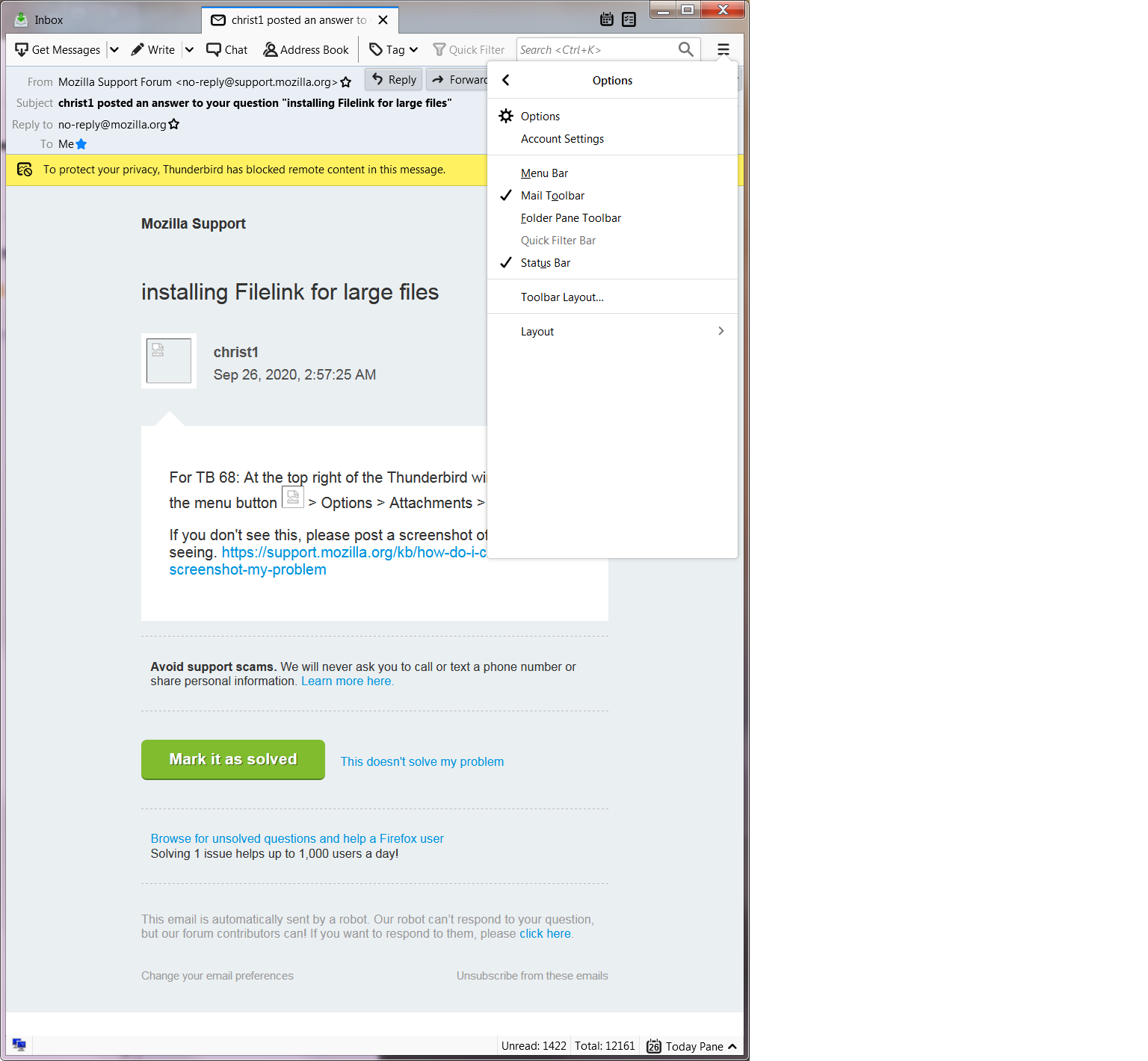

Click once again option submenu...
So, it's not 'Options' --> 'Attachments', but 'Options' --> 'Options' --> 'paperclip icon' !