


smtpauth outgoing mail times out - have already tried recommendations
Outgoing mail in Thunderbird always times out.
Did recently upgrade Thunderbird and honestly, this is one of my fears that kept me from upgrading/updating for years.
I followed all the recommendations for disabling Firewall and adding exclusions to anti-virus software. I followed all recommendations and still the the outgoing email times out. Incoming email has no problems.
I did change the password already after upgrading Thunderbird as well.
I'm using a Lenovo Yoga 300 using Windows 10.
Email server is Earthlink.
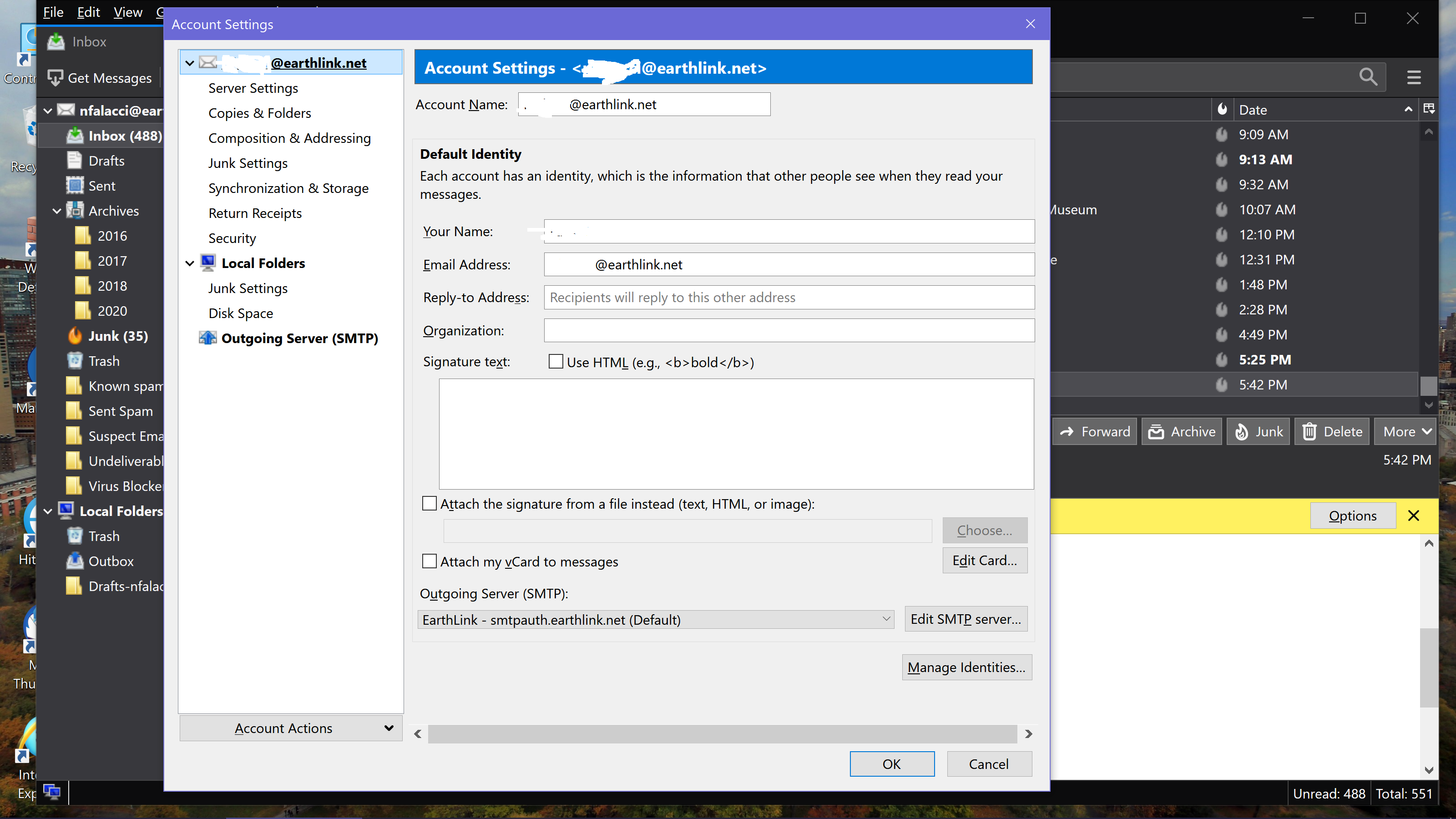
Screenshots included:

Solução escolhida
Based on their documentation, I think you should have smtpauth.earthlink.net on port 587, STARTTLS security, authentication = normal password, User Name = email address. The authentication might be 'encrypted password' if that's what you have for the incoming server.
Ler esta resposta 👍 1Todas as respostas (2)
Solução escolhida
Based on their documentation, I think you should have smtpauth.earthlink.net on port 587, STARTTLS security, authentication = normal password, User Name = email address. The authentication might be 'encrypted password' if that's what you have for the incoming server.
Thank you. Yes! With "encrypted password" it finally worked.
Thank you so much! I had read through all the documentation and didn't see anything about using port 587. The documentation I read said to switch from 25 to 456 I think which I was already on.
The weird thing that was my wife's laptop was also just recently upgraded to the recent Thunderbird update and with a new server password and we never messed with it at all and it was sending outgoing emails just fine.
This was a lifesaver. Thanks again!