


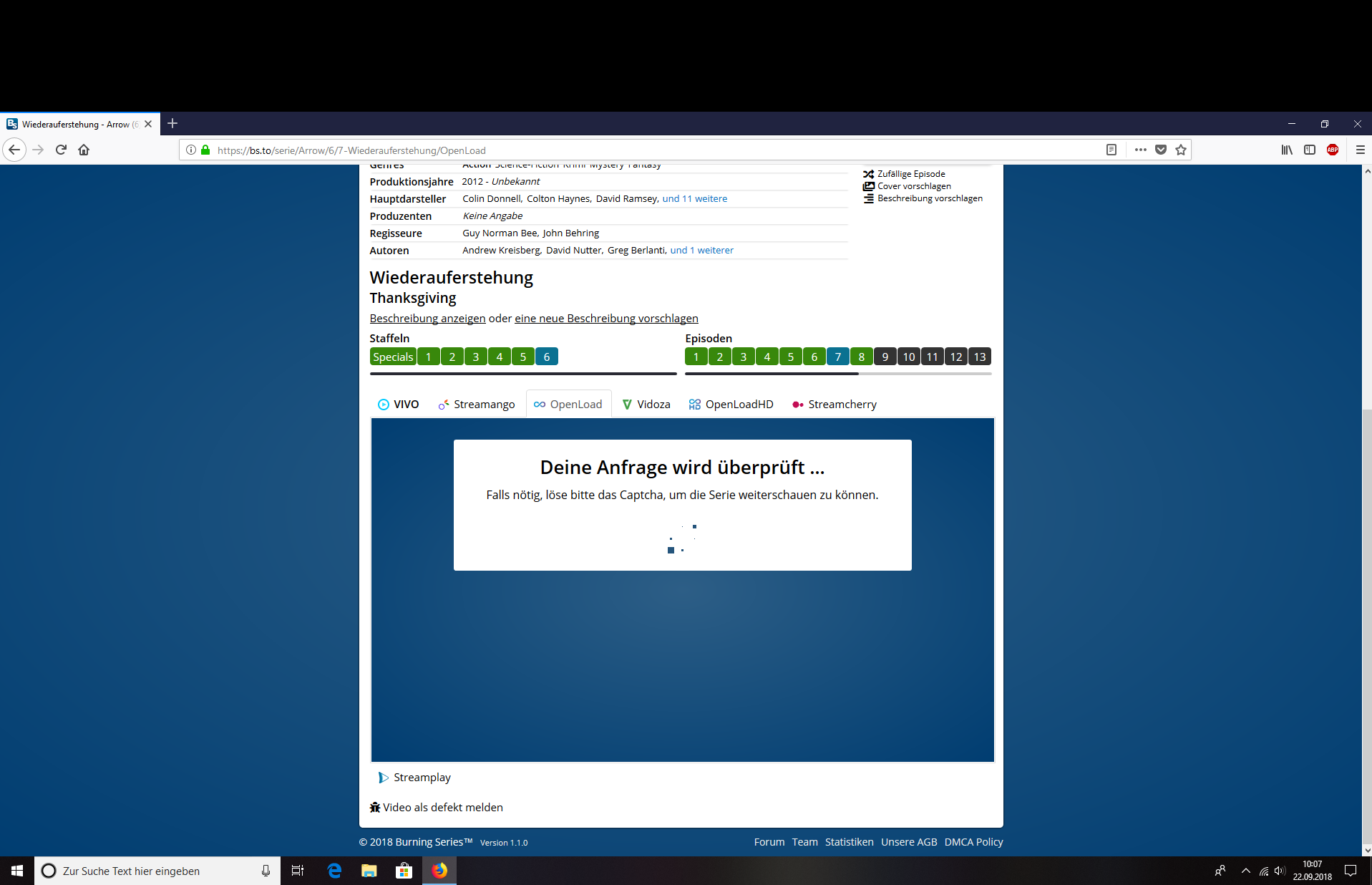
The Capcha doesn´t load, how can I fix this?

If I try to watch a serie on burning series it doesn´t load because i must solve a captcha. But i can´t see this captcha. Can someone may help me?
Todas as respostas (3)

Make sure you are not blocking content.
Start Firefox in Safe Mode {web link} by holding down the <Shift> (Mac=Options) key, and then starting Firefox.
A small dialog should appear. Click Start In Safe Mode (not Refresh). Is the problem still there?
One issue that seems more common lately is Firefox's Tracking Protection feature. When it is blocking content in a page, a shield icon will appear at the left end of the address bar next to the padlock icon. This article has more info on managing this feature: Tracking Protection {web link}
Sry dude but i tried this andnit doesn't work.
Hello 02Hoffi02,
The site uses Flash - would you please check this :
3-bar menu (or Tools) => Add-ons => Plugins
Make sure that "Shockwave Flash" is set to "Always Activate".
If that's not it either, maybe you could post your question on their support forum :