

Esta discussão foi arquivada.
Faça uma nova pergunta se precisa de ajuda.

Solved
Arquivado
Changing Firefox application fonts

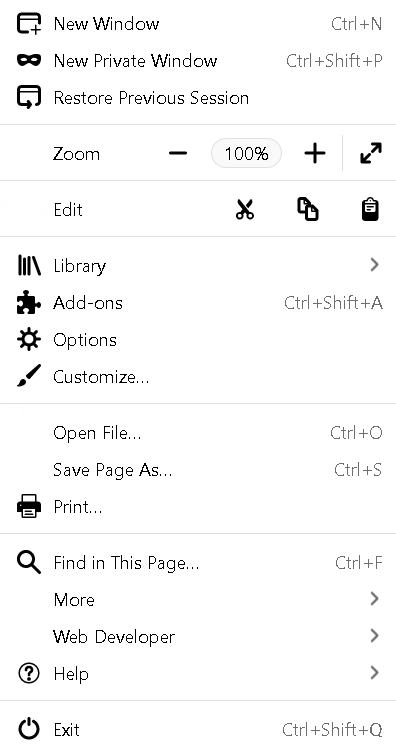
The fonts for all Firefox application areas (bookmarks toolbar, the three lines menu, bookmarks menu, etc) are in a small thin font that I can hardly read. I have changed this setting with no success in the Firefox options screen. What can I do to solve this issue?
The fonts for all Firefox application areas (bookmarks toolbar, the three lines menu, bookmarks menu, etc) are in a small thin font that I can hardly read. I have changed this setting with no success in the Firefox options screen. What can I do to solve this issue?
Todas as respostas (1)
Solução escolhida
I solved my problem: Windows>Control Panel>Fonts>Adjust Clear Type Fonts Select: Adjust Clear Type Text>Follow onscreen process Fonts changed