


Google Earth Plugin doesn't work on Firefox. But it works on other browsers such as Google Chrome.

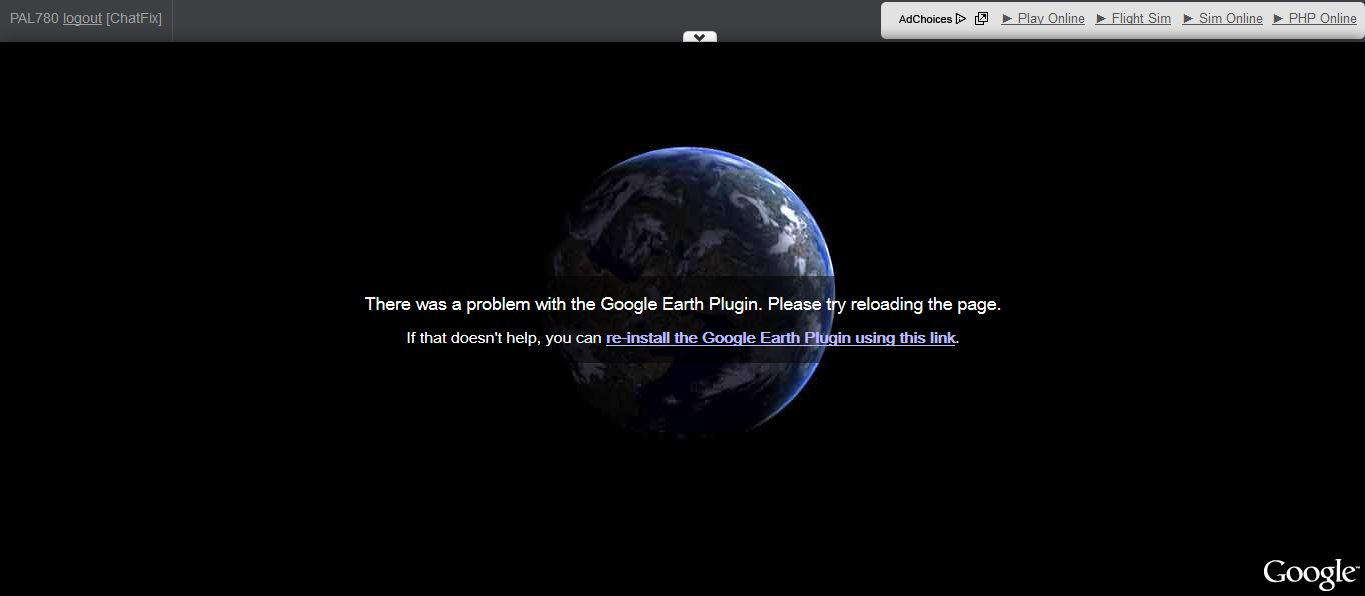
Google Earth plugin always says "There was a problem with the Google Earth Plugin. Please try reloading the page. If that doesn't help, you can re-install the Google Earth Plugin using this link." However, other browsers such as Google Chrome does not display that kind of problem.
Firefox version: 36.0.04
Alterado por official_dirk em
Todas as respostas (2)
Contrary to how it may look, this is an issue with the Google Earth Plugin and not with FireFox. This support forum is for questions related to the products listed on the main support page directly only. As such this question is off topic for this forum.
However, I reccomend openening a thread on the Google Earth plugin forum at https://productforums.google.com/forum/#!categories/earth/problems-and-errors
Annecdotally, the plugin works fine for me under Firefox 36.0.04 and does not work for many Chrome users posting to the forum I linked to above.

Remove the Google Earth program. Then get the current full installer.