


Account Hub prompts for password for passwordless Microsoft account

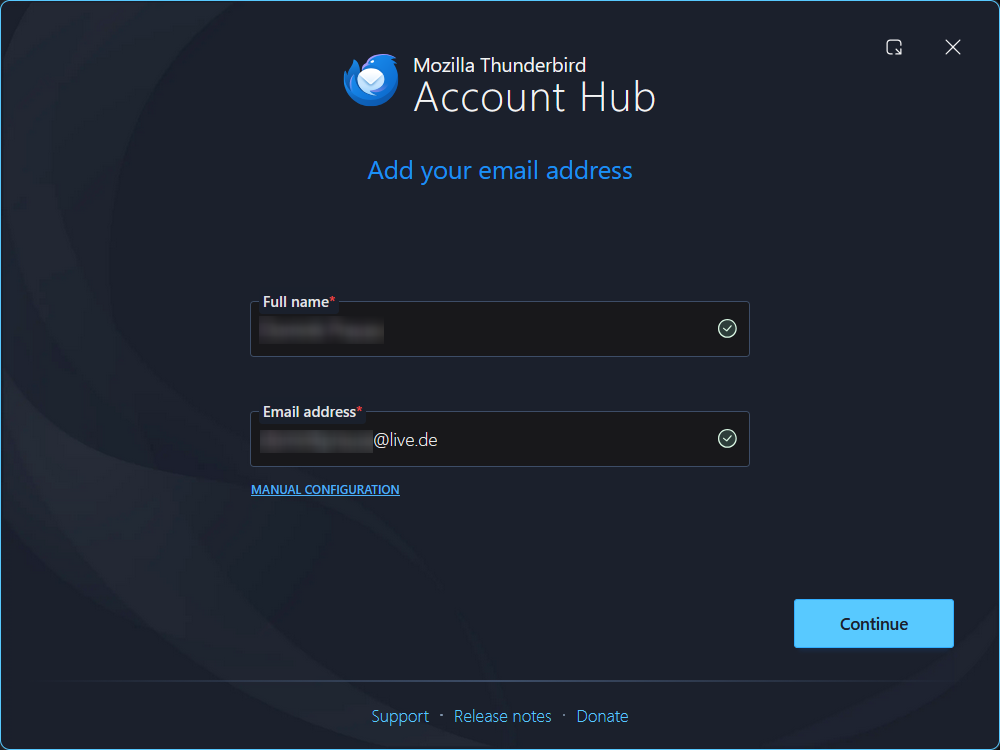
Account Settings > New Account > Enter passwordless Microsoft account credentials
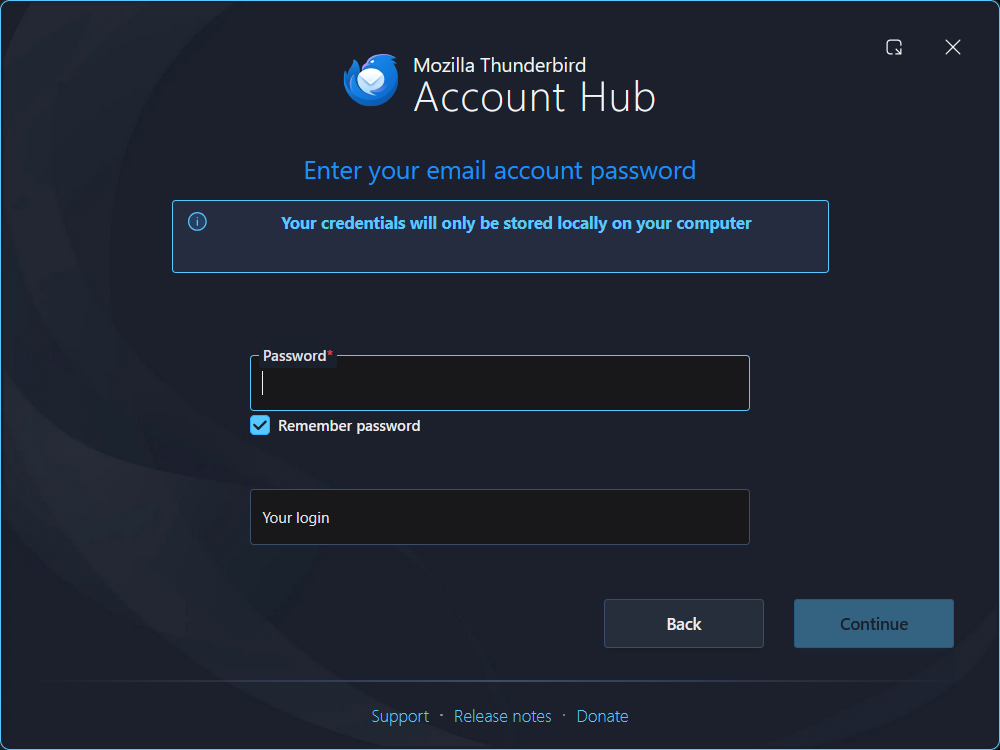
After this, Thunderbird now prompts me to enter a Password and "Your login", whatever that means. My account does not have a password, but the field is mandatory. What am I supposed to do here, exactly?

Wybrane rozwiązanie
Feel free to raise a bug in Bugzilla. https://bugzilla.mozilla.org/
For the time being you can try to disable the Account Hub. At the top right of the Thunderbird window, click the menu button ≡ > Settings > General > Account Hub Un-check 'Create accounts in the new Account Hub'.
Wszystkie odpowiedzi (3)
My account does not have a password
If that means you have created a passkey for your Microsoft account, and did delete the password for it, then is not going to work with Thunderbird. Thunderbird does not support passkeys (yet). You may want to check with Microsoft whether you can create an app password for Thunderbird.
I have used Thunderbird with my passwordless Microsoft account just fine in the past. This is an issue with the new Account Hub.
Wybrane rozwiązanie
Feel free to raise a bug in Bugzilla. https://bugzilla.mozilla.org/
For the time being you can try to disable the Account Hub. At the top right of the Thunderbird window, click the menu button ≡ > Settings > General > Account Hub Un-check 'Create accounts in the new Account Hub'.