


Gmail not working correctly in Firefox

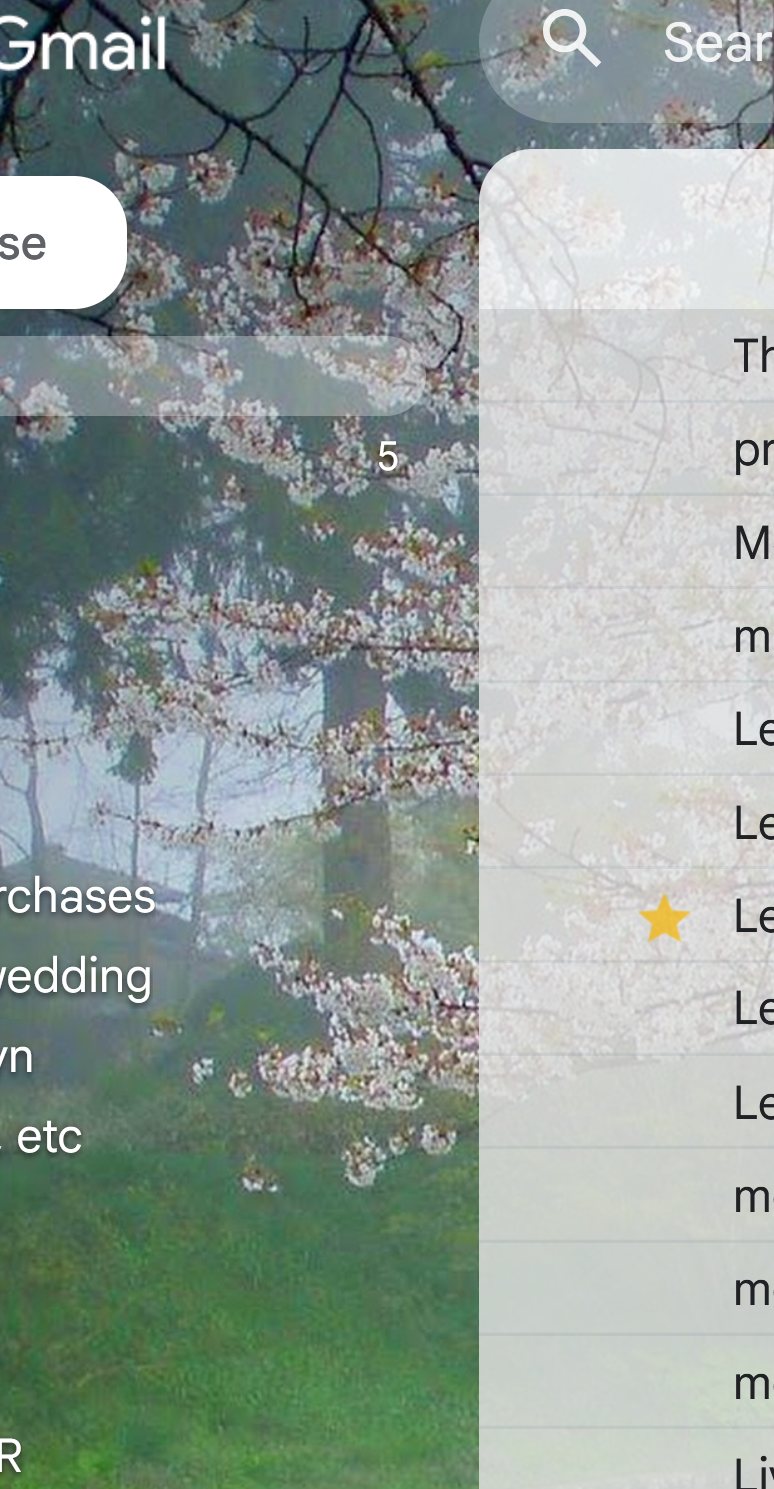
Since the last update, Gmail has not been working correctly on Firefox. All of the buttons to the left of inbox emails that enable you to move, categorize, file, etc your emails have disappeared. I have tested my Gmail account on Chrome, Edge and DuckDuckGo browsers, and everything displays correctly. Please help. An image of the missing buttons is attached (well, since there aren't there, you're seeing a blank area of gray to the immediate left of my inbox [or any other folder] emails). Many thanks -- this is driving me crazy. P Haynes
Wybrane rozwiązanie
Hi Peter,
Sorry to hear that. Here are some standard troubleshooting steps that may resolve the issue:
- Please check if you have Enhanced Tracking Protection (ETP) enabled. You can do that by clicking the shield
 icon at the left of the address bar.
- If ETP is enabled, try disabling it.
- If the problem is not fixed, try clearing Firefox cache.
- If it does not help, also try clearing cookies and data for the website you experience troubles with (warning: you will be logged out on this website).
- If it also does not help, try running Firefox in Troubleshoot Mode. If the problem doesn't persist, please follow the steps from this article to troubleshoot further.
Looking forward to your update on how it goes!
Przeczytaj tę odpowiedź w całym kontekście 👍 0Wszystkie odpowiedzi (1)
Wybrane rozwiązanie
Hi Peter,
Sorry to hear that. Here are some standard troubleshooting steps that may resolve the issue:
- Please check if you have Enhanced Tracking Protection (ETP) enabled. You can do that by clicking the shield icon at the left of the address bar.
- If ETP is enabled, try disabling it.
- If the problem is not fixed, try clearing Firefox cache.
- If it does not help, also try clearing cookies and data for the website you experience troubles with (warning: you will be logged out on this website).
- If it also does not help, try running Firefox in Troubleshoot Mode. If the problem doesn't persist, please follow the steps from this article to troubleshoot further.
Looking forward to your update on how it goes!