


Download all attachments function not working

Overnight my PC had a normal software update. Since then, when I click the arrow symbol to download all attachments, nothing happens. The only way to download attachments now is to click the magnifying glass, then save. For my work I need to download multiple attachments from multiple emails a day so it's pretty inconvenient.
Wszystkie odpowiedzi (7)
Hello
Apparently ? a similar description https://support.mozilla.org/en-US/questions/1532948
Hello, yes that is the same problem I have.
Hello
If you wish, file a bug report. https://support.mozilla.org/en-US/kb/file-bug-report-or-feature-request-mozilla
As far as I'm concerned, download all attachments, it works.
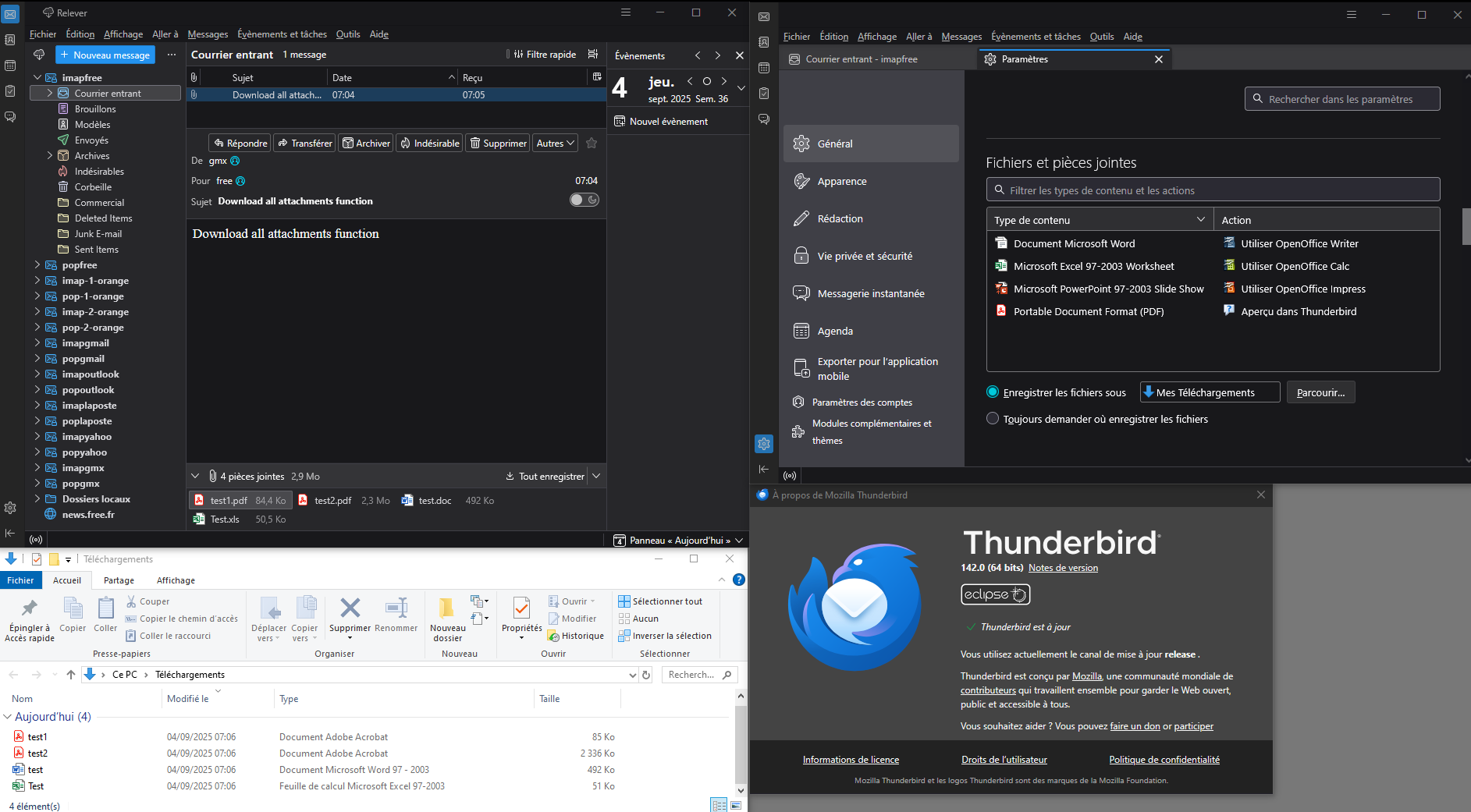

I'm using 142.0 (64-bit) on Windows 11 and the same thing happened.
Hello
Mike said
the same thing happened.
What do you mean, precisely.
This subject, are you concerned. https://bugzilla.mozilla.org/show_bug.cgi?id=1978286

I have 142.0 (64-bit) on Windows 11 Home Version 10.0.26100 Build 26100 and the same problem no able to download attachments.
Hello
daily.bread, what do you mean, precisely.
You can visit, advanced search https://bugzilla.mozilla.org/query.cgi?format=advanced
If you wish, you can file a bug report.