


Windows 10 reached EOS (end of support) on October 14, 2025. If you are on Windows 10, see this article.

Przeszukaj pomoc

Unikaj oszustw związanych z pomocą.Nigdy nie będziemy prosić Cię o dzwonienie na numer telefonu, wysyłanie SMS-ów ani o udostępnianie danych osobowych. Zgłoś podejrzaną aktywność, korzystając z opcji „Zgłoś nadużycie”.

Więcej informacji
Wątek został zarchiwizowany. Jeśli potrzebujesz pomocy, zadaj nowe pytanie.
Zarchiwizowany

Firefox deleting history and data for hotmail, when closing a tab but not the browser

itsizzi

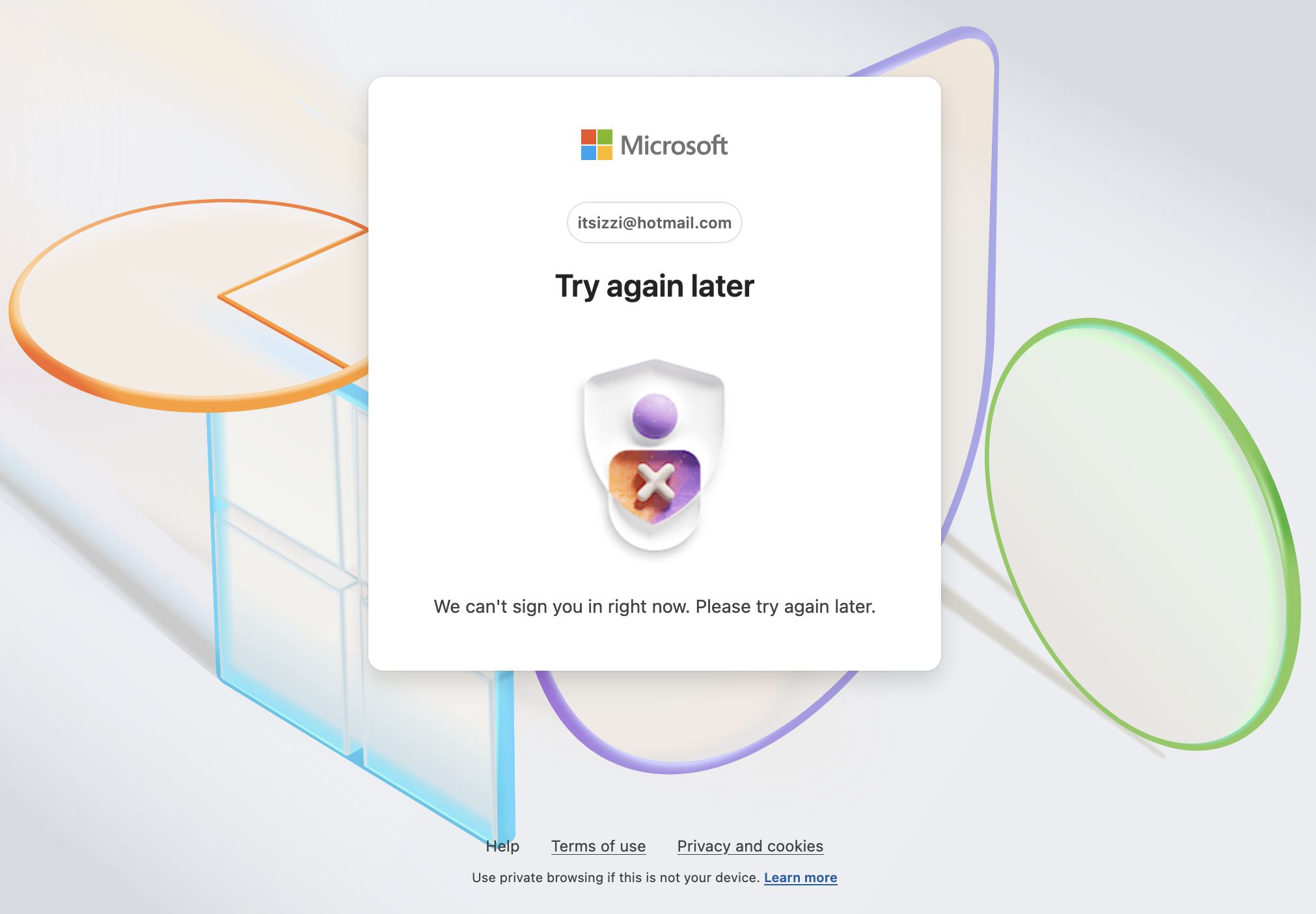
I have used Firefox to log in to Hotmail.com for years. Suddenly Firefox is deleting login data when I close the tab, but not the browser. And when I return to hotmail in a new tab, I now get a window that says it "can't sign me in, try again later." I have to close Firefox and reopen in order to get a new login page. I have always had Firefox set to delete cookies and site data when I close it. Under History setting, it's "use custom settings", "delete history on closing." Under those settings I have browsing and download history unchecked. My hotmail setting is to stay logged in. What's up?! I've always been able to return to a logged in hotmail all day no matter how many times I close the tab and return to it. I've never had that problem before and don't have it with Safari. I also do not have that issue with yahoo mail.
I have used Firefox to log in to Hotmail.com for years. Suddenly Firefox is deleting login data when I close the tab, but not the browser. And when I return to hotmail in a new tab, I now get a window that says it "can't sign me in, try again later." I have to close Firefox and reopen in order to get a new login page. I have always had Firefox set to delete cookies and site data when I close it. Under History setting, it's "use custom settings", "delete history on closing." Under those settings I have browsing and download history unchecked. My hotmail setting is to stay logged in. What's up?! I've always been able to return to a logged in hotmail all day no matter how many times I close the tab and return to it. I've never had that problem before and don't have it with Safari. I also do not have that issue with yahoo mail.
Załączone zrzuty ekranu

Wszystkie odpowiedzi (1)

Also, just to note I'm using a Macbook Air, OS 15.5 Sequoia.