


Mozilla Firefox (not responding) making browser unusable
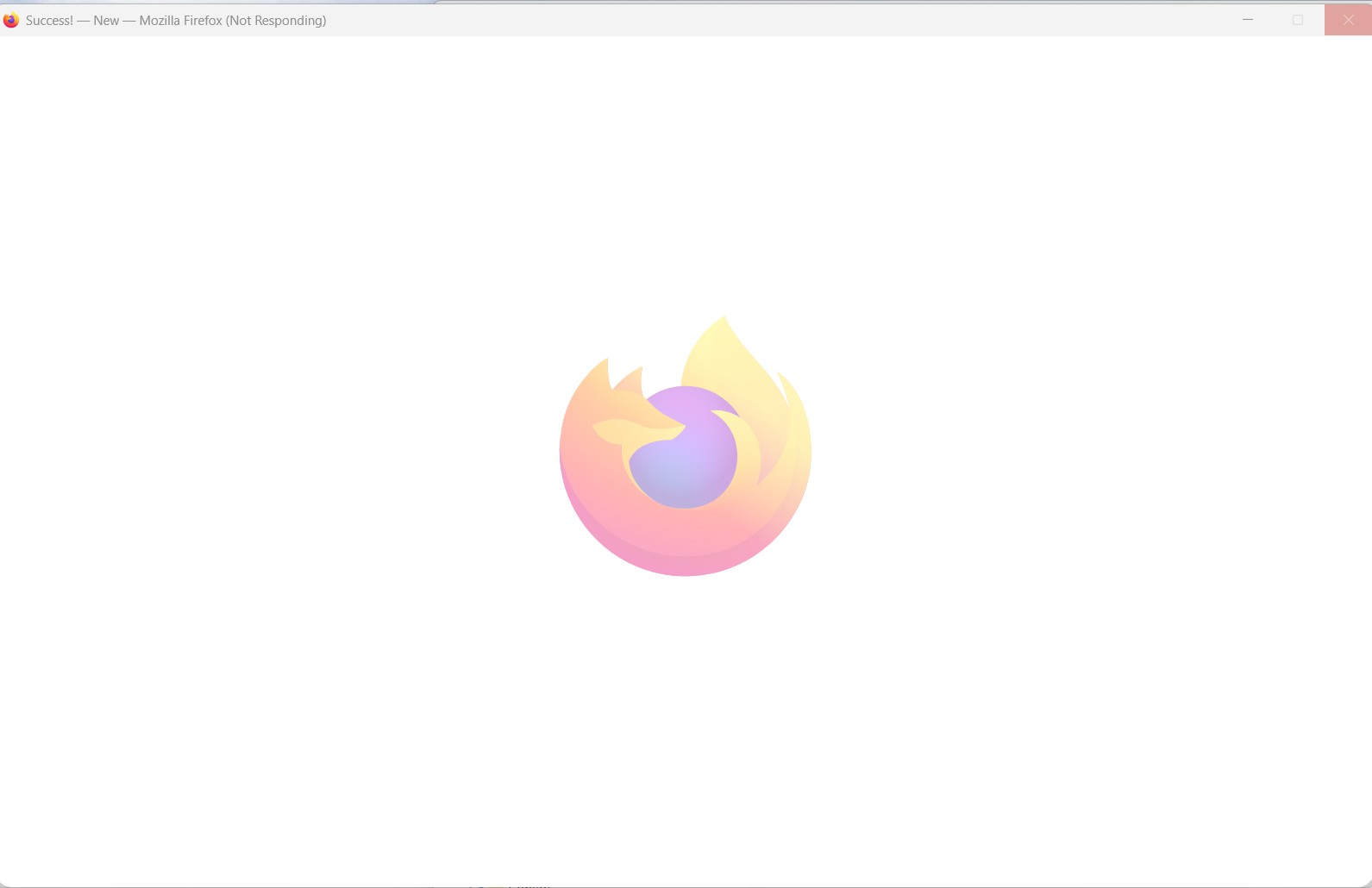
A week ago, Firefox started freezing and acting all glitchy. Troubleshooting said to uninstall and reinstall, which I did. That's when the real trouble began. It lost all my data, pretty much signed me on as a brand-new user. Luckily, I was able to recover my data from my phone app, but it still did not work correctly. Nothing in the support pages was helpful, so I finally had ChatGPT assist. We got it restored using my recovery key and I though that everything was fixed. Then two days ago I got the 'not responding' thing happening every time I tried to reopen it, along with a generic Firefox web page opening randomly. I reopened it several times in troubleshooting mode, again, no help. So. uninstall, reinstall, uninstall, reinstall... you get the picture. I finally thought I had gotten it properly restored at 5:30 this morning with all my previous tabs showing up. But as soon as I tried to use it, the same old 'not responding' message. I always get the pop-up asking me if I want to close it or wait for it to respond, which it will eventually do, until I try to click on a tab. What the hell am I missing here? I've had Firefox for, oh, I don't know, 20 years or so. Never had problems.
All Replies (1)
I see you are using Windows and it is a quirk that [Shut down] keeps settings on programme use whereas [Restart] is actually a reset of Windows such memory, so that may be worth trying if you haven't already.
Like you I have been using for 20+ years and this it is sad that this has happened on your device
Also do you create new profiles with each install, and to check that you could rename the Profile folder you have and even move it for safety if it has passwords and bookmarks etc.
Do you check via task manager that there really is no Fx running before you reinstall?
So Uninstall, check Taskbar, remove Profile folder, [Restart]
If that is not enough are you familiar with [regedit.exe] Using that you can find and delete any Windows data that still refers to Firefox and Mozilla