


Freshservice login error

Hello
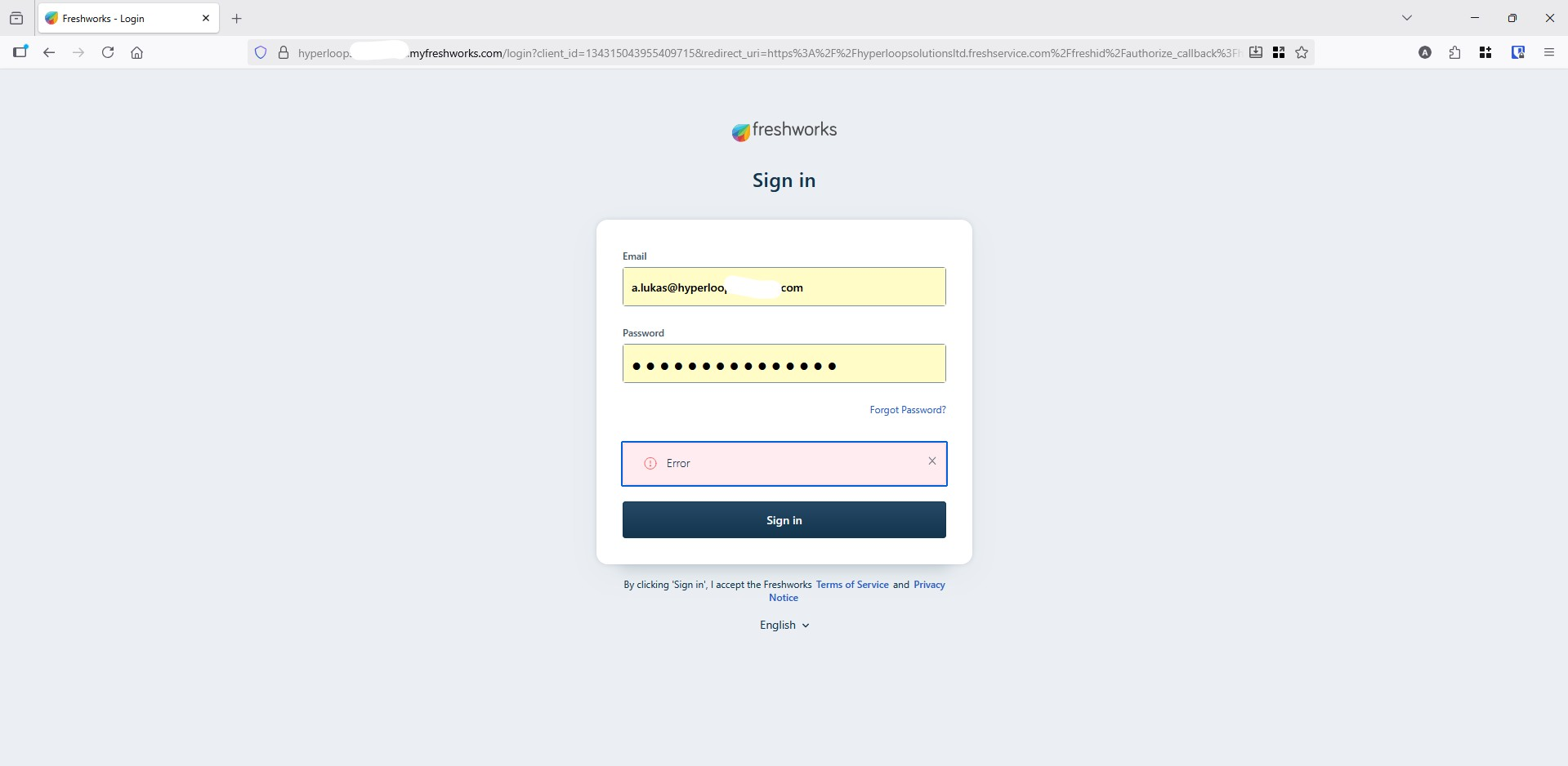
Since couple of days i cant login to Freshservice via firefox browser, on my Windows machine, my MacBook, My Windows 365 Cloud PC. As soon as i try to login i get the and error without any explanation.
I have clear cache, cookies, reinstall Firefox from scratch but still the same issue. On any other browser i could login normally.
Please help Lukas
Valgt løsning
Yes it works
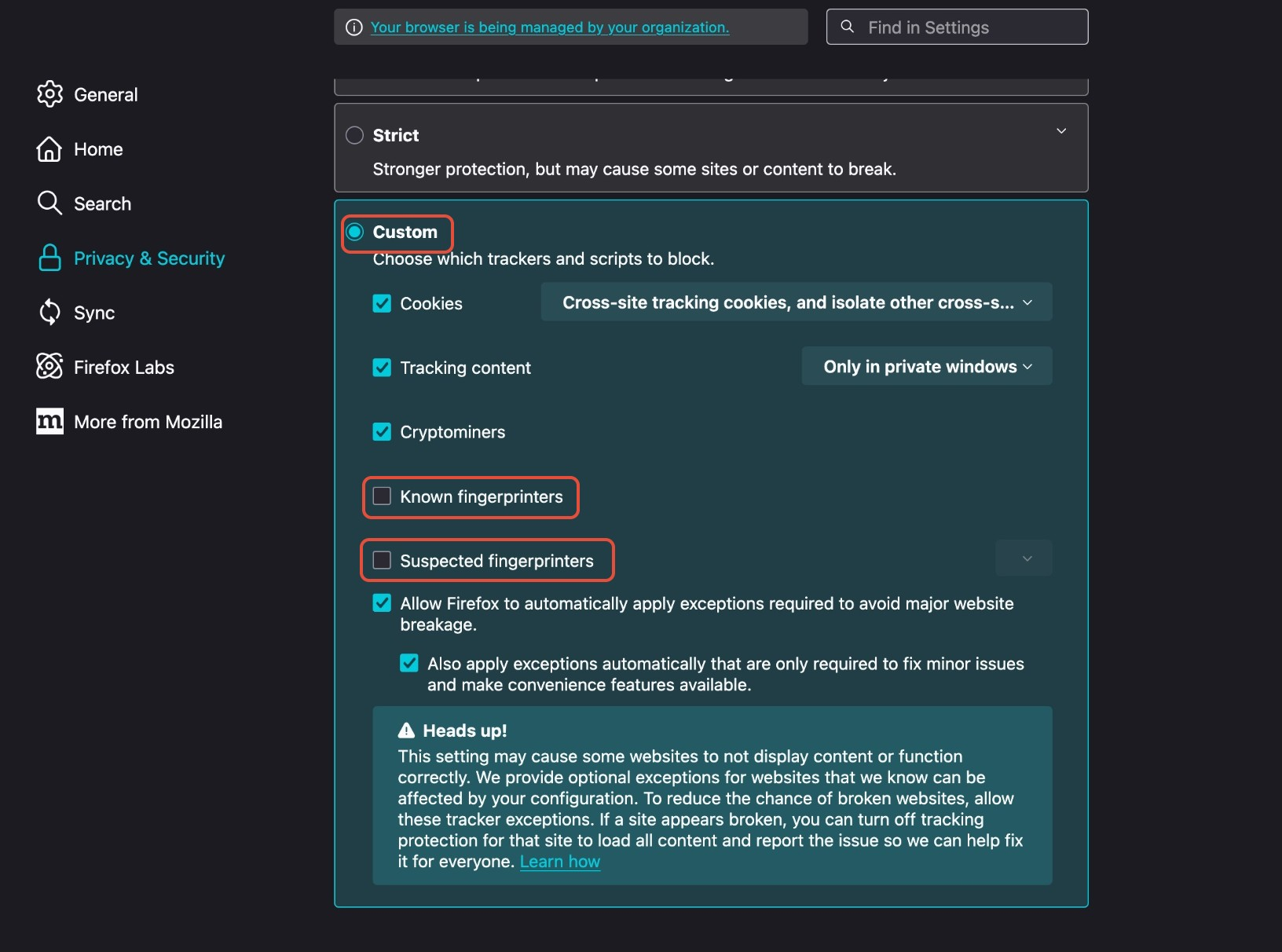
In the latest version, please set the following settings under privacy and security and reload tabs to make it work—refer to the attached screenshot.
Under enhanced tracking protection, a. Select "Custom" b. Uncheck "Known Fingerprints" c. Uncheck "Suspected fingerprints".
All Replies (5)
Screenshot of error
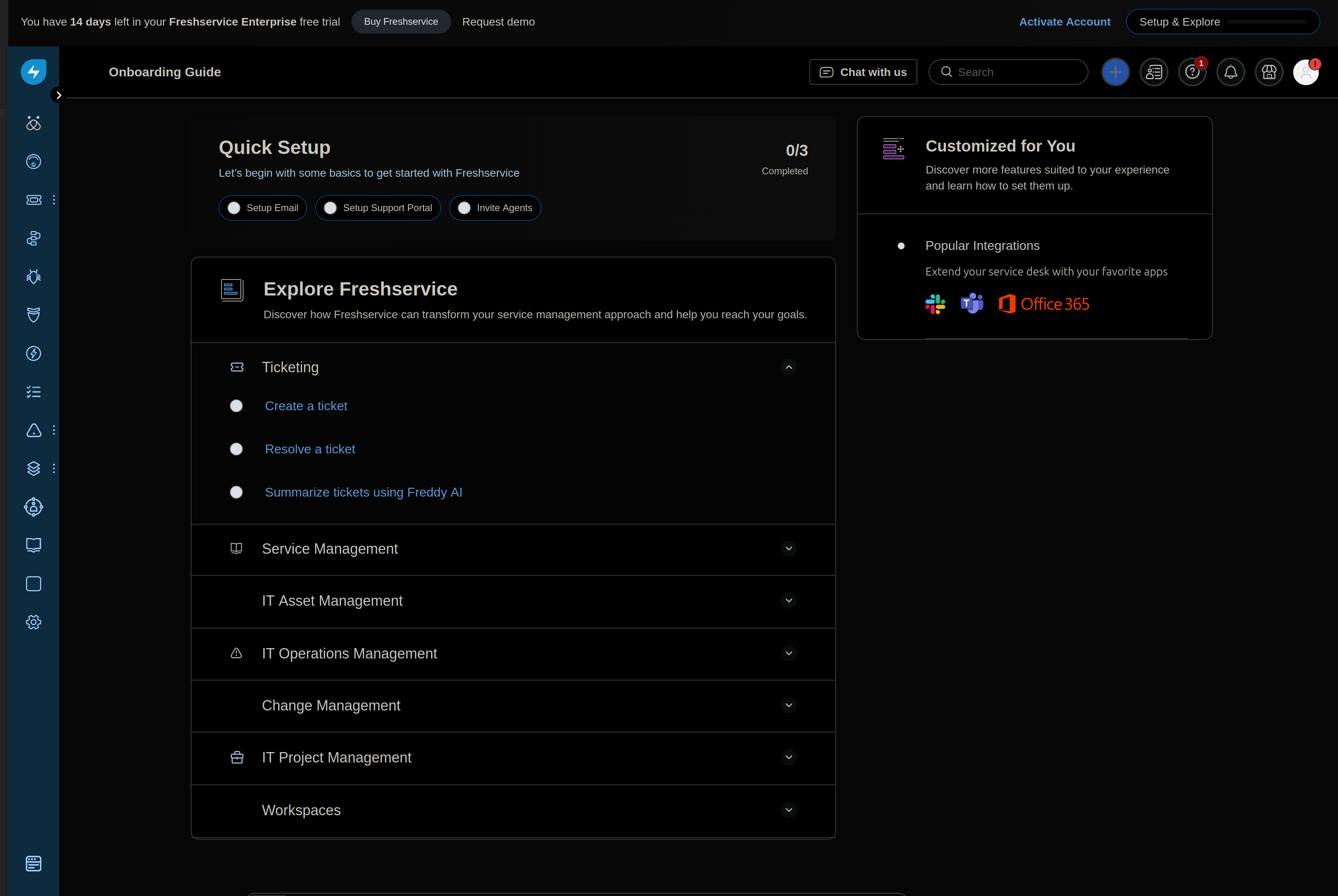
Hi there, this ticket needs additional information. I was able to create an account and log in just fine, just now. So this is either something related to your specific Freshservice account, in which case you'll need to contact Freshservice support, or your specific Firefox configuration. To ensure it isn't the latter, you can always try creating a fresh new Firefox Profile
you can head to about:profiles
and see if you can log in there. I know there have been cases where things related to my specific configuration as far as privacy extensions has led to unexpected behavior on certain websites.
Endret av alex
Hi Alex
Thanks for your feedback.
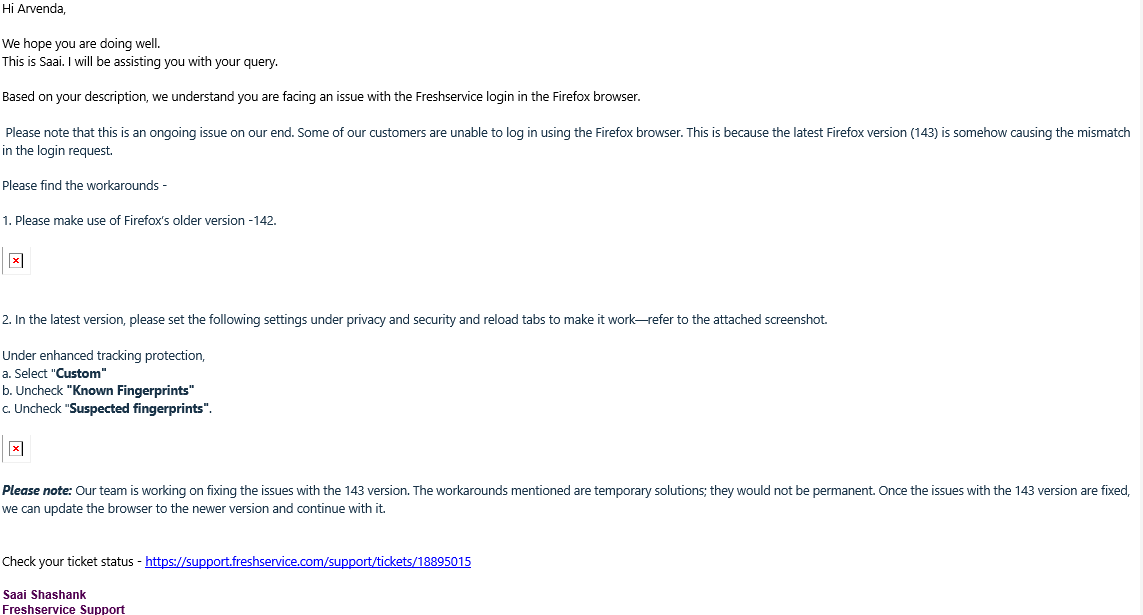
I have reach out to FreshService. Please find attached the reply below.
Thanks
Arvenda
Have you tried their guidance?
Valgt løsning
Yes it works
In the latest version, please set the following settings under privacy and security and reload tabs to make it work—refer to the attached screenshot.
Under enhanced tracking protection, a. Select "Custom" b. Uncheck "Known Fingerprints" c. Uncheck "Suspected fingerprints".