


website do not works firefox/115.19.0

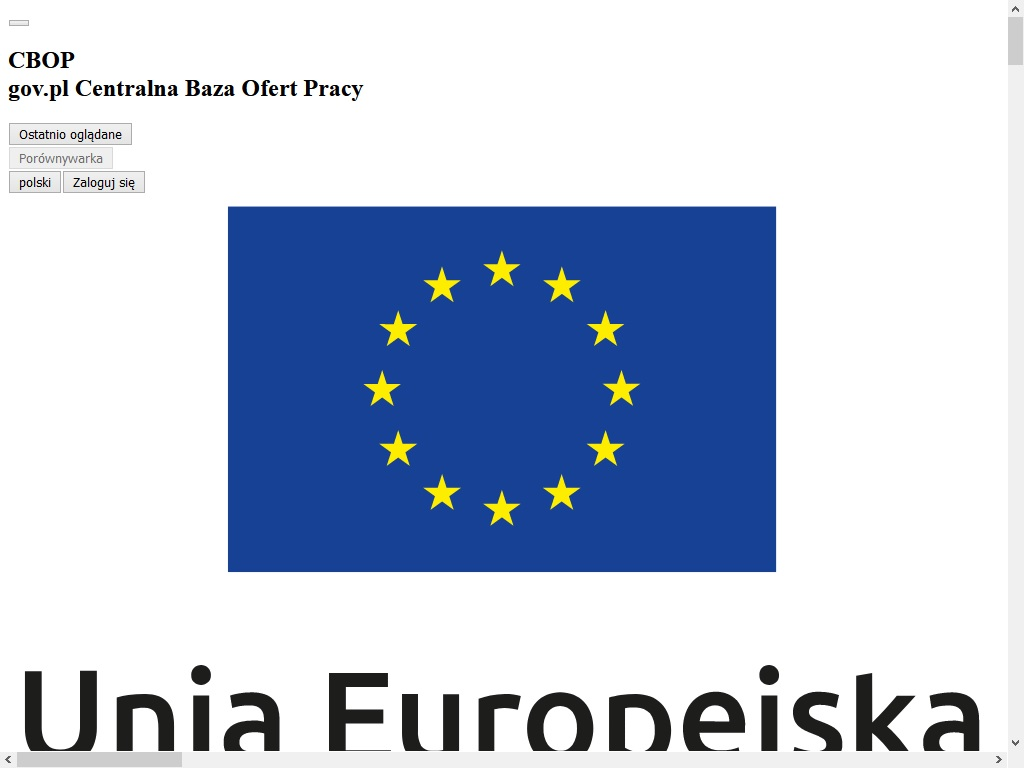
Hi I would like about some issue .I use the latest Firefox ESR 115.19.0 for windows 8 . But I have problem see this website .Website show my only Big icon.Screenshot .
https://oferty.praca.gov.pl/portal/strona-glowna
Also I can not download Firefox from your website .Websites do not works ?
https://www.mozilla.org/en-US/firefox/115.19.0/releasenotes/
response 404 (backend NotFound), service rules for the path non-existent
HELP !!!!!!!
Valgt løsning
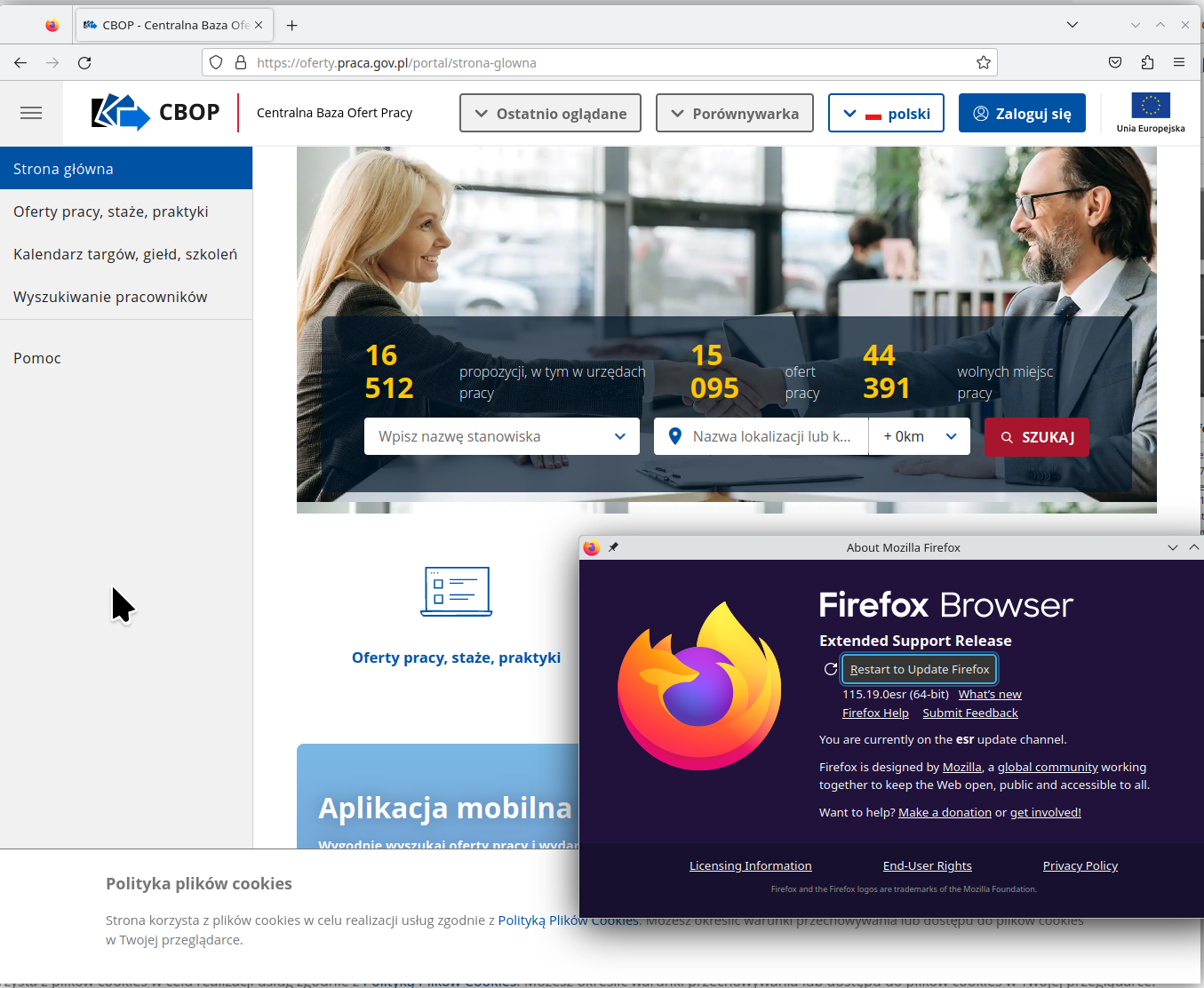
For future reference a full browser screenshot would be more useful. I opened the site in the same version and here is what I see. see screenshot Did you try with Firefox in Troubleshoot Mode? https://support.mozilla.org/en-US/kb/diagnose-firefox-issues-using-troubleshoot-mode#w_how-to-start-firefox-in-4troubleshoot-modesf5safe-modesf
Did you clear your browser cache? https://support.mozilla.org/en-US/kb/clear-cookies-and-site-data-firefox
Les dette svaret i sammenhengen 👍 0All Replies (2)

Valgt løsning
For future reference a full browser screenshot would be more useful. I opened the site in the same version and here is what I see. see screenshot Did you try with Firefox in Troubleshoot Mode? https://support.mozilla.org/en-US/kb/diagnose-firefox-issues-using-troubleshoot-mode#w_how-to-start-firefox-in-4troubleshoot-modesf5safe-modesf
Did you clear your browser cache? https://support.mozilla.org/en-US/kb/clear-cookies-and-site-data-firefox
Thanks I wrote some information to owner of this website and after 1 hours they change something and now website works. Thanks.