

Denne tråden ble arkivert.
Still et nytt spørsmål dersom du trenger hjelp.

Solved
Arkivert
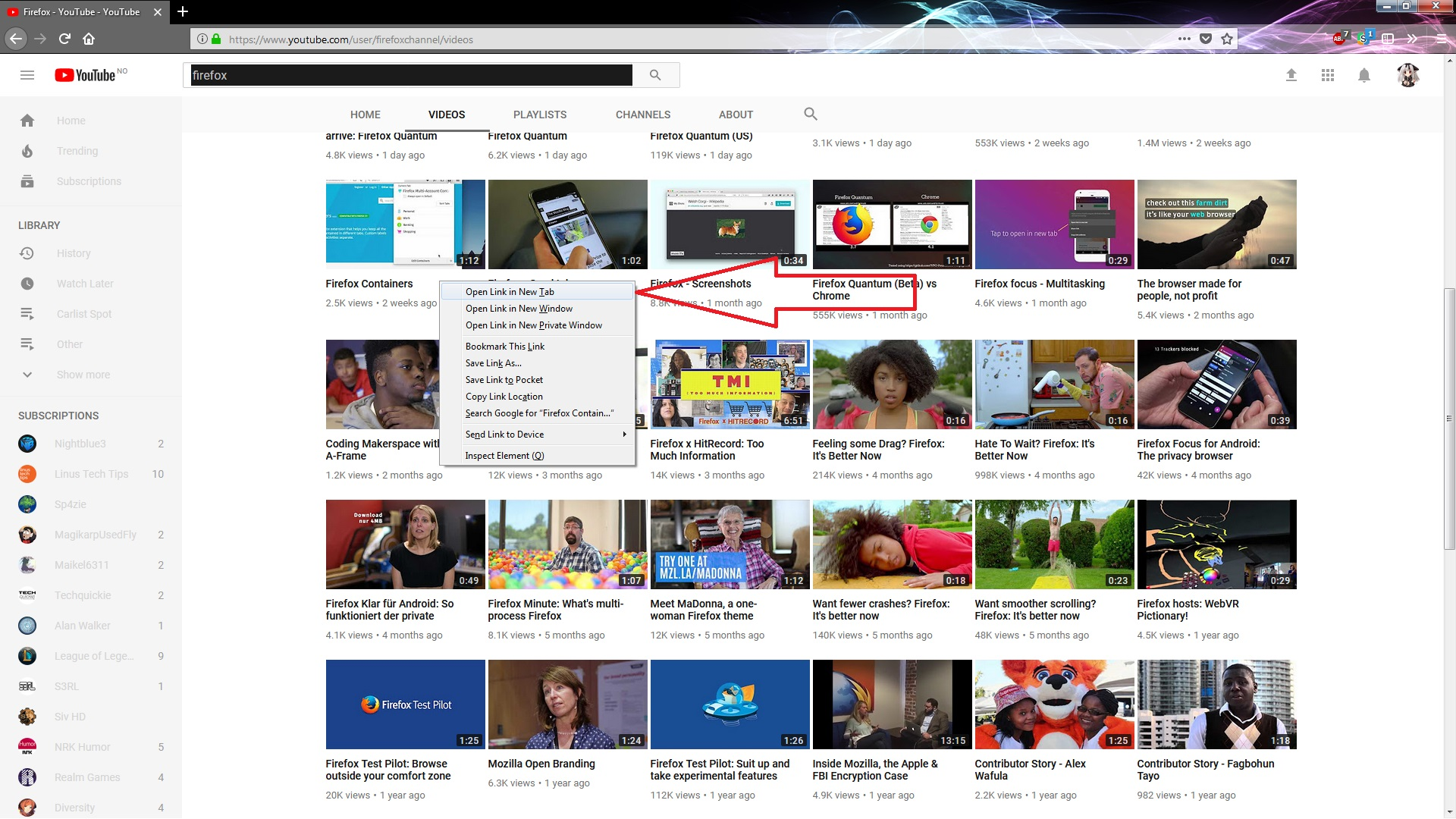
How to stop autopause from "open in new tab" videos in FF 57

I guess this is a new feature in the new Firefox 57, Altough I wish there was an option to turn that feature off.
I have tried to search for this setting, altough I cant manage to find it either in the about:config or or the normal setting tab in in firefox.
Thanks in advance :-)
I guess this is a new feature in the new Firefox 57, Altough I wish there was an option to turn that feature off.
I have tried to search for this setting, altough I cant manage to find it either in the about:config or or the normal setting tab in in firefox.
Thanks in advance :-)

Endret av SvartPus
All Replies (1)
Valgt løsning
hi, you can change the behaviour like this: enter about:config into the firefox address bar (confirm the info message in case it shows up) & search for the preference named media.block-autoplay-until-in-foreground. double-click it and change its value to false.