


Readability

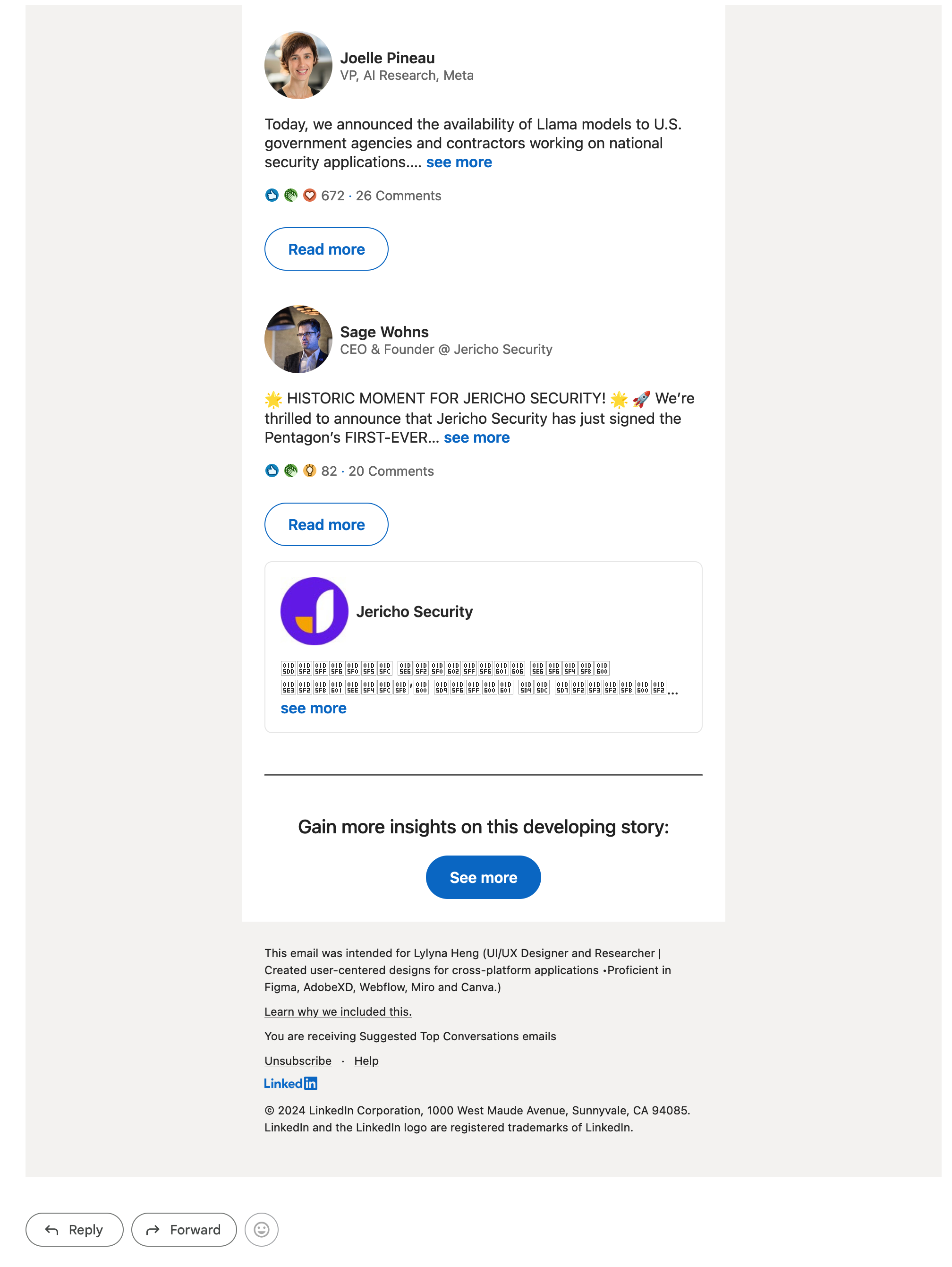
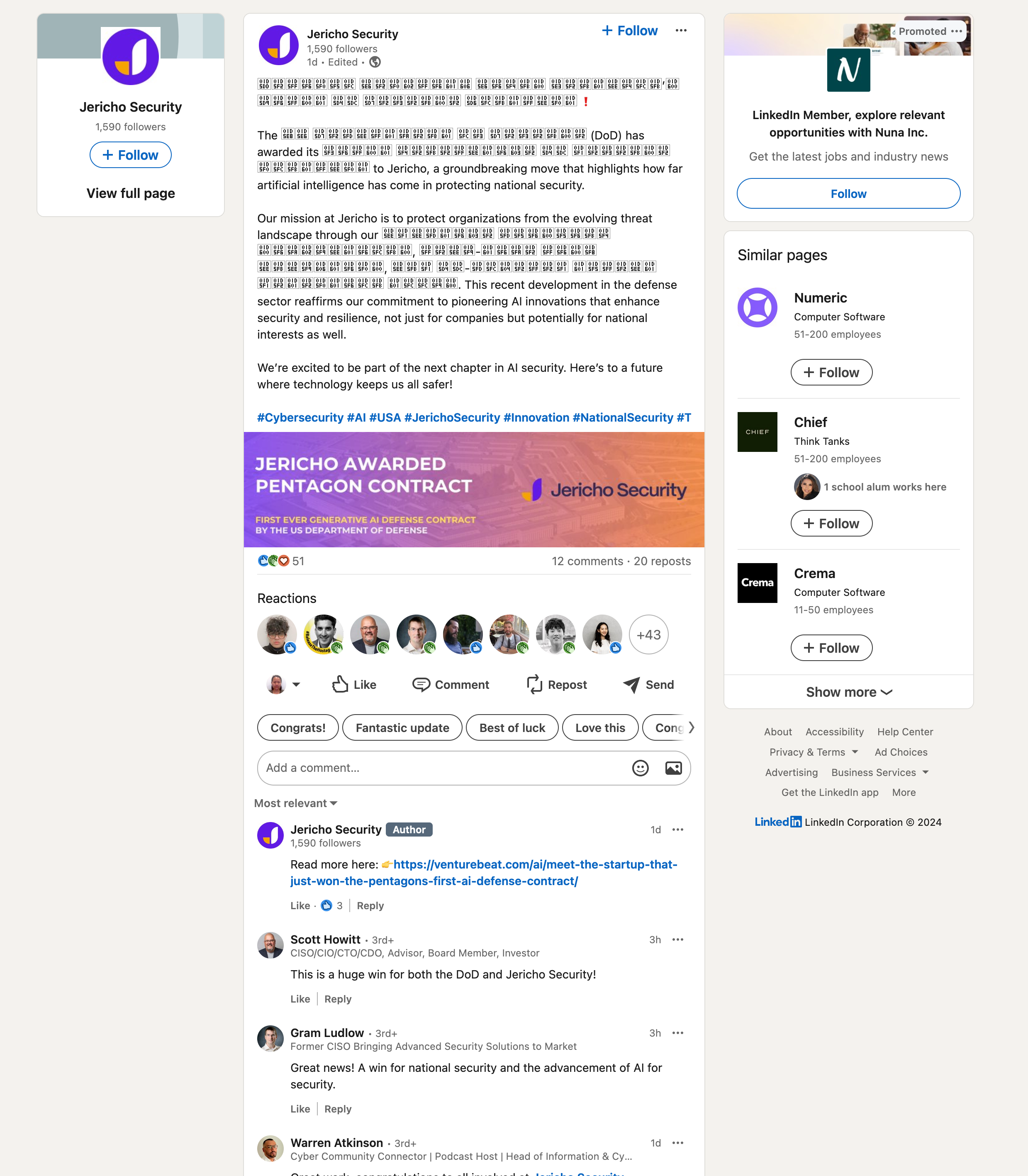
I have problem with the viewing texts on LinkedIn posts and emails from LinkedIn. I tried it with other browsers and they all works fine. I am not sure whether it is Firefox or LinkedIn that trigger the problem.
Thanks,
Lina
Alle antwoorden (3)
Those characters are part of the Mathematical Alphanumeric Symbols Unicode block. Apparently the font that is used in your case lack those symbols or Firefox can't access this font.
You may see text labels or little boxes with the hex code of the character if you do not have a font installed that covers this Unicode range or the font that is used doesn't cover this Unicode range or if you block downloadable fonts or if you do not allow pages to choose their own fonts.
@cor-el
Hi thank you for your reply. I think it has to do with Firefox because the same characters work fine on Safari. I have attached the image for your reference.
Bewerkt door h_h op
You can check for issues with Enhanced Tracking Protection and Total Cookie Protection. Firefox shows a purple shield instead of a gray shield at the left end of the location/address bar in case Enhanced Tracking Protection is blocking content.
- click the shield icon for more detail and possibly disable the protection
You can check the Web Console for relevant-looking messages like about blocked content.