


google calendar doesn't print. It loads fine.

When I select Print from the cal menu, I get the window preview which is normal. When selecting PRINT, nothing comes up. It just sits there. It used to bring up a dialog box to select printer (pdf, etc) This happens on multiple Windows machines and has for months. I just tried adding an exception for the pop-up blocker, no effect. Thanks!
Alle antwoorden (2)
This is interesting. I think it's a google issue because no matter how I try to print(print or print preview)from google calendar in Firefox it always leads to saving a pdf first. I went to my calendar in Office 365 calendar and it works fine. In Chrome it works fine. see screenshots One of the more web savvy moderators can confirm.
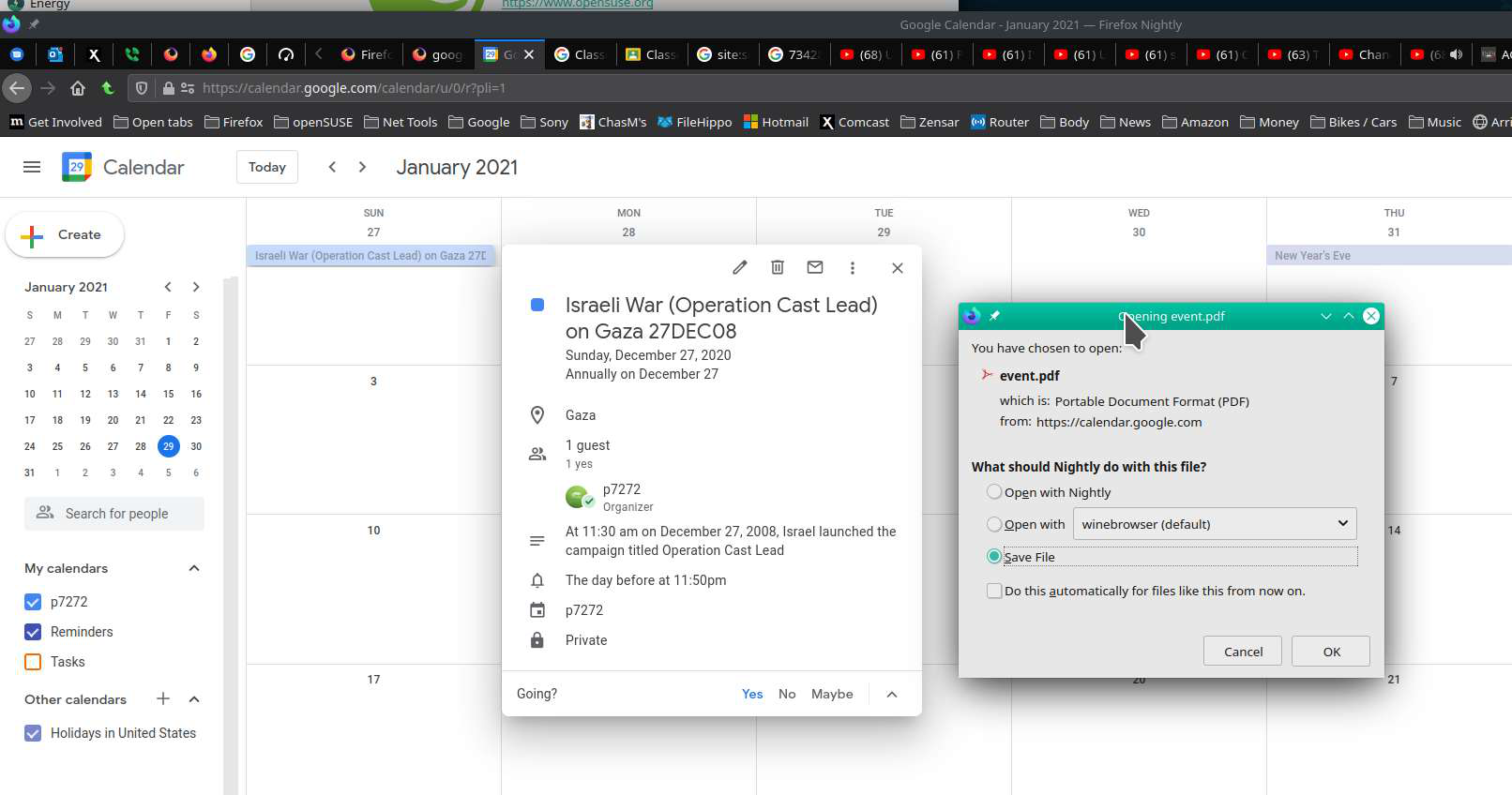

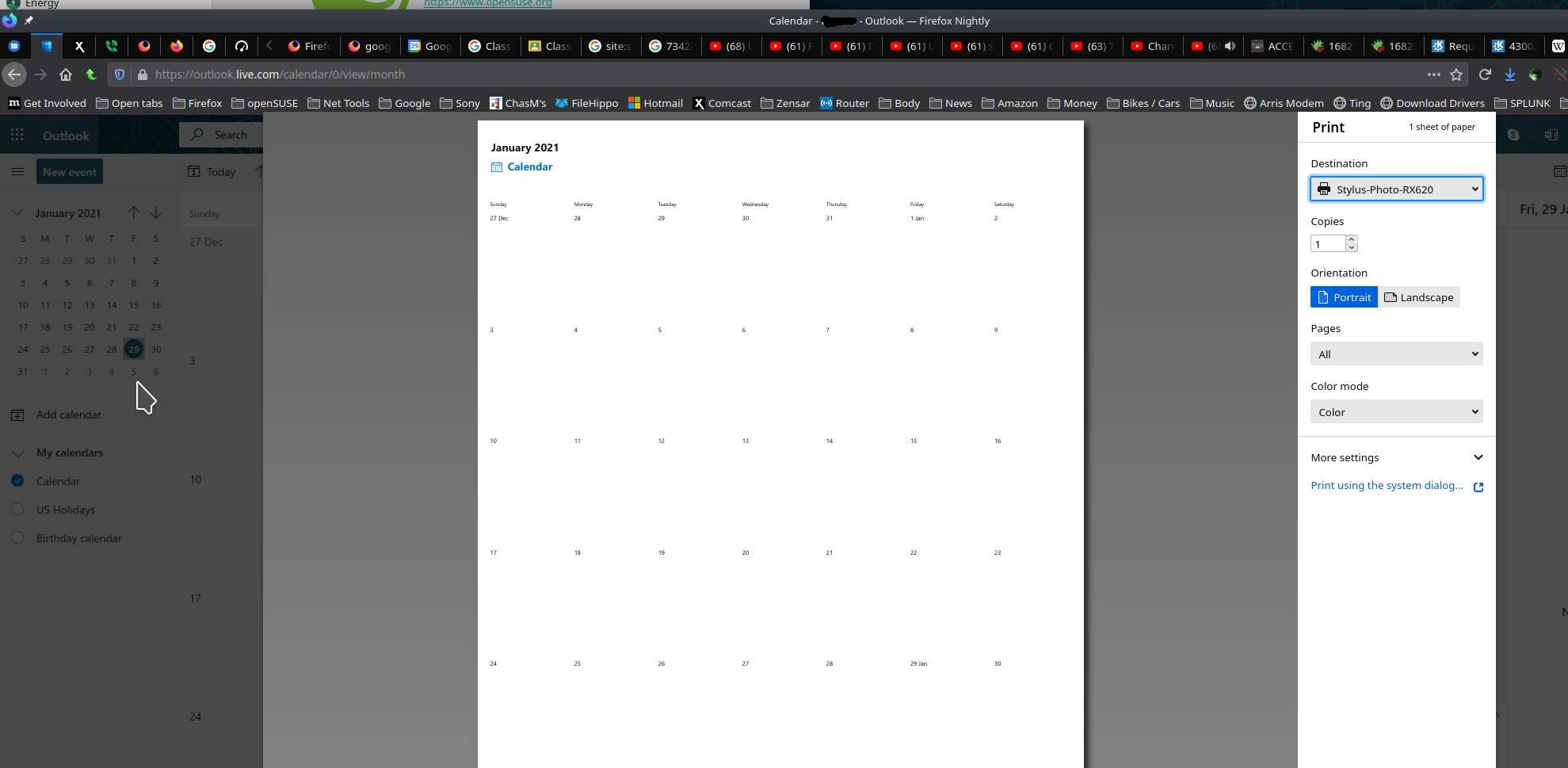

Yes, currently Google Docs generate a PDF when you try to print in Firefox. If you don't get that behavior then something unusual is going on. Can you try "Safe Mode" and see what the behavior is like then: https://support.mozilla.org/en-US/kb/troubleshoot-firefox-issues-using-safe-mode