


YouTube videos won't play in Firefox, always shows error message
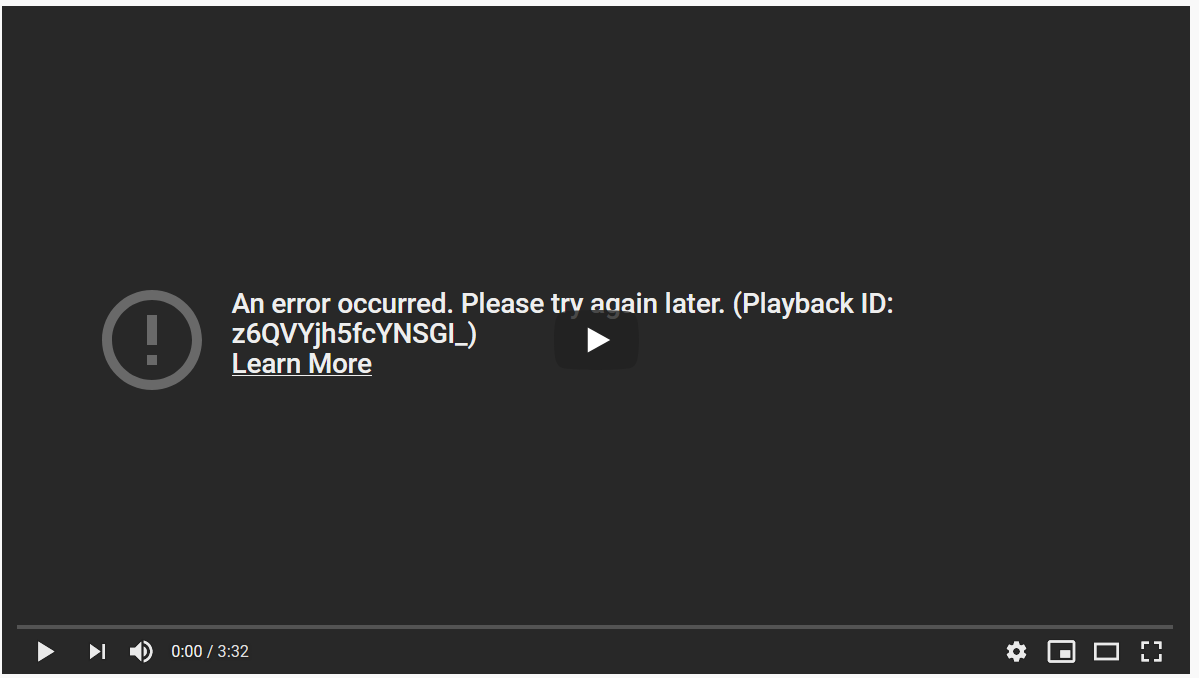
Running Firefox version 78.0.1 (64-bit) on Windows 10 version 1903. Whenever I try and play a YouTube video it always fails to load and shows the attached error message
. I feel like I've tried everything under the sun to fix it so I'm wondering if it's actually Windows that broke it. It's been happening for about four days now but it could have started before that and I didn't notice. So far I've tried:
 * Clearing cookies/cache
 * Using private browsing
 * Disabling addons (the only ones I use are ublock origin and reddit enhancement suite)
 * Restarting in safe mode
 * Completely reinstalling Firefox
 * Disabling hardware acceleration
 * Reverting to version 77
 * Flushing my DNS
 * Using a different WiFi network
I've confirmed that YouTube videos work fine in Chrome and Edge so it's specific to the Firefox/YouTube combination. I have noticed the browser as a whole has been a little slower lately, especially when it comes to videos but I don't have any evidence that these issues are related.
Gekozen oplossing
YouTube An Error Occured http://www.ghacks.net/2014/06/13/fix-error-occurred-please-try-later-youtube-error/
Dit antwoord in context lezen 👍 0Alle antwoorden (4)

Gekozen oplossing
YouTube An Error Occured http://www.ghacks.net/2014/06/13/fix-error-occurred-please-try-later-youtube-error/
See also this sub Reddit.
EDIT Solved it, turned out to be a bad Flash install. Flash causing problems in 2020, who would've guessed?
cor-el said
See also this sub Reddit.EDIT Solved it, turned out to be a bad Flash install. Flash causing problems in 2020, who would've guessed?
Haha that was my thread but thanks.
Yes, I had noticed the similar name, but I posted it just for reference and to confirm this was a Flash issue for you.
I'm not sure how you ended up with this video unless you used an old bookmark or still have an extension that forces a Flash player.