


Can't enable Two-Step Authentication
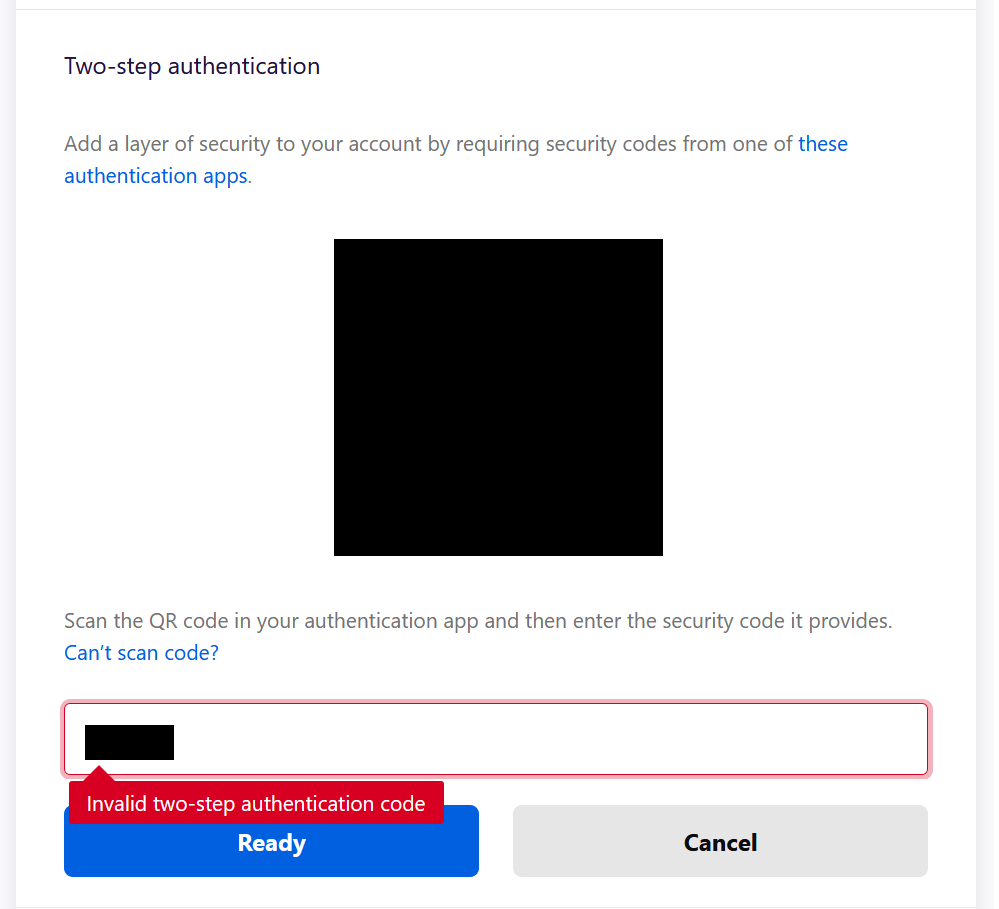
I cannot enable Two-Step Authentication. When I add it to my authentication app, and type in the 6-digit code, I get the error, "Invalid two-step authentication code". I have tried several different authentication apps, but none work. Anyone else having this issue?
Alle antwoorden (7)
Hi Dereck, please ignore the unofficial support solicitation that someone posted. We have no idea where that leads and don't want you to get scammed.
A possible cause for 2FA not working is that the time on the device that generates the 6-digit code isn't correct as this code is only valid for about thirty seconds, so make sure that the device is connected to internet and uses a reliable time server (try a different one).
You can possibly try an extension in Firefox.
- Authenticator https://addons.mozilla.org/firefox/addon/auth-helper/
Thank you cor-el. This lead me to the solution/fix. I ran the "Time correction for codes" within my Authentication app, and now I am golden. Appreciate the guidance.
Bewerkt door Dereck op
You're welcome and glad that you fixed it.
Hi, I'm having the same problem too. I use Google Authenticator for a number of accounts and the FF 2FA is the only one I'm having a problem with.
I did the time-sync as cor-el suggested but the response I get is "Time already correct". As 2FA is working for other apps I think I can safely assume it's not a time sync issue on my phone.
I tried to set up 2FA using FF browser on multiple devices and OS's (Win10, Ubuntu, OSX) to no avail.
Thoughts?
It is possible that Firefox 2FA works differently when it comes to timezones, but using a VPN also could be causing problems in case you do use one.
You can try as a test an extension in Firefox to see if this gives a TOTP code that works.
- Authenticator https://addons.mozilla.org/firefox/addon/auth-helper/
- Auth Plus https://addons.mozilla.org/firefox/addon/foxauth/
- Open Two-Factor Authenticator https://addons.mozilla.org/firefox/addon/open-two-factor-authenticator/
Hi cor-el, I tried Authenticator (https://addons.mozilla.org/firefox/ad.../auth-helper/) but it wouldn't scan the QR code.
Auth Plus (https://addons.mozilla.org/firefox/addon/foxauth/) on the other did, and that got 2FA working for me.
That then got me very peeved as these extensions are not on the sanctioned list of Auth apps.
Then I tried MS Authenticator (it worked) and then Google Authenticator (again) with worked this time.
Something was clearly off yesterday as I haven't used a VPN in weeks.
Anyways, thanks for your time and sorry about the run around.
Cheers
Bewerkt door LaughingBubbba op