


With Waterfox 2020.03 why can't I see the thumbnail pictures in Google Photos albums?
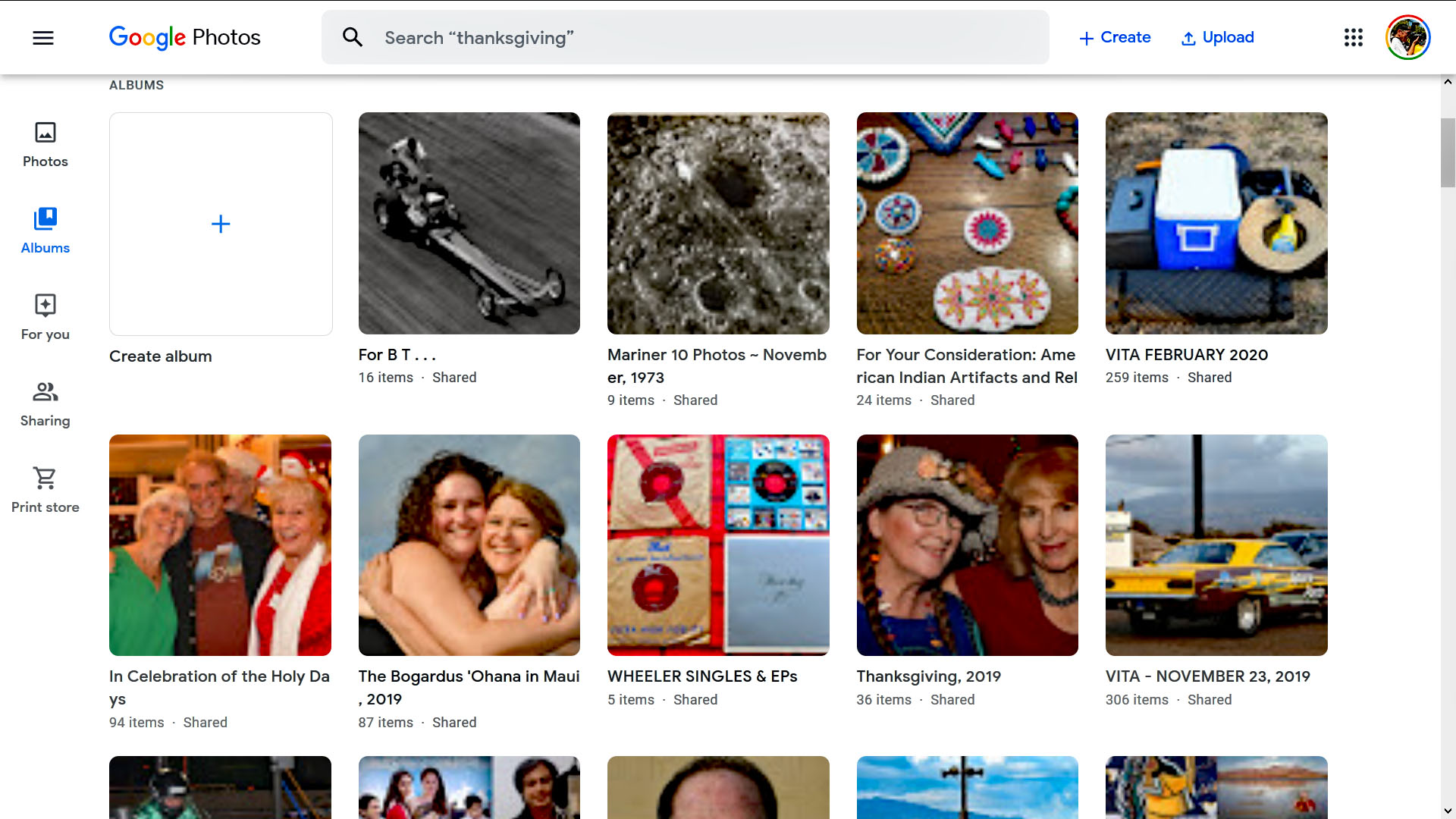
Starting a few days ago, the thumbnail images in Google Photos albums 'vanished' - see the screenshot. The same thing happened in a Chrome browser, but I upgraded to the latest Chrome version, and that fixed the problem with that browser. Waterfox is still compromised in this regard. (Per the second screen shot, the 'album covers' images are OK, and if you click on a 'blank' thumbnail in an album, the corresponding image loads.) Any clues here, folks? Thank you . . .

Alle antwoorden (6)

Make sure you are not blocking content.
Start Firefox in Safe Mode {web link}
A small dialog should appear. Click Start In Safe Mode (not Refresh). Is the problem still there?
https://support.mozilla.org/en-US/kb/enhanced-tracking-protection-firefox-desktop
the right venue for Waterfox support is here: https://www.reddit.com/r/waterfox/
I did as suggested, thank you, no change in the problem. Other than popups, no content blocking.
I also posted this on a Google Photos help forum. No solutions there, yet.
Thank you for pointing me in the right direction, philipp. I wish, when I go Help > Waterfox Help, I'd go to the Waterfox page you linked, instead of the Firefox Support page. Confusing.