


Thunderbird can receive Gmail messages, but won't send them
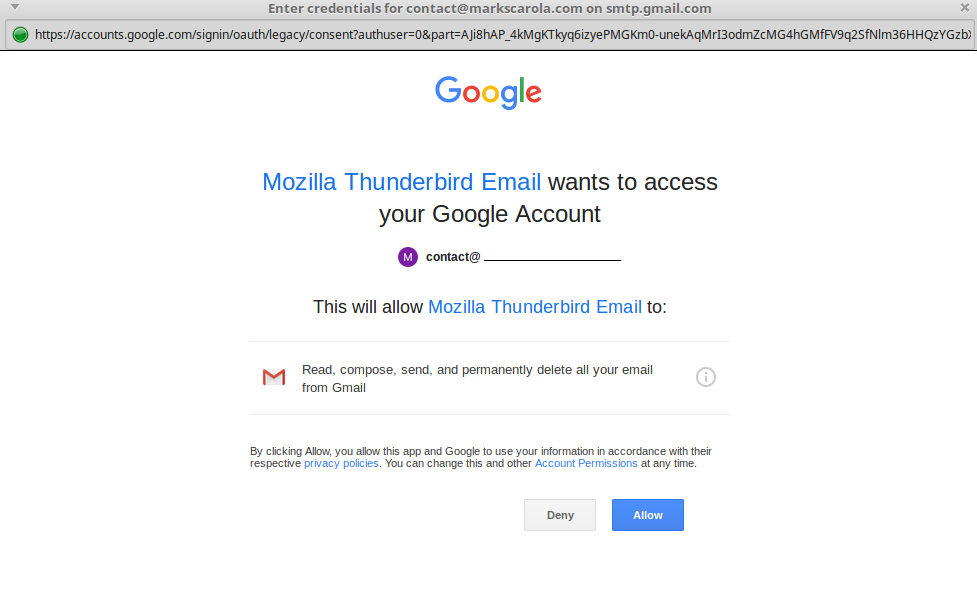
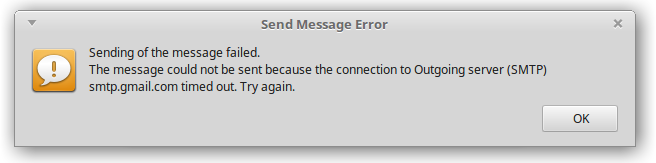
I signed up for a new Gmail account and after allowing less secure apps I was able to receive messages through Thunderbird, but I still cannot send them. Each time I attempt to, I get a Google popup message asking me to login and allow Thunderbird access to receive/send/delete messages. I click allow and then I'm hit with a message saying that the message could not be sent.
I spoke with Google support and they confirmed that my settings are correct from their end (correct smtp settings, less secure apps allowed, etc). No sure what else I can try. I do have other Gmail accounts working through Thunderbird. However one of my "other" accounts is having the same issue in that it can receive but not send emails. That happened once I was forced by Google to update my password. I'm hoping that the solution will work for both accounts.
Server name: smtp.gmail.com Port: 465 Authentication: OAuth2 Connection Securtity: SSL/TLS

Alle antwoorden (2)
Google made changes to its OAuth authentication process, which was fixed in TB 60.9.1 (yours is 60.9.0). If you can't get 60.9.1 from your distro, you can either install the version from TB:
https://archive.mozilla.org/pub/thunderbird/releases/60.9.1/linux-x86_64/
or apply the workaround that applies a toggle of a preference in Edit/Preferences/Advanced/General/Config. editor:
Bewerkt door sfhowes op
Gekozen oplossing
Thank you sfhowes. I've been dealing with this for several days now and I appreciate the help. Although my distro isn't offering the most recent update, I know now what the fix is and what needs to be done.
Confirmation shown in the attached image should anyone else have the same issue.
