


[Import] No Settings menu to use QR code

Hello,
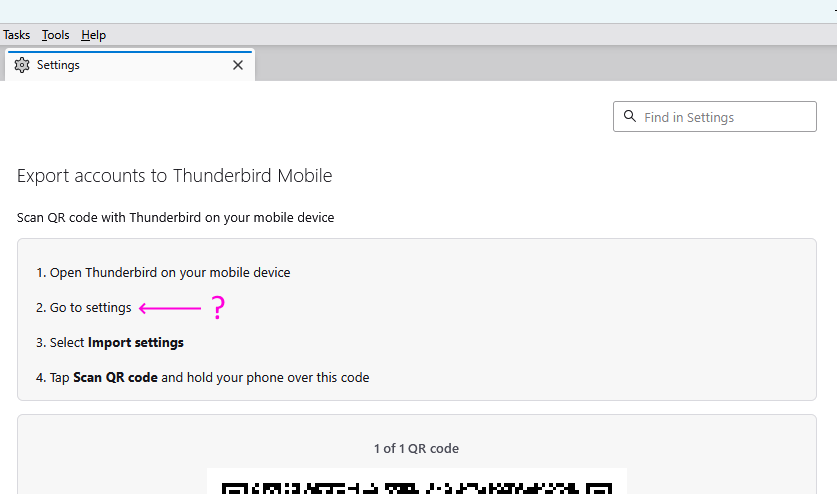
I'm trying to add accounts through a QR code from Windows onto an old Xiaomi Redmi phone running Thunderbird 23.1 (32). FWIW, it's running a custom ROM with Android 13.
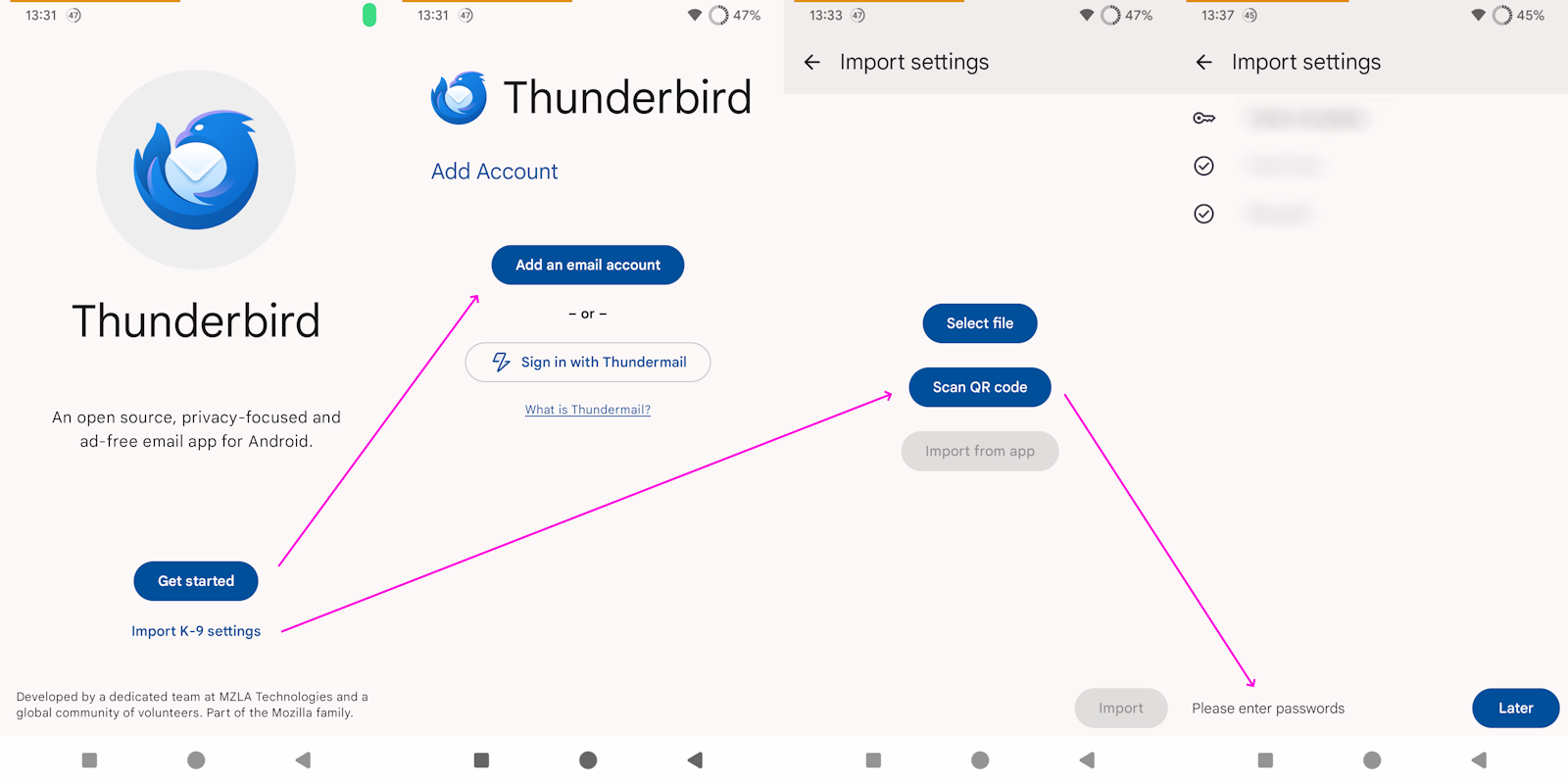
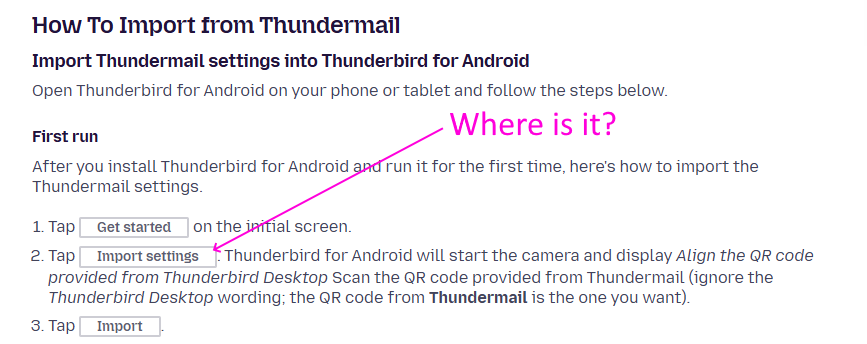
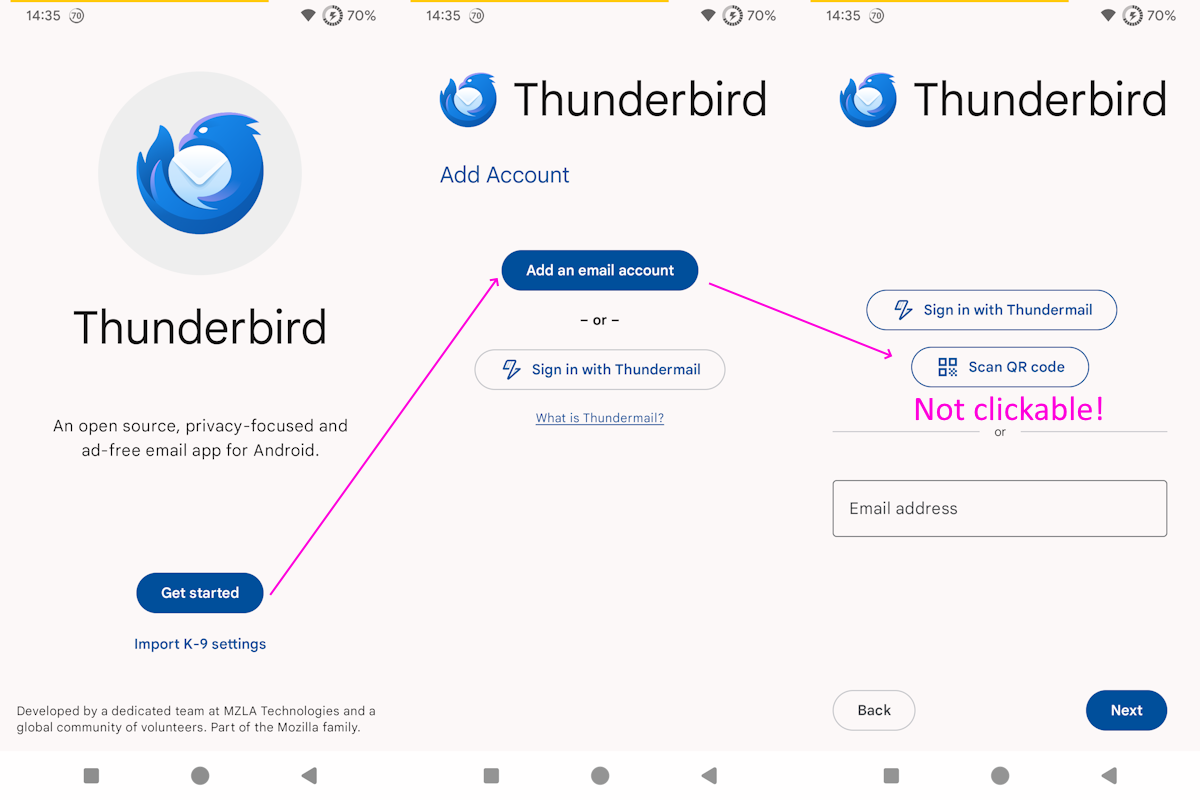
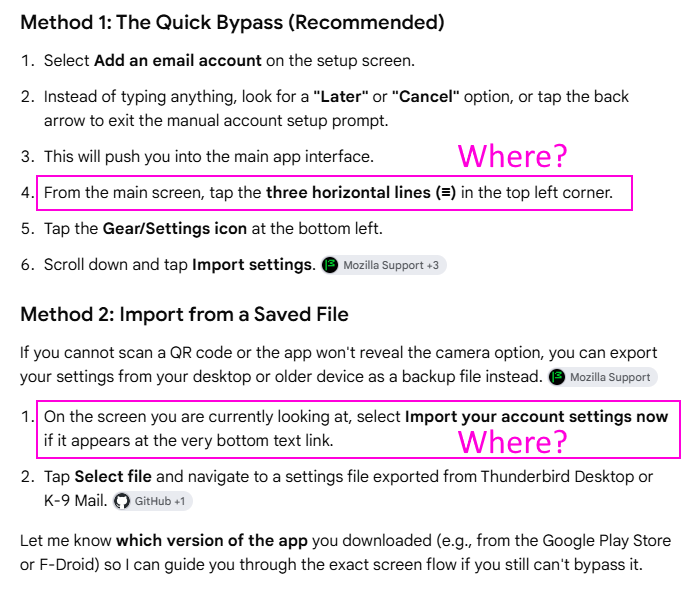
Google didn't help: I find no Settings in the main menu, clicking on "Get started" displays no QR code option, and if clicking on "K-9 settings", I'm prompted for passwords later.
What's a girl to do?
Thank you.
Modified by littlebigman
Chosen Solution
I uninstalled, and reinstalled TB.
In Windows, I clicked on Tool > Export for Mobile, selected the accounts, and left the default "Include all accounts passwords" checked.
In Android, I started TB: "Get started" → "Add an email account" → "Scan QR code" is unclickable
"Import K-9 settings" → "Scan QR code" → the app says "Import settings" and dispays three accounts instead of the four I left checked → "Import": At the bottom, the screen says "Please enter password" for one of the three.
Why is that? What should I do?
-- Edit:
Made some progress.
After selecting "Import k-9 settings", I notice 1) more than one QR code is involved, and 2) the app doesn't make it very obvious it did read the QR code, and expects the user to click on Next to proceed with the other QR codes.
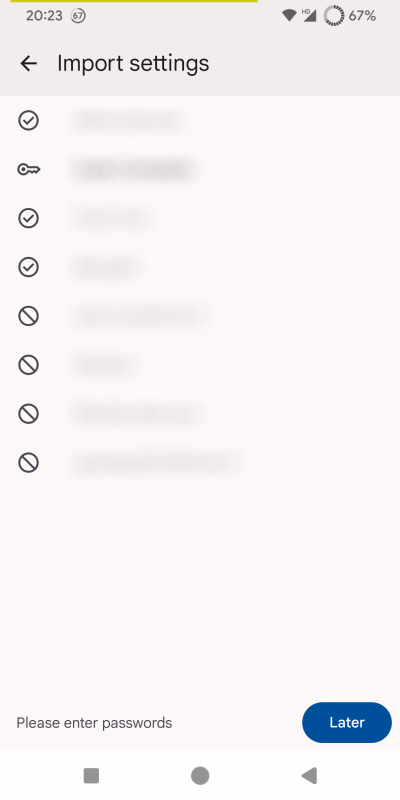
After importing the accounts, some have a problem. Why is that? I left the default "Include all accounts passwords" checked.
--- Edit: I simply copy-pasted the POP3 password for that account, and it seems to work. No idea why I had to do this.
Thanks for the help.
Modified by littlebigman
All Replies (4)
Has it actually been tested before release?
Modified by littlebigman
Moving topic to the TBfA queue.

From the screen shots, it looks like you have already scanned the QR code using TB mobile, it's imported the accounts and asking for the account password(s) to complete the setup.
Within Thunderbird desktop, did you select the option to include passwords in the QR code export? See the linked guide and extract from it below.
If you have accounts that are not using OAuth and you wish to export your passwords, you will see a Security section. Tick Include all accounts passwords under Security to export your passwords in the QR code.
Chosen Solution
I uninstalled, and reinstalled TB.
In Windows, I clicked on Tool > Export for Mobile, selected the accounts, and left the default "Include all accounts passwords" checked.
In Android, I started TB: "Get started" → "Add an email account" → "Scan QR code" is unclickable
"Import K-9 settings" → "Scan QR code" → the app says "Import settings" and dispays three accounts instead of the four I left checked → "Import": At the bottom, the screen says "Please enter password" for one of the three.
Why is that? What should I do?
-- Edit:
Made some progress.
After selecting "Import k-9 settings", I notice 1) more than one QR code is involved, and 2) the app doesn't make it very obvious it did read the QR code, and expects the user to click on Next to proceed with the other QR codes.
After importing the accounts, some have a problem. Why is that? I left the default "Include all accounts passwords" checked.
--- Edit: I simply copy-pasted the POP3 password for that account, and it seems to work. No idea why I had to do this.
Thanks for the help.
Modified by littlebigman