


Solved
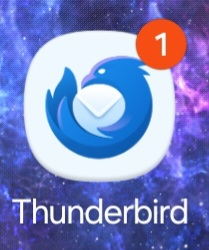
No new mail is waiting but a notification is showing

Although my inbox has only read mail in it, a notification is constantly showing.
Although my inbox has only read mail in it, a notification is constantly showing.
All Replies (1)

Chosen Solution
The app doesn't show unread email counts on the launcher icon.
The 1 is indicating a TB notification is present. Depending on your Android version, you can choose to show this as a dot, a number, or disable it.
The reason it's displaying is likely because you either have the push service enabled, or the app is currently synchronising your emails. The Push service required a permanent silent notification to be displayed while running in the background.
If you want a count of unread email on your home screen, the app provides a 1x1 widget for that purpose.