


Cannot see date of emails and earlier solution not available

On my Samsung A05 Thunderbird does not show received email dates only the day. This is useless for finding emails going back more than a week or two. I don't care what day of the week it was received, just the date and time. Earlier solution offered (via message lists) not in any of my menus so cannot use. Please advise how to show dates. Current OS Android 15 A055FXXSHDZF1/ A055FOJMHDZF1 / A055FXXSHDZF1 with security patch level: 5 June 2026 Also cannot find support/about option in the settings menu to show the Thunderbird version.

Chosen Solution
Hi Roger
Yes, The setting to have full date & time displayed on the message list was added in version 18. You would need to upgrade to take advantage of the new setting.
All Replies (4)
You can enable full date format on the message list by enabling it within settings. Navigate to settings > general settings > display > date/time format. Change value to "Full". See screen shots.
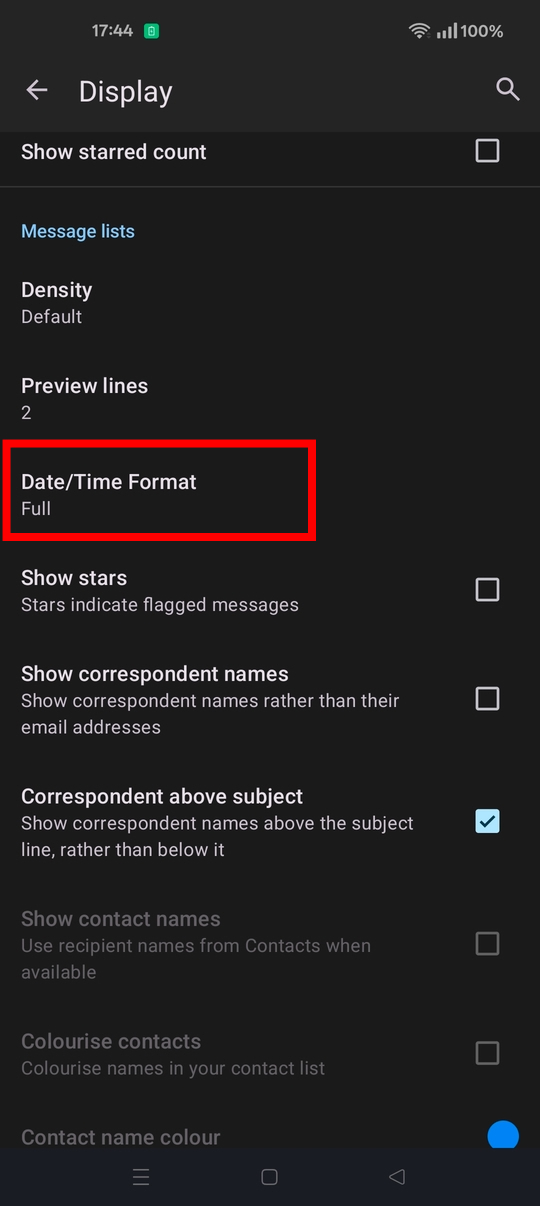
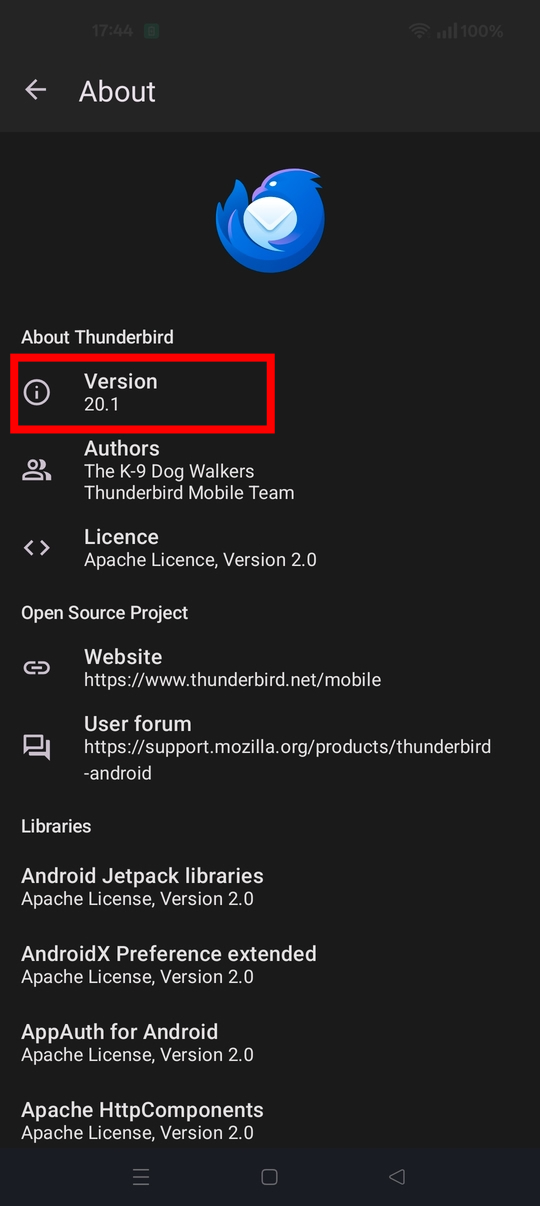
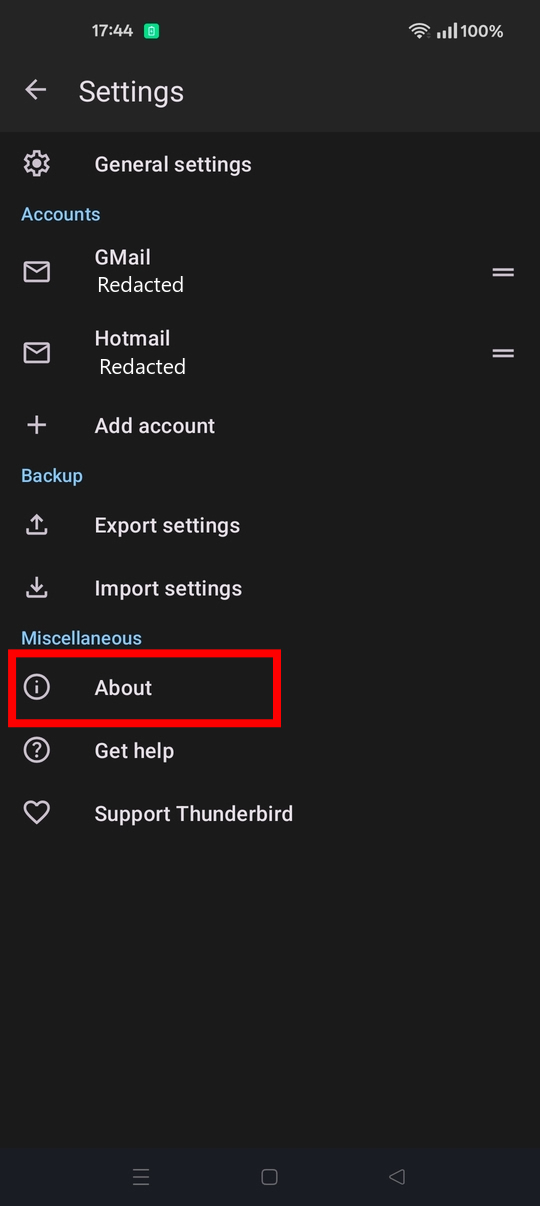
Hi, Samsung general settings>display> menu does not show a date/time format option. It jumps from Preview Lines to Show Stars and this is not located elsewhere in the Thunderbird menus. - hence the query. I know Samsung do mess Android up a bit, but should be possible in Thunderbird as so many people use Samsung phones and other menu options are all there? Rooting around the menus I see I am using v11.1. Is this working/fixed/workaround in newer versions? Thanks.
Chosen Solution
Hi Roger
Yes, The setting to have full date & time displayed on the message list was added in version 18. You would need to upgrade to take advantage of the new setting.
Hi Platform34, downloaded/intalled v20 and all menus as described, so can now see the email received dates. Great! Not sure why Mozilla chose to remove/omit this from the Android version in the 1st place.
Great result anyway so good to find a forum that can really help with the odd problems
Thanks, Roger