


import settings to mobile phone

hi i want to import my settings to my new mobile phone (my previous one is dead) from my lap top, but it's impossible to scan the QR code, it's not scanning thanks in advance for your help
All Replies (7)
Hi Julien
Instead of using the QR method to set up Firefox Sync, I recommend following the alternative method that uses email.
Thank you Paul But I can't by email see enclosed the screen shots
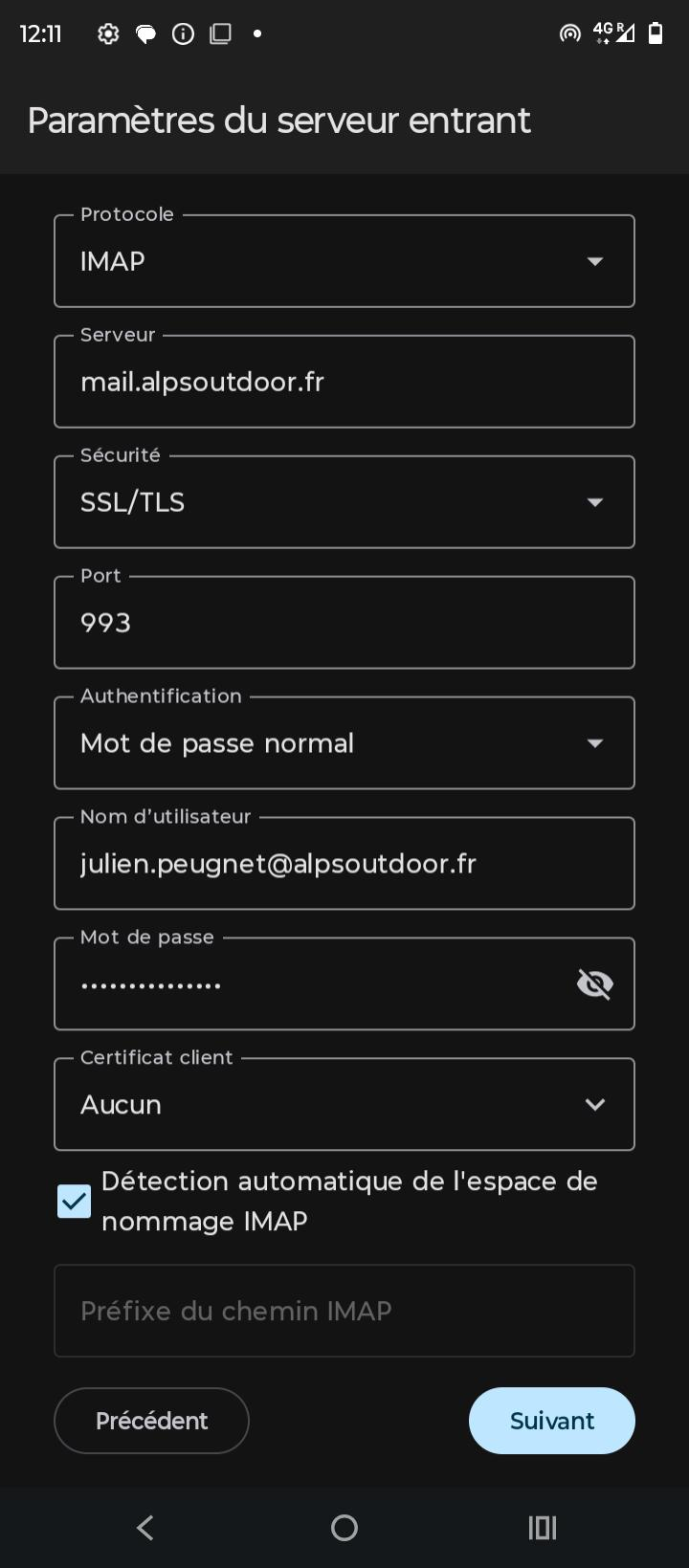
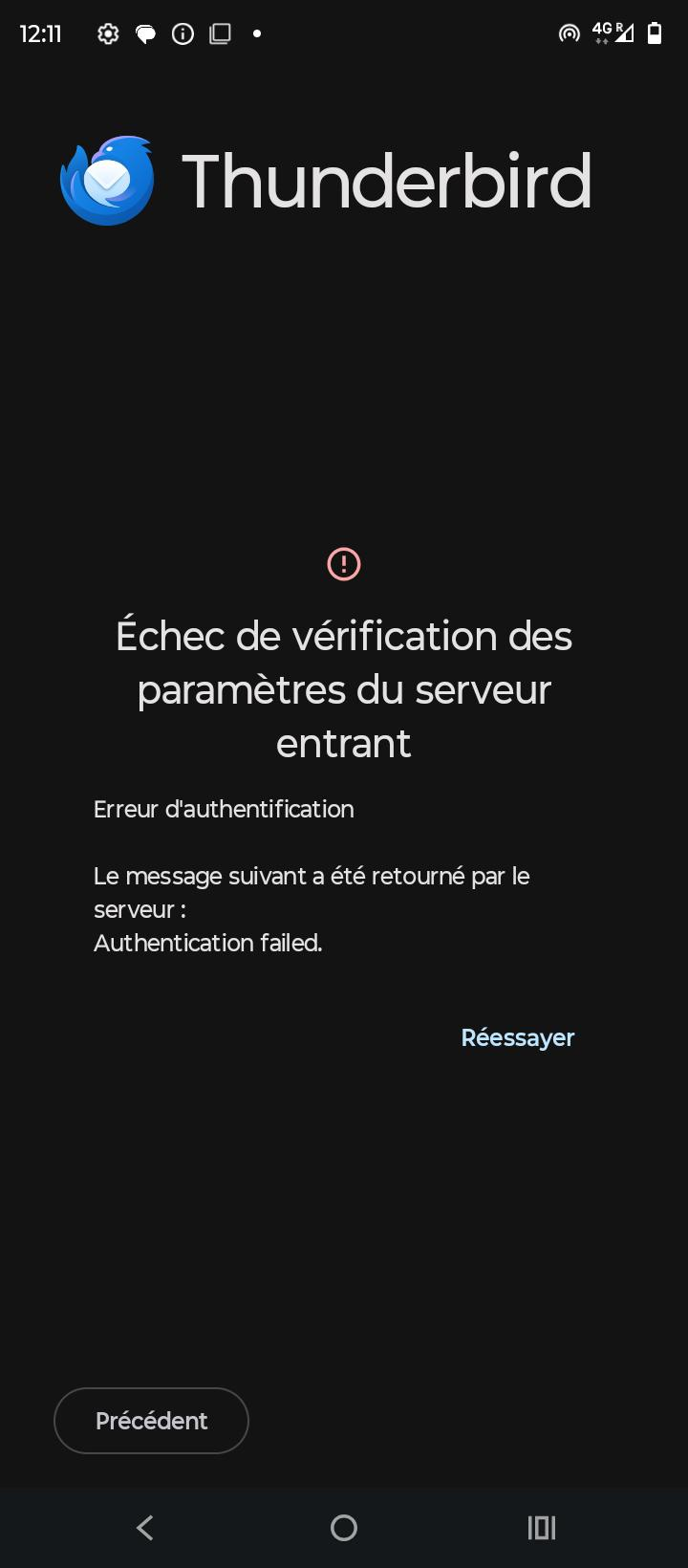
Thank you Paul But I can't by email see enclosed the screen shots
Thank you Paul But I can't by email see enclosed the screen shots
Thank you Paul But I can't by email see enclosed the screen shots
Thank you Paul But I can't by email see enclosed the screen shots

Hi Julien
There's two possible reasons why scanning the QR codes don't work.
1. Your desktops account's configuration is not supported by the mobile app. See bottom of page at: https://support.mozilla.org/km/kb/thunderbird-android-import
2. There have been a number of bug reports where devices are unable to scan QR Codes. This is being tracked at: https://github.com/thunderbird/thunderbird-android/issues/8520
Have you compared the settings with those working on your desktop. Are they the same.
- Imap v pop3.
- User name & password v oAuth authentication.
- Check password for typing errors.
As your email is a business or personal domain, it's not possible for others to check the imap settings in your screen shot are correct, compare with public services such as gmail.