


Why is a suspect email prevented from being forwarded
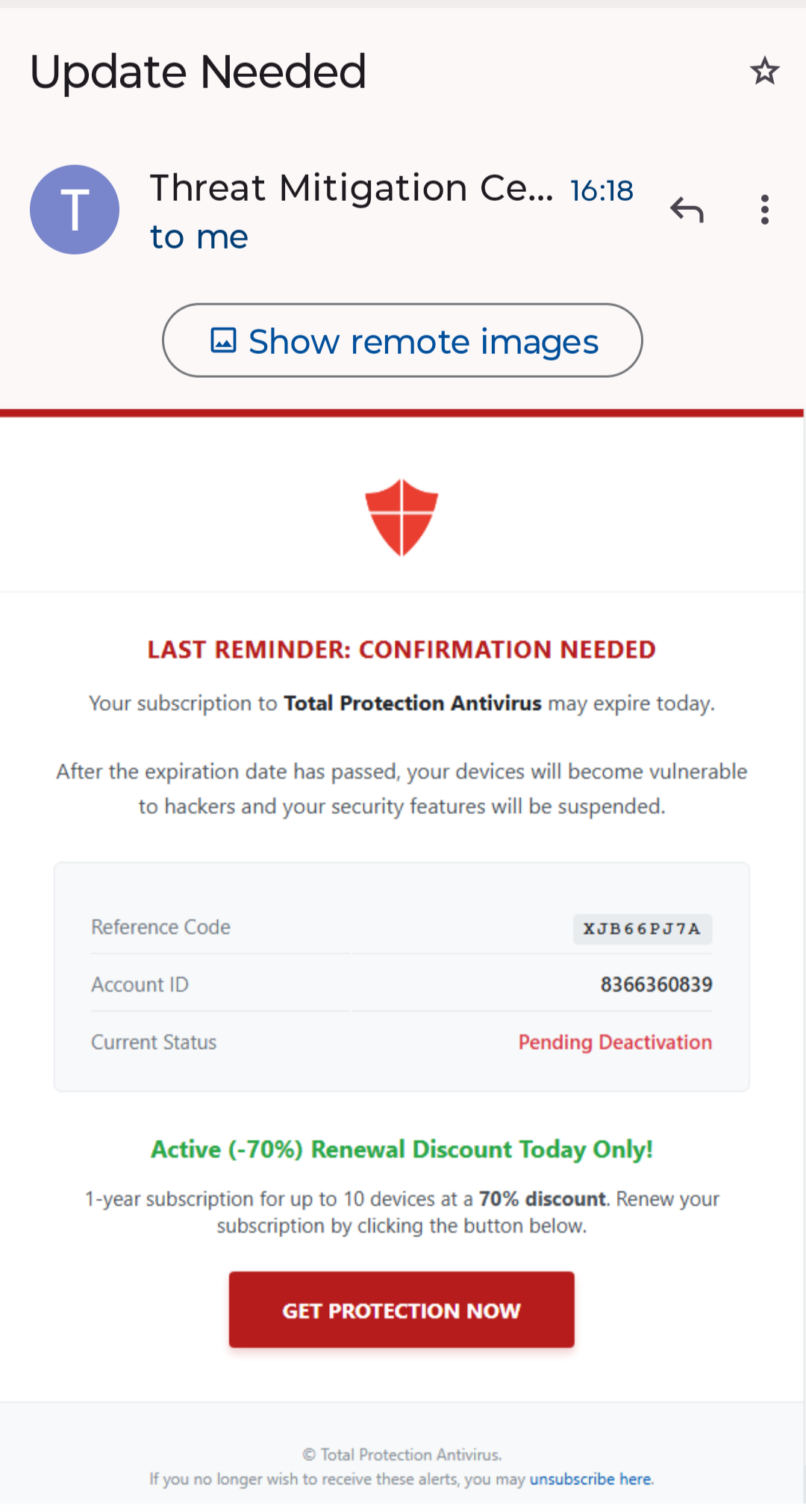
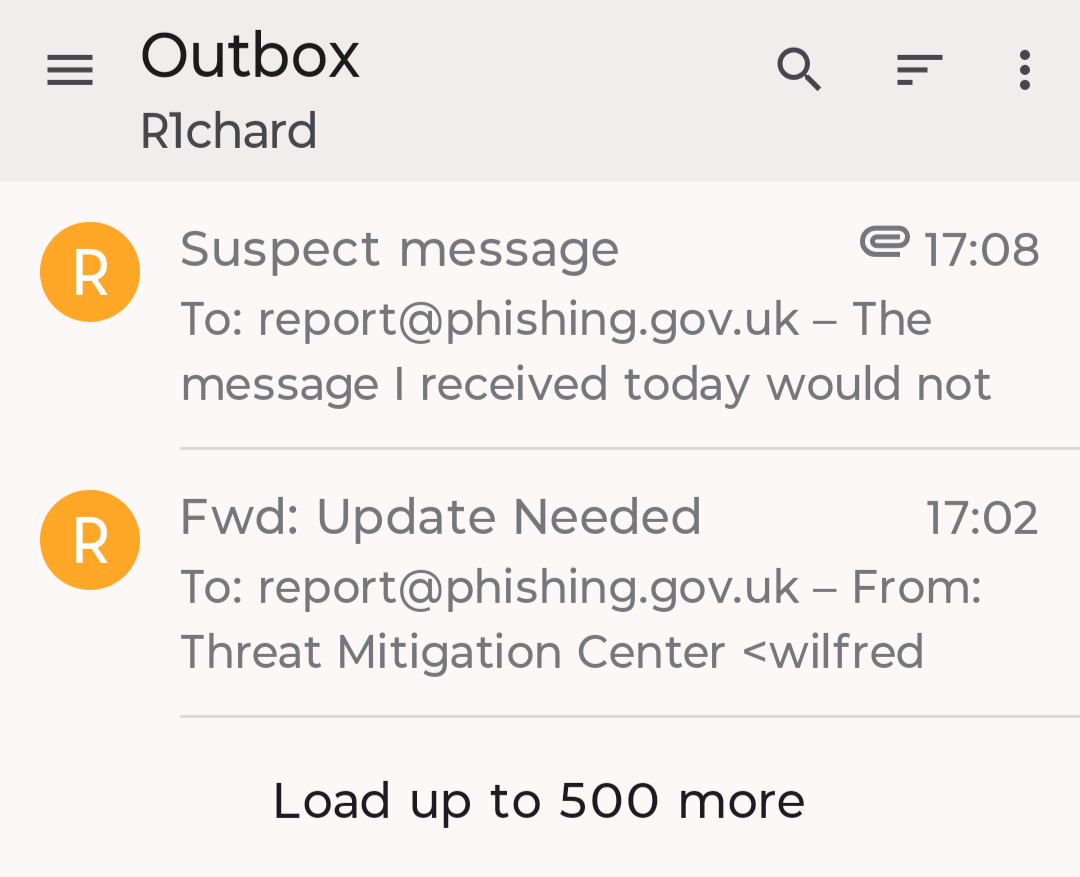
Today I received a suspicious email from wilfred.bayer.lsr8a@sewjp.jolorvex.world. When I tried to forward it to report@phishing.gov.uk, it remained in the mobile app's Outbox and a message appeared as a notification: "Failed to send a message. Reject for policy reason." Then I took a screenshot of as much of the content as I could and attached it to a new email, sending it to the same address. This too remains in the Outbox. What is the problem?
Chosen Solution
Interesting, thanks. Tempted to ask a follow-up question, but that's possibly more difficult to answer so I'll leave it there.
All Replies (4)

Your email provider will be the one refusing to send the mail, likely because it's being flagged by their spam filters. The mobile app has no filtering capabilities.
Thanks @platform34, but my email provider allowed it to arrive in my Inbox, didn't they?
Richard
I queries an AI which reports the following.
A mail provider can still deliver a spam message to your inbox while blocking the same message when you resend it because those are two different mail flows with different trust signals and filters.
Why this happens
Inbox delivery and outbound sending are judged separately. Incoming mail is scored as a message from the original sender, while forwarding through your SMTP client makes you the sender or at least makes your server the sending source, so it gets re-evaluated under different rules.
Authentication can break on resend. A forwarded or resent message may fail SPF, DKIM, or DMARC alignment because the message now comes from a different server or has changed headers, which can cause the destination to reject or spam it.
Your provider may tolerate incoming spam but block outgoing abuse. Providers often allow suspected spam into junk or even inbox as part of their filtering, but they may aggressively block outbound messages that look spoofed, bulk-like, or policy-violating.
The message content and headers may be enough to trip outbound filters. Forwarding preserves suspicious content, links, and header patterns, so the resend can look more like spam than the original inbound delivery did.
Common example
If you receive a phishing email, your provider may still place it in inbox or junk because it arrived as an incoming message from the apparent sender. But when you forward it via SMTP, the recipient’s mail system sees a new message sent from your account or server, notices authentication mismatch or suspicious headers, and blocks it.
Chosen Solution
Interesting, thanks. Tempted to ask a follow-up question, but that's possibly more difficult to answer so I'll leave it there.