


Access Denied on more and more Web sites

I have emptied cache, reset everything and I still get
Access Denied You don't have permission to access "http://www.cabelas.com/home" on this server.
Reference #18.cdd11102.1773077261.fdc87252
https://errors.edgesuite.net/18.cdd11102.1773077261.fdc87252
This is from Cabelas.com but I am getting it more and more from other web sites. American Airlines, Delta.com, etc. I accessed the help and did all the steps about fingerprinting and turning off "enhanced tracking protection" and nothing helps. Any ideas? Don't like the idea of using Chrome or Edge, but Firefox is almost unusable for me now. If I have to keep using another browser for the sites, may as well just use that one only.
Chosen Solution
But your User Agent says it's Windows 8. Make sure you are not running Firefox in Compatibility mode. You can open the Properties of the Firefox desktop shortcut from the right-click context menu. Check the Compatibility tab and make sure that the compatibility mode option is not selected. See https://youtu.be/7uG8az7TPXQ
All Replies (10)

sshelton03 said
Access Denied on more and more Web sites
Sorry, but the internet has moved on. You Win7 and 8 users have to get on a newer computer. Look at all the user with similar issues on other websites. https://support.mozilla.org/en-US/questions/firefox?tagged=windows-7&show=responded
Are you really using Windows 8 ? as most of the time I have seen threads of Firefox users on Windows 8 and not 7 or 8.1 was due to running Firefox in Windows 8 compatibility mode for some reason on Windows 10 or 11.
https://www.minitool.com/news/how-to-run-a-program-in-compatibility-mode.html
If you then do an internal Firefox update you will likely get updated to the current Firefox 140.8.0esr. If you prefer to have the current Firefox 148.0.2 Release then see https://www.firefox.com/download/all/
FYI, I have been on Windows 11, completely updated, for years. My Firefox is completely updated also.
I appreciate you attempting to help, but believe it's time to move to Chrome.
Thanks
Chosen Solution
But your User Agent says it's Windows 8. Make sure you are not running Firefox in Compatibility mode. You can open the Properties of the Firefox desktop shortcut from the right-click context menu. Check the Compatibility tab and make sure that the compatibility mode option is not selected. See https://youtu.be/7uG8az7TPXQ
TyDraniu, thank you!! I checked and you were correct. That capability mode was set. I took that off, rebooted and my Firefox is working great.
I appreciate your help!
sshelton03 said
TyDraniu, thank you!! I checked and you were correct. That capability mode was set. I took that off, rebooted and my Firefox is working great. I appreciate your help!
Hmm I told you about the running Firefox in compatibility mode in my reply yet you ignored it?

Thank you. I started having trouble with a number of sites recently. Lowes, Home Depot, Costco etc. would open the main page and my account page but no additional pages, getting the dreaded ACCESS DENIED.
I unchecked compatibility mode as suggested and it hesitated a second but the pages now open fine. I'm using Windows 8.1, 64bit. Firefox just updated to 115.34.
Modified by BarbaraML

I have this same problem, am not running in compatibility mode, Chrome Mask has not fixed it. Is there anything else we can try? It's that same Firefox 115.34 version. I tried to roll it back to a previous version or find a previous version to download and can't do either. I tried to file a broken website complaint and it got closed automatically for some reason.
Any other ideas that could help please? Thanks!

You could try Firefox Troubleshoot Mode to see if an extension or custom setting is causing the access-denied errors. It may also help to switch Enhanced Tracking Protection from Strict to Standard for one of the affected sites and clear that site's cookies and site data. If the problem happens across multiple sites, checking whether it still occurs in Troubleshoot Mode could help narrow down the cause.
Hello
Access Denied https://support.mozilla.org/en-US/questions/1600251 Hypothesis vpn
https://support.mozilla.org/en-US/questions/1573883 Other Access Denied and test User Agent Switcher https://addons.mozilla.org/firefox/addon/uaswitcher
Discussions https://connect.mozilla.org/t5/discussions/thanks/td-p/134536
As for me, i installed Linux, in dual-boot with Windows7
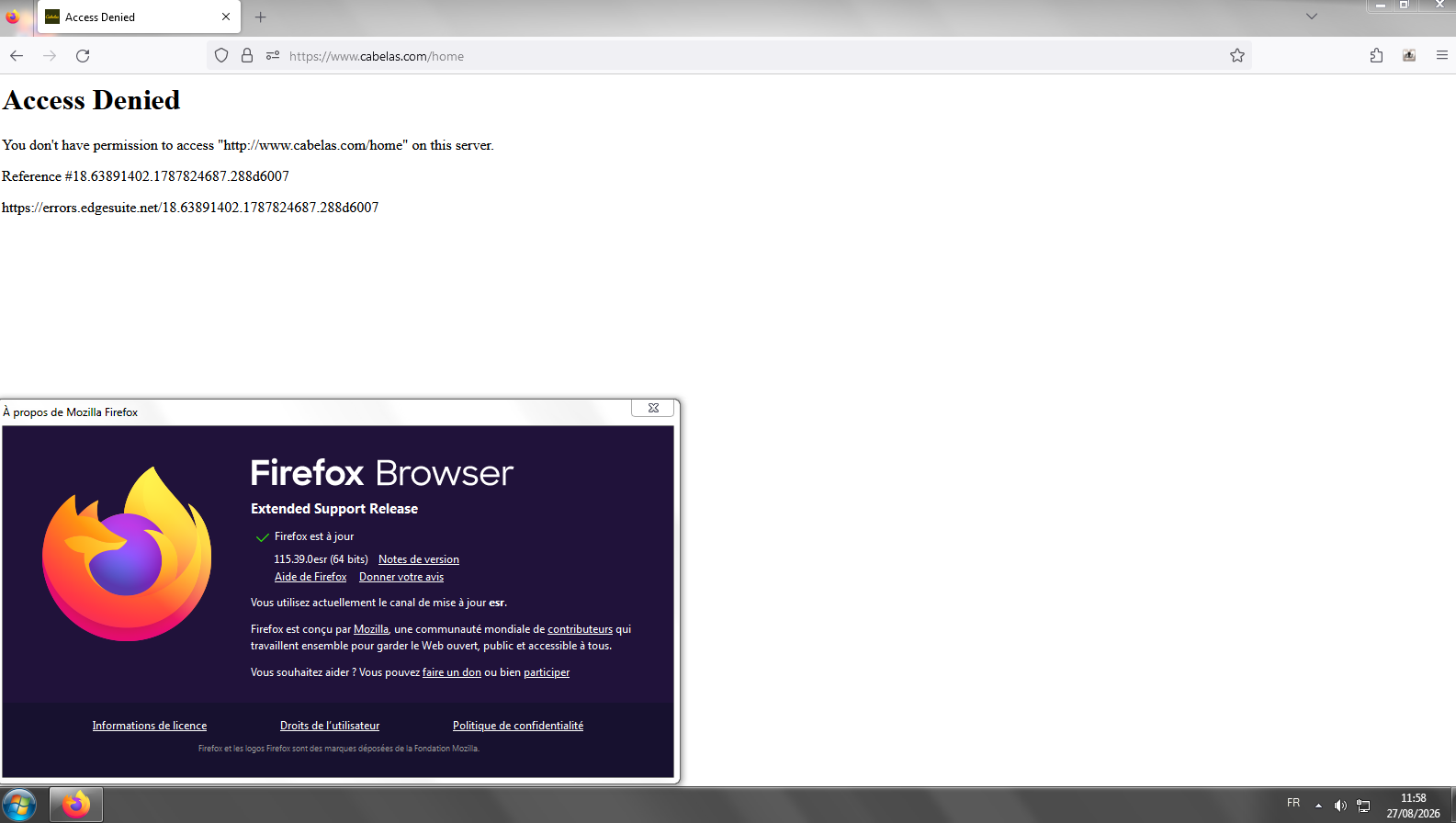
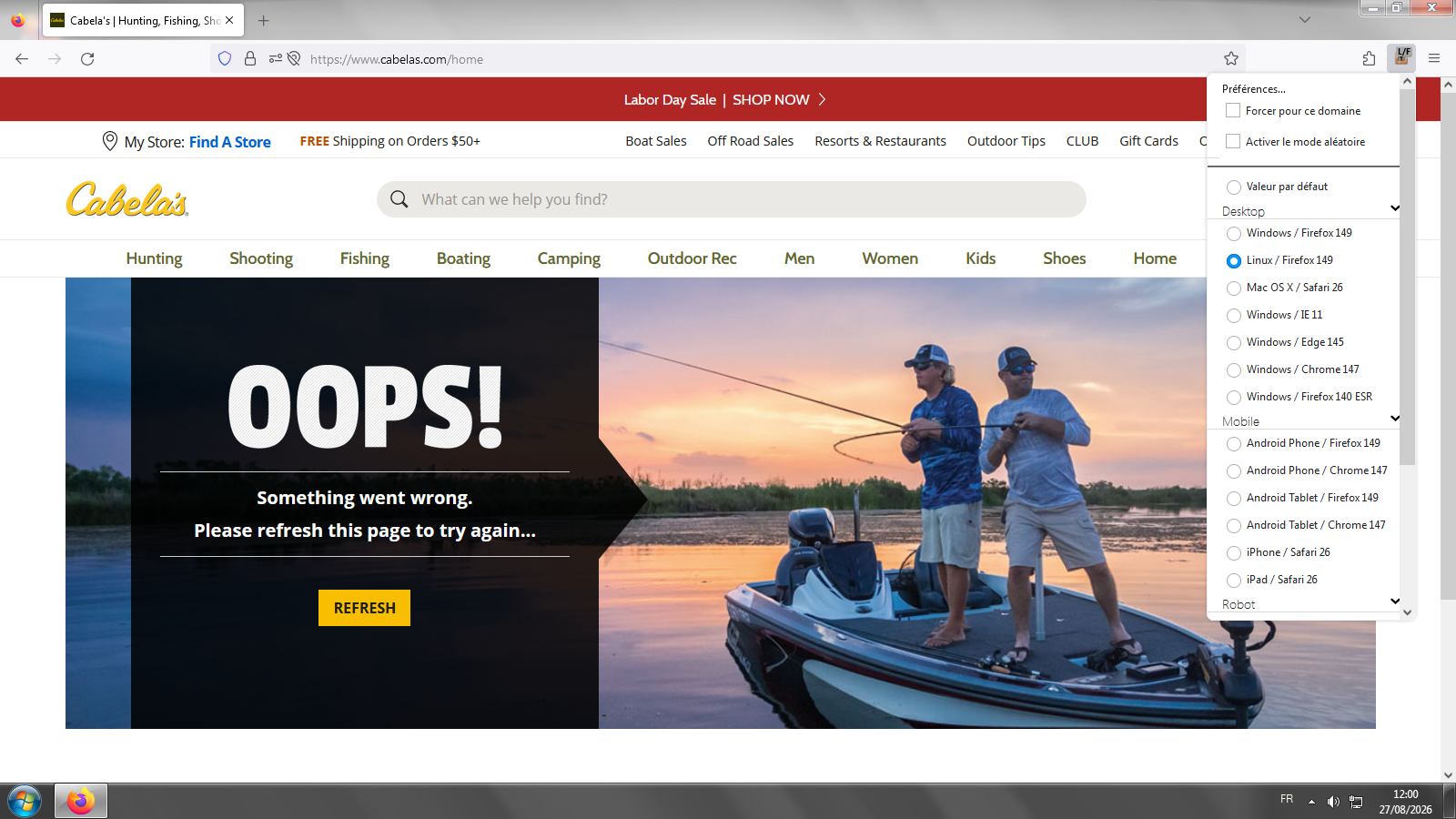
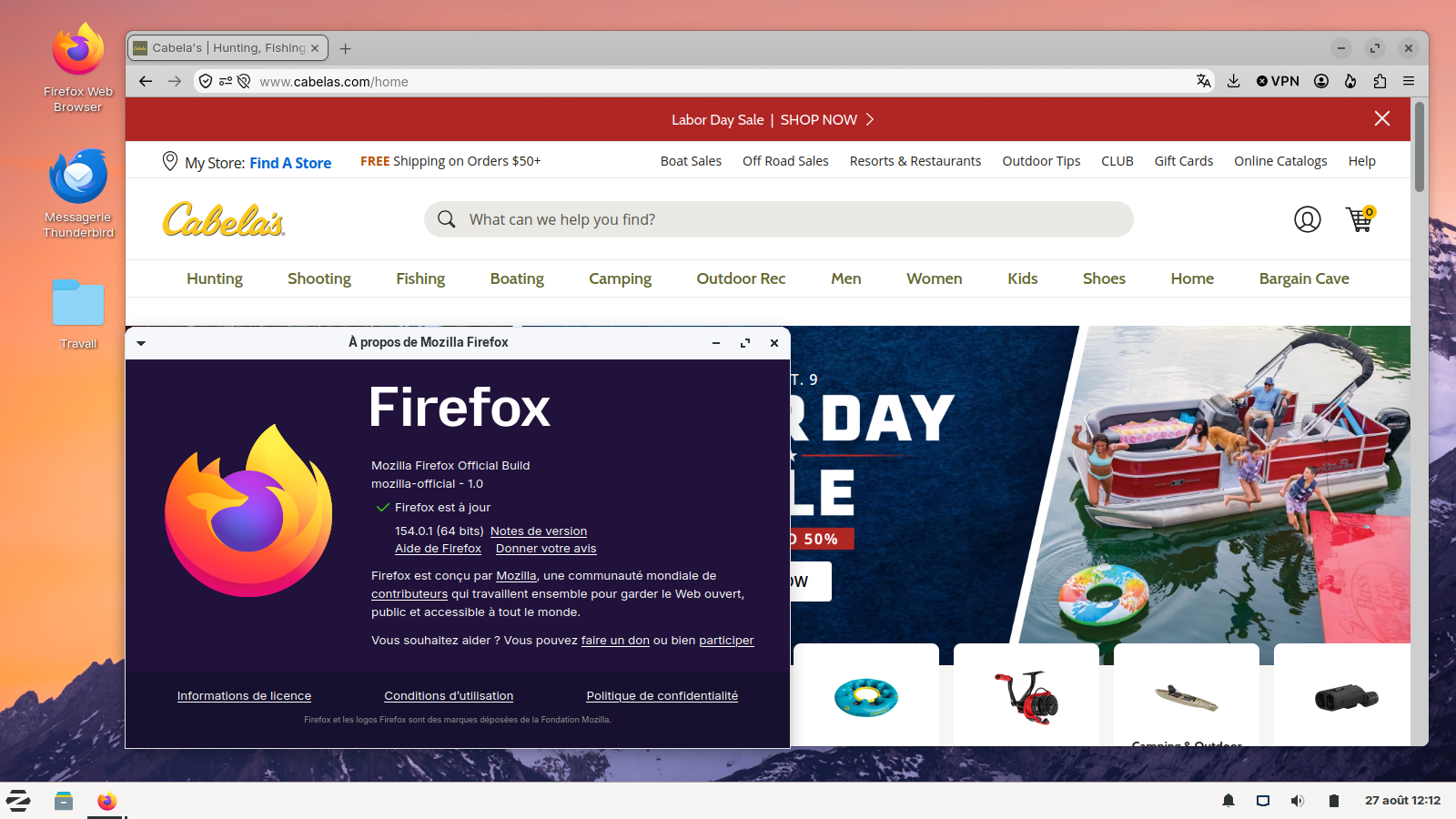
Modified by Agent virtuel