


I can't fullscreen Youtube the right way anymore!

So, recently, whenever I try to fullscreen Youtube videos using FireFox, the toolbar will continue to show. I've toggled the visibility and whatnot, but it continues to show. It never does this with other browsers and it just recently started doing this. It's like it's almost fullscreen, but the toolbar is sticking out. Every so often it won't do this and go fullscreen the right way, but I just wanna know how to make it stay consistent.
All Replies (5)
You didn't said which toolbar is sticking out.. Your toolbar is probably being regulated by some adon, and that addon is not updated for html5, therefor it "sticks out"
Youtube now forces html5 instead of flash.
Are you using the HTML5 media player or the default (Flash based) player?
cor-el said
Are you using the HTML5 media player or the default (Flash based) player?
cor-el flash is no longer "default" flash player for youtube. Its also no longer available as option at youtube.They are forcing html5
I still see this button on Linux.
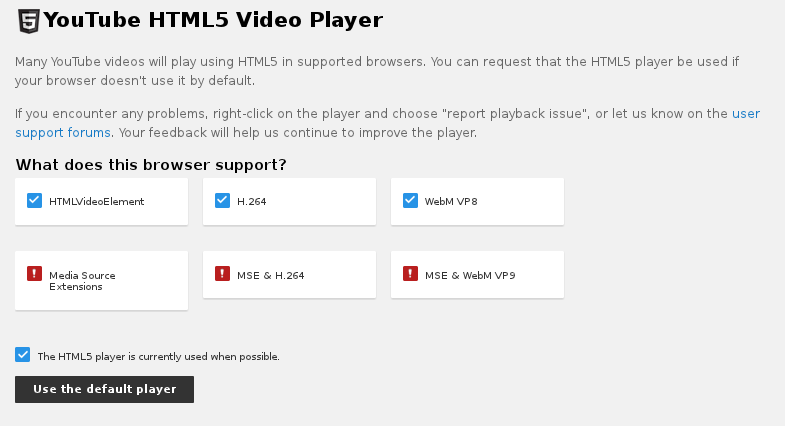
cor-el said
I still see this button on Linux.
I don't know about lin, in windows there is no such option any more.