


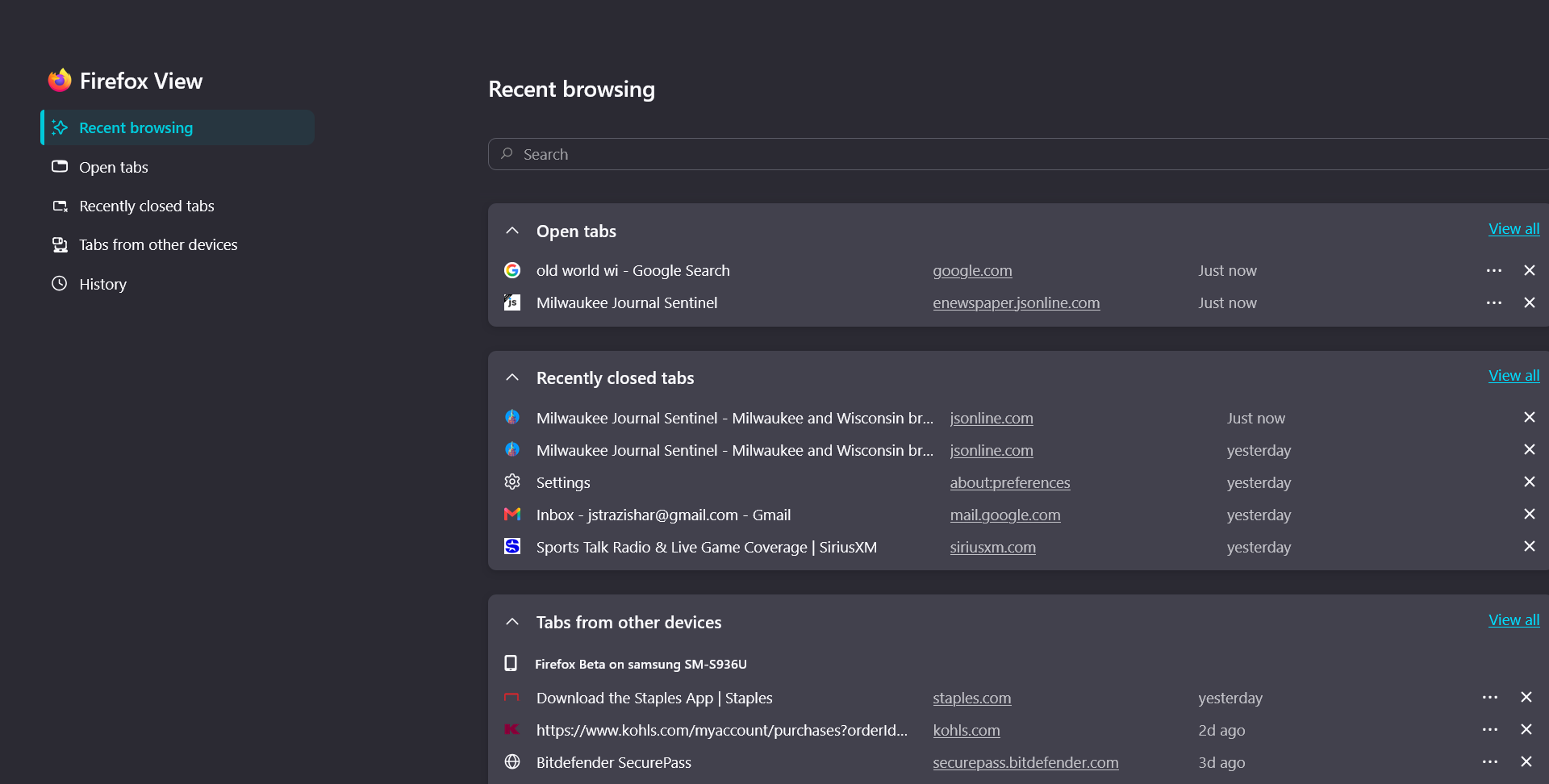
Lately when browsing, the desktop screen goes to the Firefox "Recent Browsing" page instead of the URL I asked for.
When searching for any type of URL or page on Firefox, unexpected things have been occurring. The most common action is that the Recent Browsing page opens up instead of the page I was seeking. I can get to that page by clicking the tab, but it obviously should not be happening. Sometimes, I only see a completely blank page in white or gray. Again, I can get to the page by clicking the tab. A momentary blink occurs regularly when going to a new page.
I have cleaned up any unused or unimportant extensions and add-ons, since that was suggested as one cause. So far I have not taken a suggestion to clear all cookies and cache because of all the beneficial browsing that deletes. I have also not totally deleted the Firefox app because I am not sure a reinstall of all of my bookmarks, the homescreen with my 32 preset URLs, etc. will come back.
So I am looking for advice on what steps I should take to resolve this, in order of first taking the least destructive and problematic actions. Thanks, Joe
All Replies (1)
So far I have not taken a suggestion to clear all cookies and cache because of all the beneficial browsing that deletes.
You can delete single site data and cookies, maybe for a relatively unimportant site etc.
Also have you tried the troubleshooting option?