


Missing option to show remote content for a single message

I have 'Allow remote content in messages' turned off.
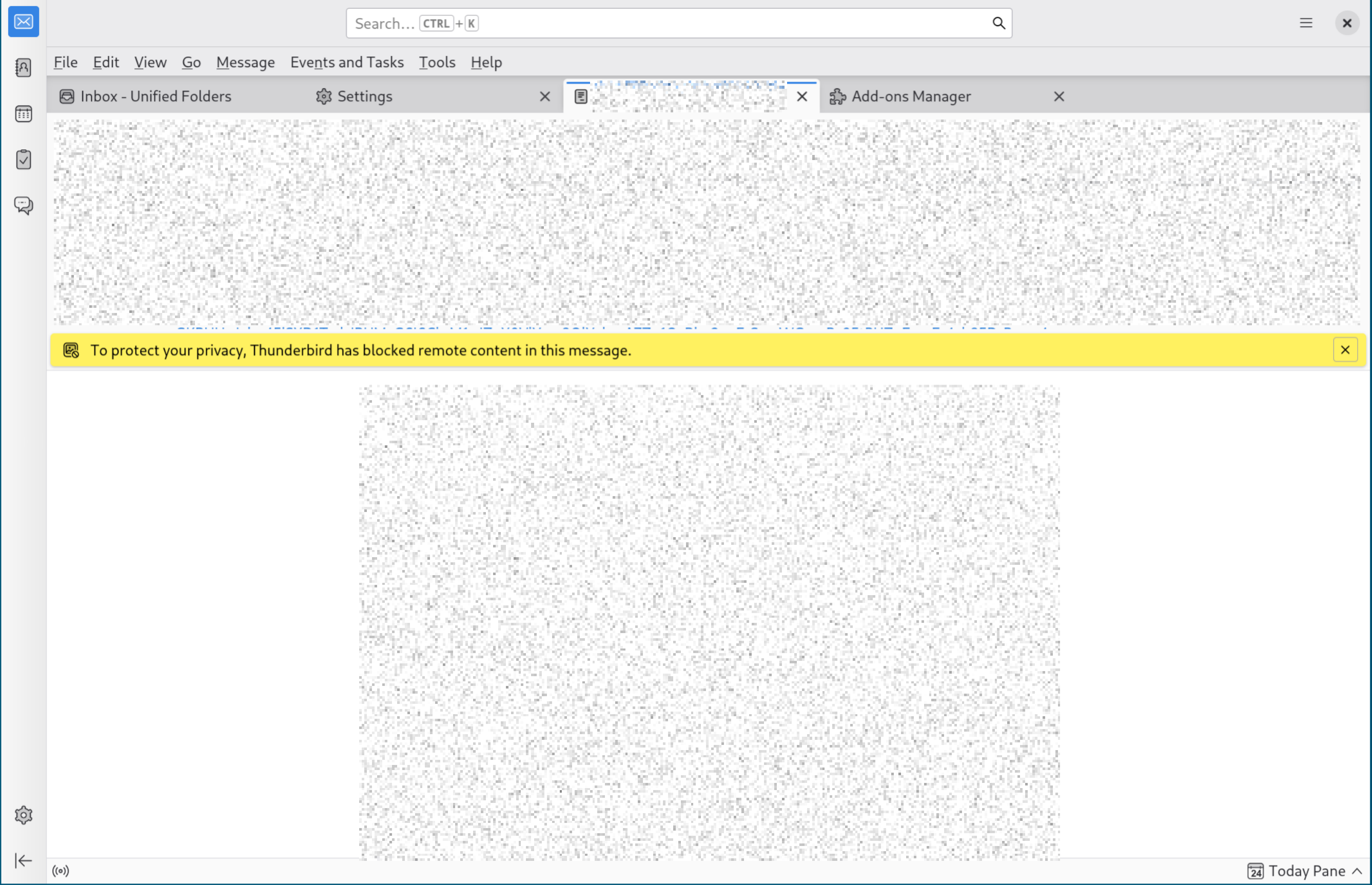
When viewing a message with remote content, I see the bar "To protect your privacy, Thunderbird has blocked remote content in this message", however the 'Preferences' dropdown described in Remote Content in Messages does not exist...
I want to show remote content for a single message, but this seems impossible!
What am I doing wrong?
All Replies (2)

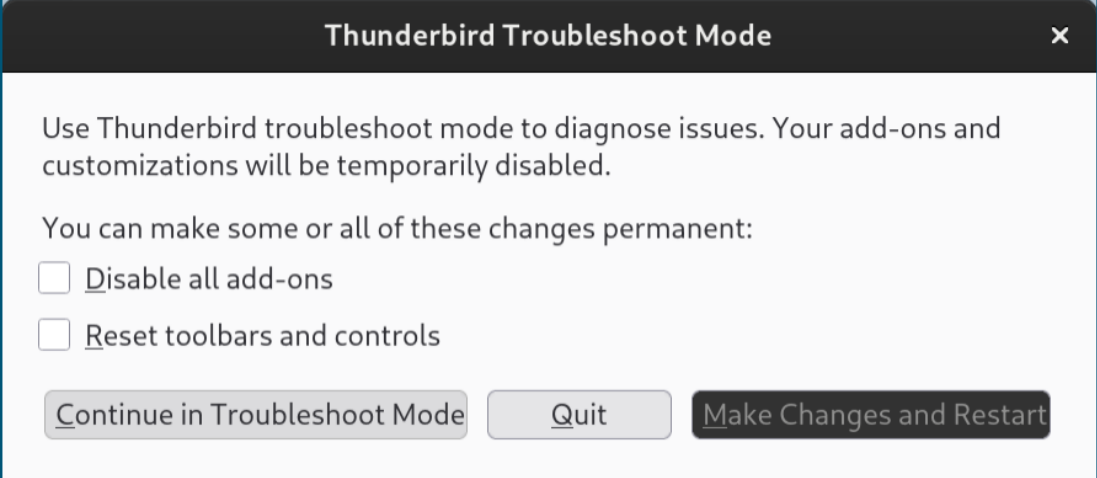
In this case, you'd be looking for an "Options" button, not "Preferences"... but you're missing that one, too! What happens when you restart Thunderbird in Troubleshooting Mode (see menu option <Help | Troubleshooting Mode>)? This will, among other things, temporarily disable all add-ons in case one of them is misbehaving.
The help article Remote Content in Messages describes and shows a screenshot of a "Preferences" button not an "Options" button, but yes I am missing any button at all.
I restart in Troubleshooting Mode (without ticking the boxes to make the changes permanent), but I still don't see any button/drop-down in the 'To protect your privacy...' banner. I still see the same thing as the first screenshot I uploaded.
I have tried re-installing Thunderbird but this has not helped.
Modified by sedation_fame329