


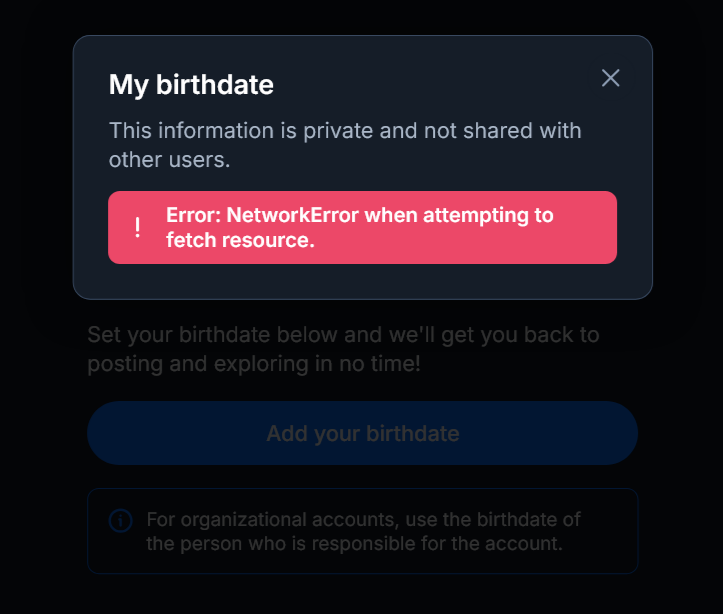
Since latest update can't access Bluesky (claims no internet) on PC, but allows it in private browsing.

I access Bluesky (bsky.app) for business on my PC. Since the last update, I've been unable to access Bluesky from my regular Firefox browser. I can using other browsers, the mobile app, and, oddly, in Firefox private browsing. I've cleared my browser history, cookies, etc. I restarted the computer. I logged out of Bluesky (and now can't log back on the regular PC account because it claims I'm not connected to the internet). Yet, I had no trouble logging in using private browsing.
I've looked through settings, etc. and can't figure out what could be limiting my ability to access this website.

Chosen solution
Thanks ...
Played with some extensions and found No Script was the problem. It wasn't showing that it was blocking the site, which had permissions previously.
Read this answer in context 👍 0All Replies (3)
Hi megheitz,
Can you try to disable Enhanced Tracking Protection in Firefox for desktop and see if it help?
Chosen Solution
Thanks ...
Played with some extensions and found No Script was the problem. It wasn't showing that it was blocking the site, which had permissions previously.
Thanks for reporting back here with the resolution. I just marked your answer as the solution to help others with similar issue.