


Profiles not showing correctly and cannot edit

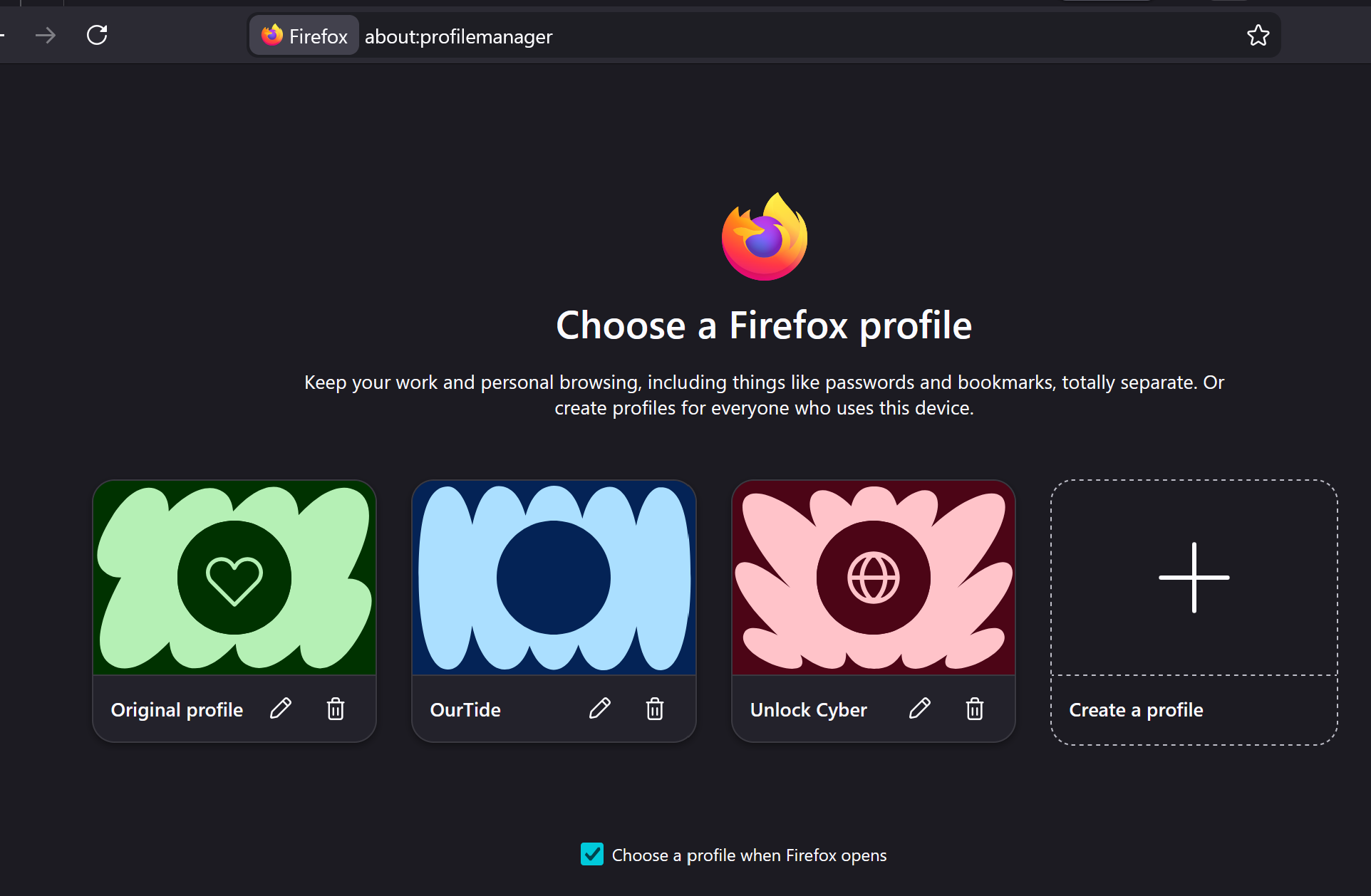
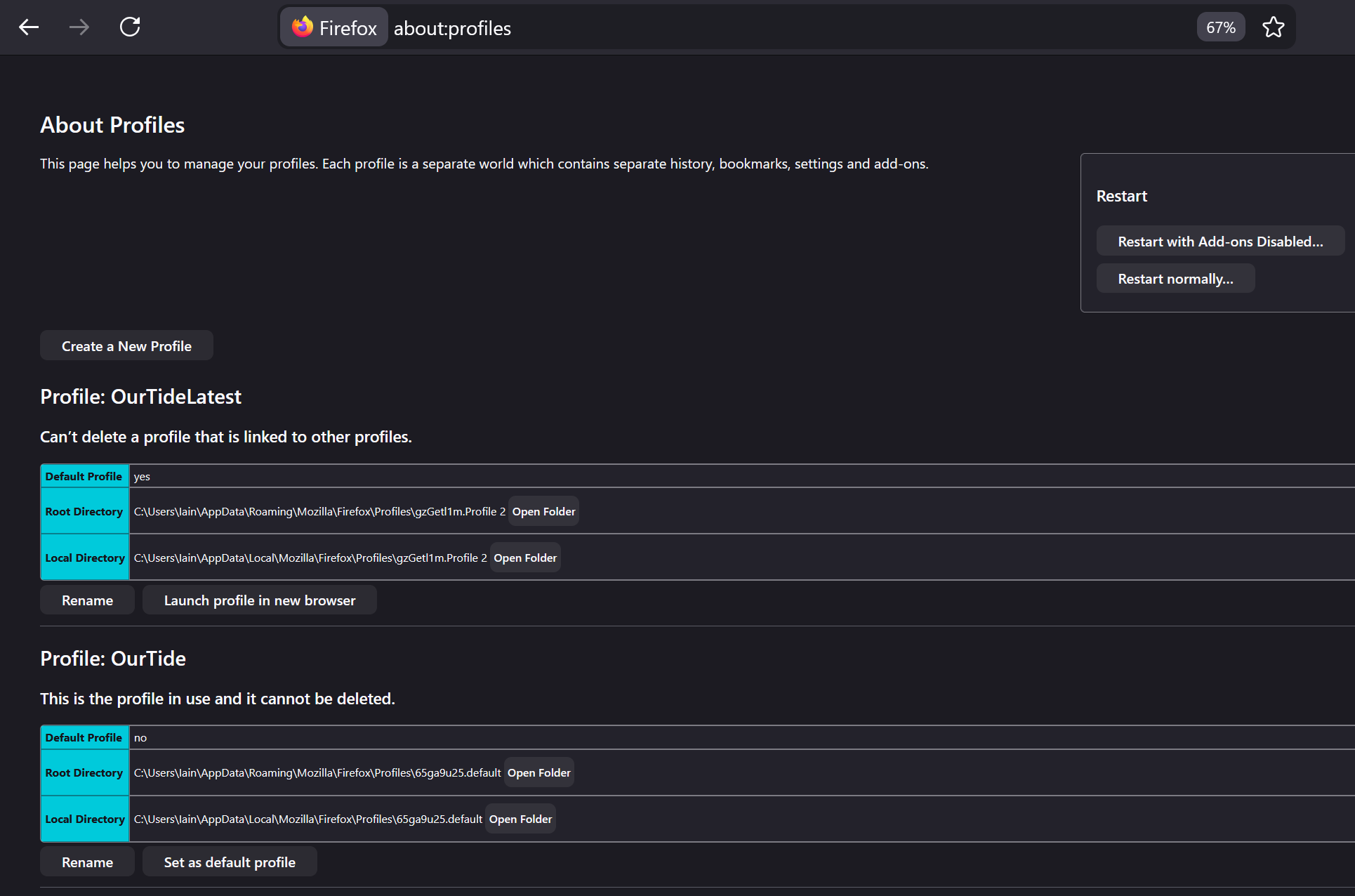
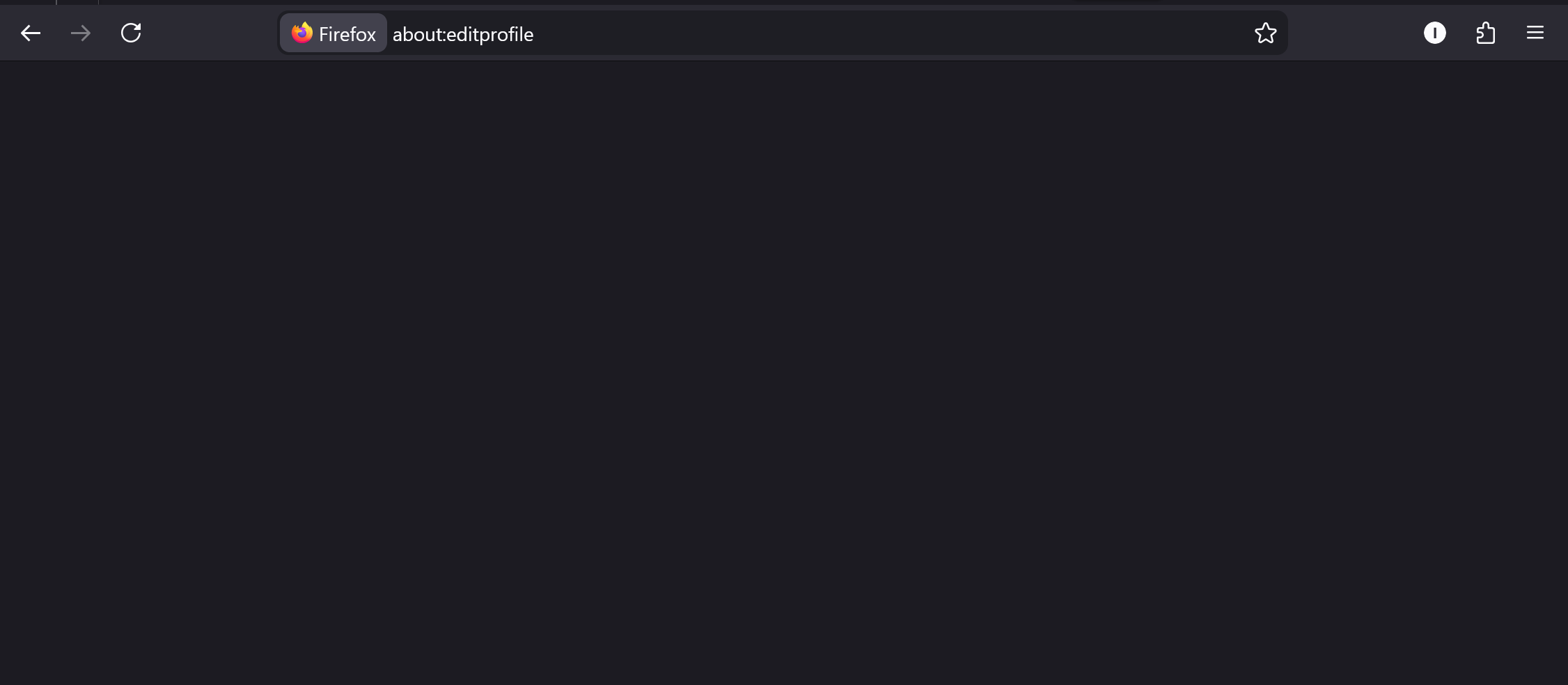
Hi, I'm running FF 149.0 (64-bit) on Windows 11. I've used profiles for a while now and on several occassions I've "lost profiles". Currently I have three profiles which I set up and edited the icon and colour associated with each. When I launch FF I see the Profile Manager and can select any of the three and I can create a new profile which shows here. However, once in any one of the FF profiles I don't see the others - by which I mean that when I go via the hamburger lines top right and click on the current profile, the 'other profiles' section is blank. I also cannot edit the profile from using the edit pencil top right (after clicking the hamburger lines and clicking on the current profile), it takes me to about:editprofile but the page is completely blank. Confusingly, if I go to about:profiles I see two profiles, neither of which shows up in the Profile Manager! I'm going round in circles trying to understand where to edit my exisitng profiles and make sense of the five profiles that don't all show up in the same place!
All Replies (1)
Hey there - I'm sorry you're having problems with your profiles. I'm familiar with the profiles code and hopefully I can help you figure out what's going on.
First, while it's a bit confusing, note that the new multiple profiles feature is not really designed to be managed using about:profiles. So, don't worry about the about:profiles listing for now.
Also, just to narrow down what's going on - have you recently manually moved/migrated any of the three profiles (original profile, ourtide, unlock cyber) shown in the first screenshot? Or, have you recently edited profiles.ini by hand? (Edited to add: have you recently migrated your user account to a new device?)
Are you able to actually launch all three of those profiles successfully from the profile selector window shown in the first screenshot? For whichever profiles you can launch, if you go to about:config, what is the value in each profile of the `toolkit.profiles.storeID` pref?
Modified by Jared Hirsch