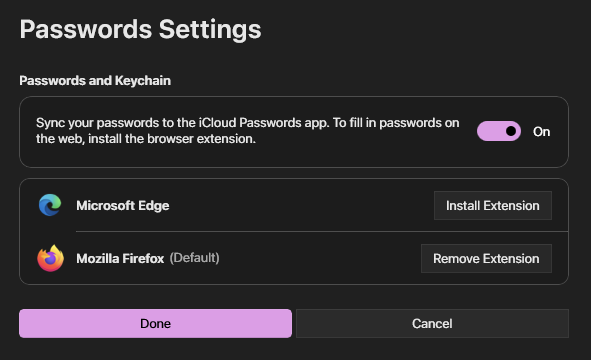
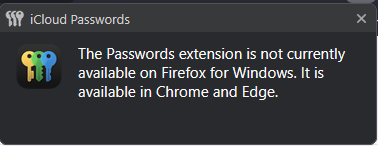
iCloud Password doesn't work properly
When I trying to fill login in web forms with iCloud Password, it shows error (screenshot is addded). How to fix it?
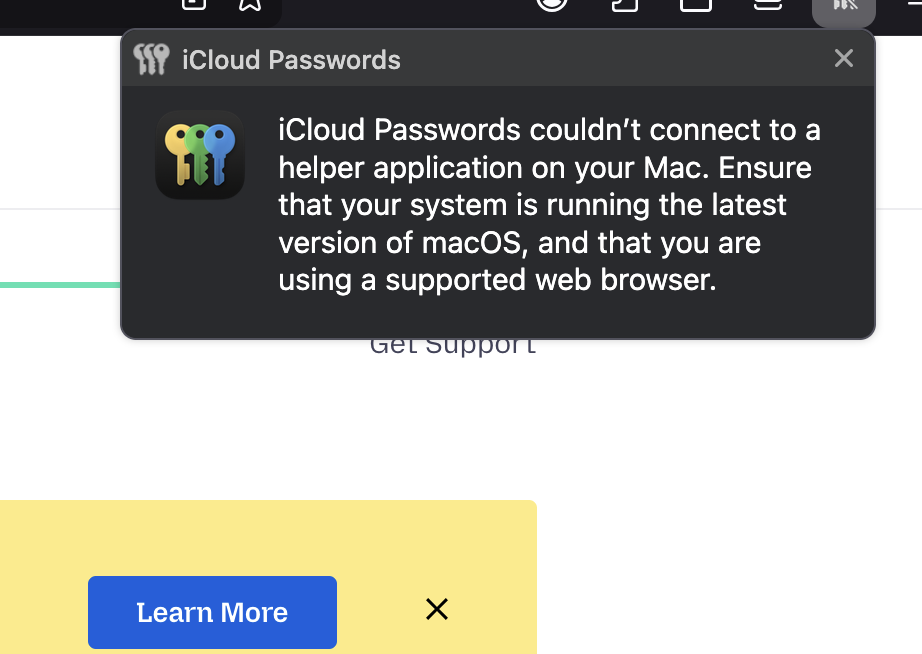
All Replies (4)

Did you try with Firefox in Troubleshoot Mode? https://support.mozilla.org/en-US/kb/diagnose-firefox-issues-using-troubleshoot-mode#w_how-to-start-firefox-in-4troubleshoot-modesf5safe-modesf
Did you clear your browser cache? https://support.mozilla.org/en-US/kb/clear-cookies-and-site-data-firefox
Yes, I have, but it didn't help.
I would try removing your login info from keychain, reboot, and try again.

I'm having this issue too. I don't know what caused it. I literally reinstalled it all and used the Icloud install extension, via the icloud app on windows, and nothing. and it still gives me this.
This happened on a recent update too... I wish there was a way to go back on there because the updates end up being more of a breaking things vs fixing things...
What can be done to get this corrected?