


Debian installation instructions are wrong

Hello, the official mozilla page instructions for how to download Firefox for Linux (Debian 13) is wrong, it fails on Step 3 saying that the key verification is incorrect thus I have not tried the steps after 3.
I know Debian 13 comes with Firefox ESR but from my research this is packaged and maintained by Debian, I would prefer it if all my eggs were not in one basket and I actually had the real source maintainer updating my browser aka Mozilla.
I don't know what else to say, it is just incorrectly written or something, because Brave Browsers installation instructions are SOO much better and simpler, super easy works 10/10 times, and it's way fewer commands.
Please help, thanks!
All Replies (5)
Hi
I have tried them myself (some time back) and they seemed to work fine. Are you still able to install Firefox from a tarball following that support article?
Paul said
Hi I have tried them myself (some time back) and they seemed to work fine. Are you still able to install Firefox from a tarball following that support article?
If you mean downloading the file as if one downloads an exe on Windows? I have not tried because from what I understand it will not update automatically thus I don't see the point.
DR said
Paul said
Hi I have tried them myself (some time back) and they seemed to work fine. Are you still able to install Firefox from a tarball following that support article?If you mean downloading the file as if one downloads an exe on Windows? I have not tried because from what I understand it will not update automatically thus I don't see the point.
It works. I have all Firefox versions and Watefox running from my downloads folder for 4yrs and they update normally. see screenshot
Try downloading Firefox from Mozilla. Download, unzip, and run firefox-bin from the folder and see if you have the same issue. https://www.mozilla.org/en-US/firefox/all/#product-desktop-release
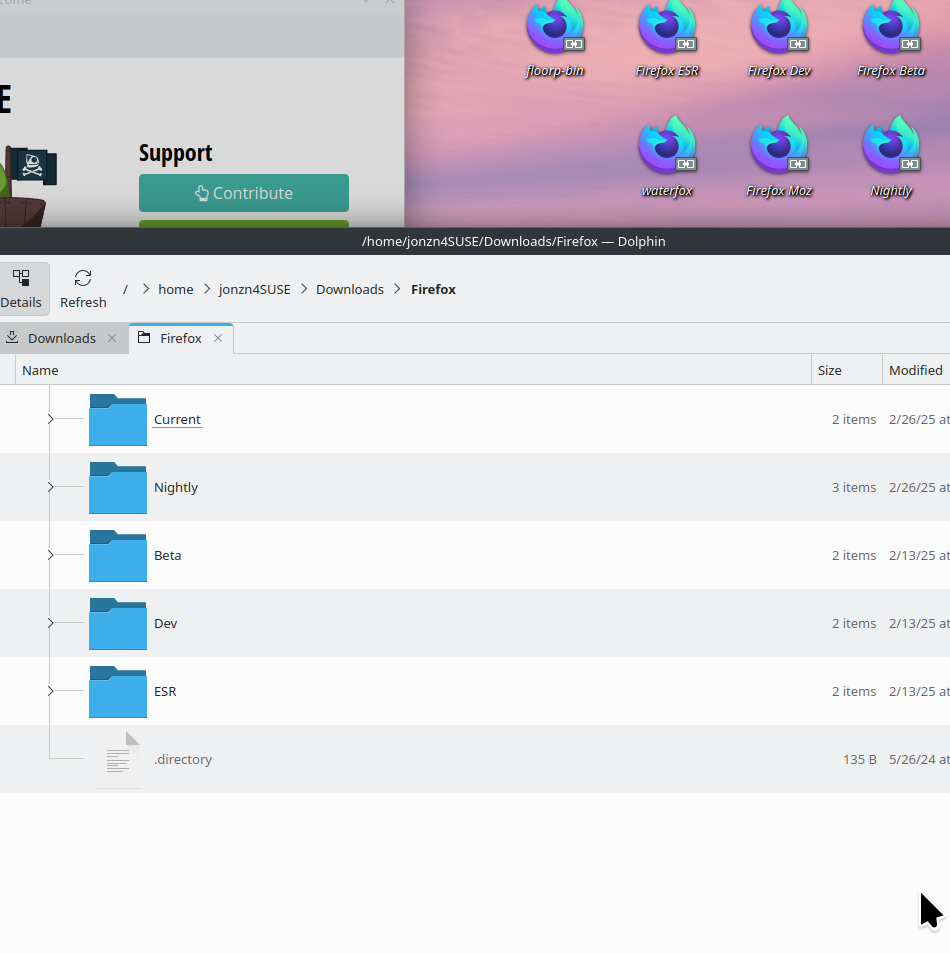
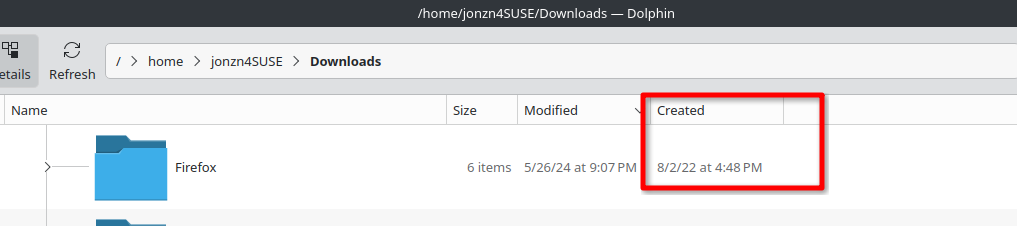
Modified by jonzn4SUSE
DR said
Paul said
Hi I have tried them myself (some time back) and they seemed to work fine. Are you still able to install Firefox from a tarball following that support article?If you mean downloading the file as if one downloads an exe on Windows? I have not tried because from what I understand it will not update automatically thus I don't see the point.
The Linux version of Firefox from Mozilla gets internal updates from Mozilla just like the macOS and Windows versions do. You just need to make sure the Firefox folder has read/write permissions for the user. If you are the only user then a easy way is to have the Firefox folder in Home.
The tarballs version from Mozilla has the advantage because the downside of package builds is once a version of a Linux distro is EOL in software updates support you may then be stuck with a old version of Firefox due to no more package updates. Sure you probably should update your Linux distro to a current version at this point but at least you can keep Firefox updated.