


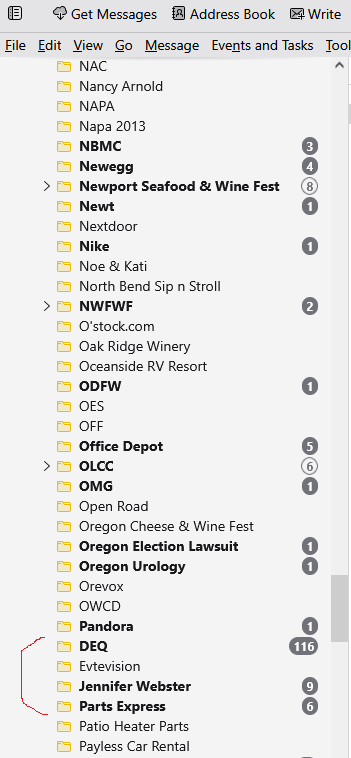
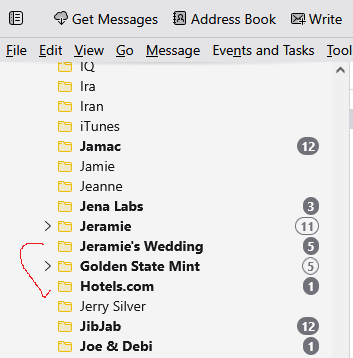
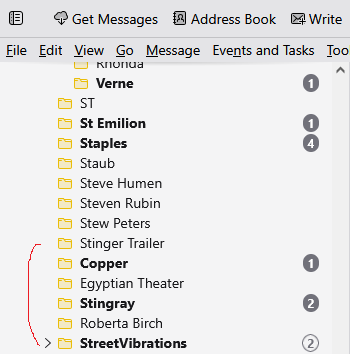
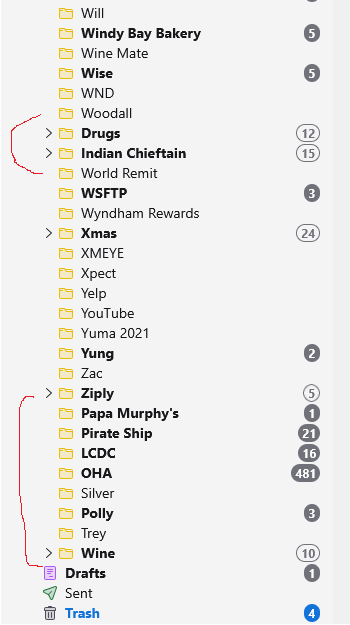
Email is misplacing folders out of alphabetical order.
I'm finding that folders under my email heading are missing, until I find them completely out of alphabetical order. Then I move them to where they belong, and a day later they are somewhere else. How to correct this?
All Replies (2)

Chosen Solution
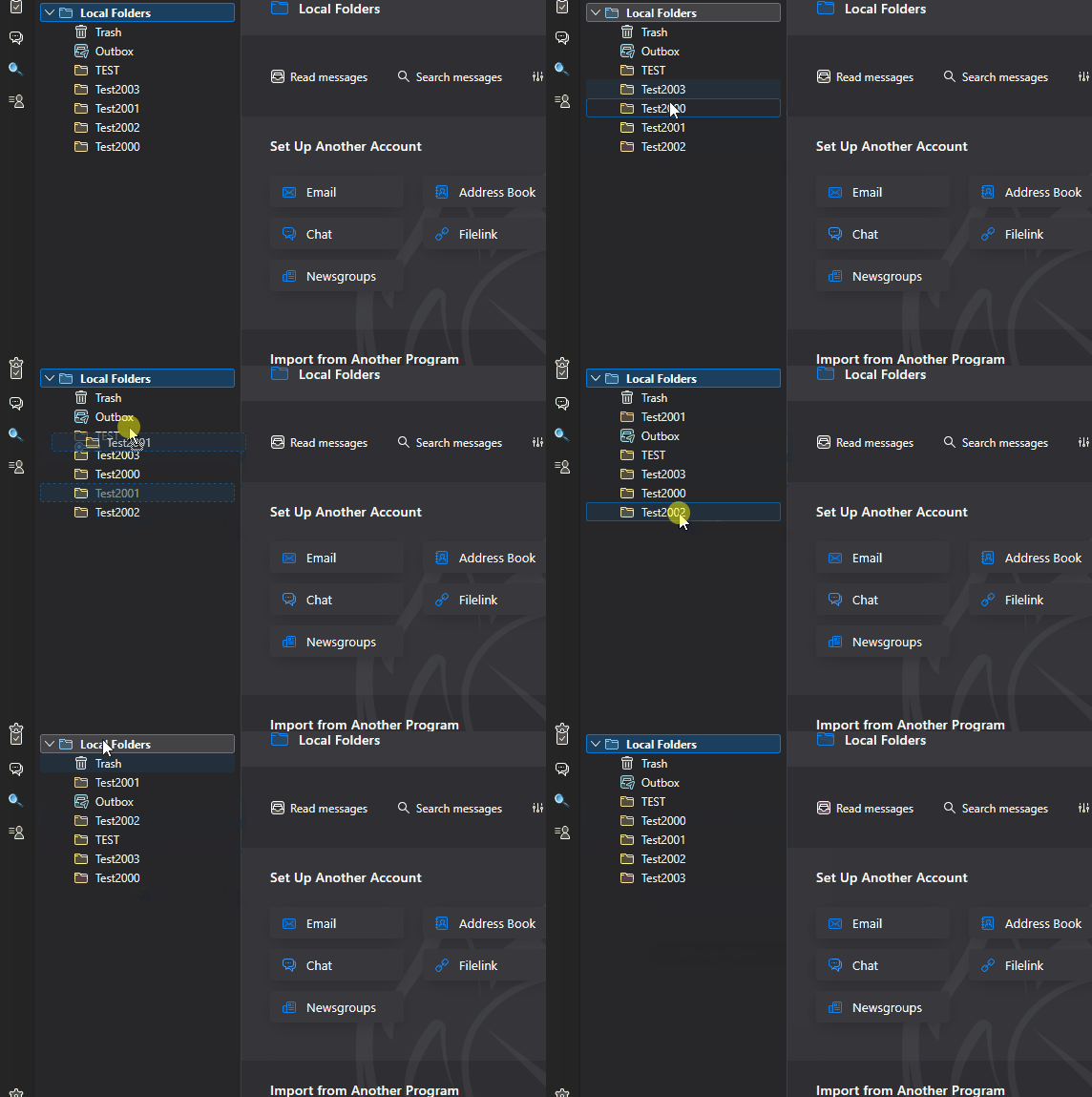
If you're using Thunderbird version 140.x.xesr, you can drag-and-drop the folders in the folders list page to any order you like. But be careful! It's a delicate operation and it's easy to drop a folder into another folder rather than between them.
If you're using version 147 or later, there's a right-click context menu that will Reset Folder Order alphabetically. See the attached animated image:
Lin, THANK YOU!!! I already knew about the grab and move part. That was frustrating to have to do. But I did not know about the reset folder order part. You have saved me about an hour a day.