


Disable "Use Alternatie Text" permanently?
There surely must be a way to permanently disable the nag for "Alternate text" when editing an image in an email? I don't want it, need it, use it... There use to be an extension for it, but that is obsolete by now. Can it be done in the Config editor?
There surely must be a way to permanently disable the nag for "Alternate text" when editing an image in an email? I don't want it, need it, use it... There use to be an extension for it, but that is obsolete by now. Can it be done in the Config editor?
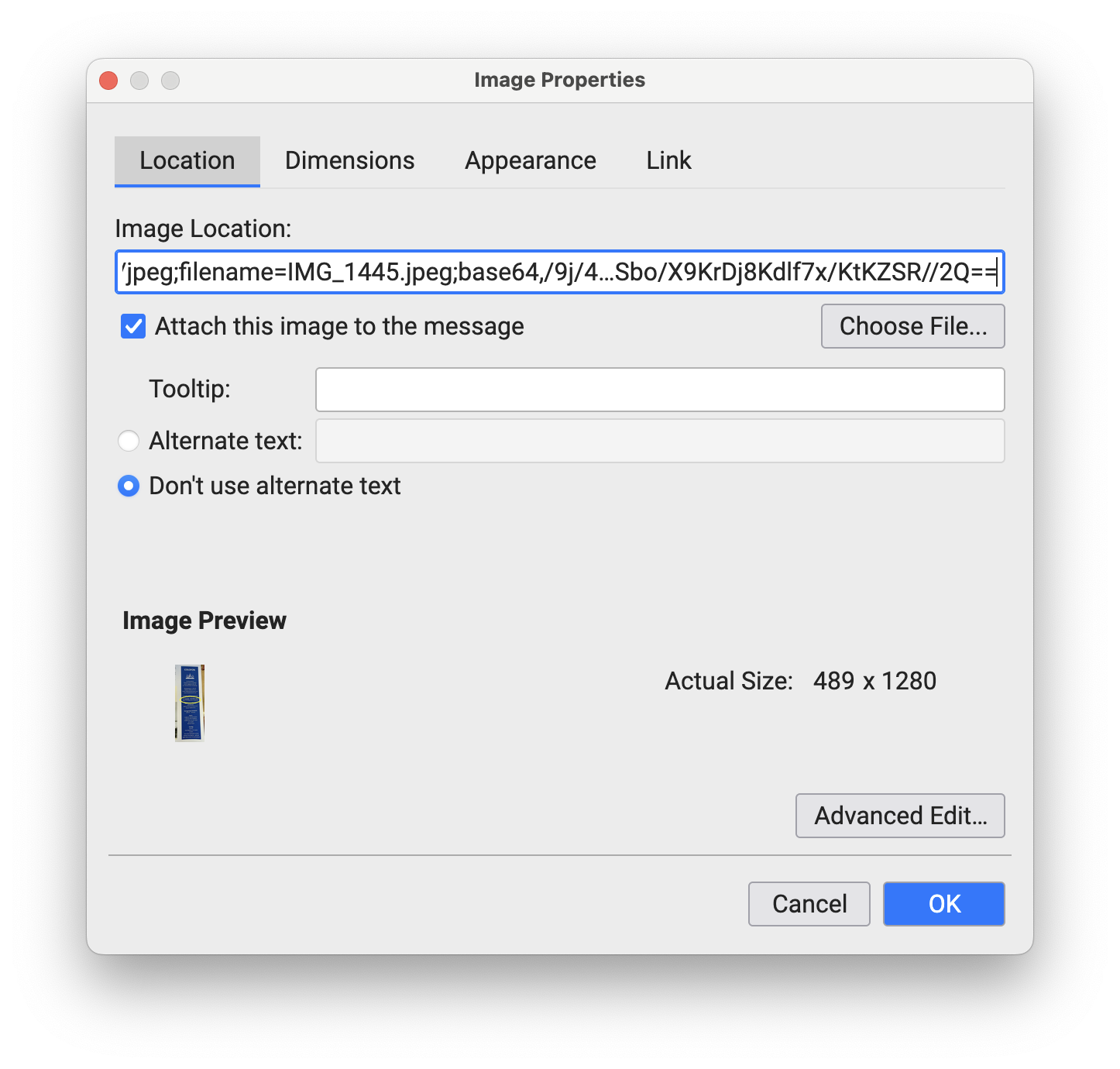
Chosen solution
Try setting this to false: layout.css.content.alt-text.enabled
Read this answer in context 👍 0All Replies (1)
Chosen Solution
Try setting this to false: layout.css.content.alt-text.enabled