


Solved
Extra tabs

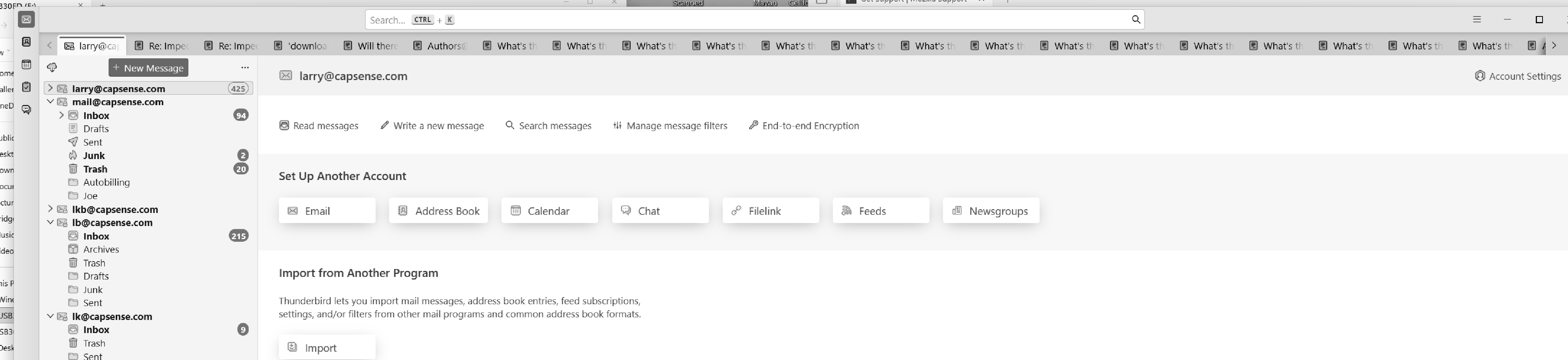
Very large number of extra tags on all pages, can't remove them.
Very large number of extra tags on all pages, can't remove them.
Chosen Solution
R-click on the Mail tab in the left corner and select "Close Other Tabs" in the context menu

Modified by Mapenzi
All Replies (5)
Hi Larry,
What are you referring to?
Look at the .jpg, up at the top, lots and lots of tags. Most say "What's...:. I can delete one by one, but I never come to the end... ...Larry
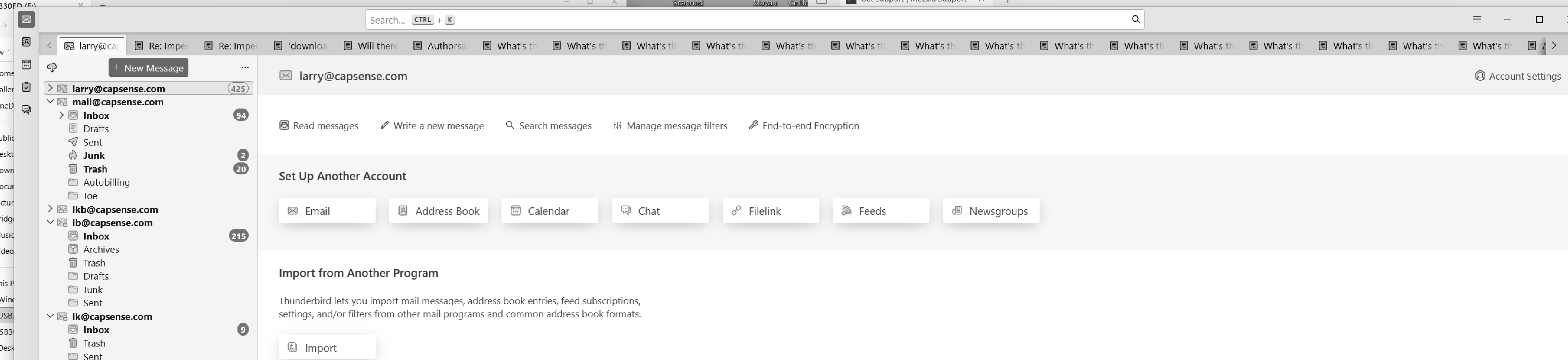
Got it, thank you for clarifying. What app is it, though? Does not look like Firefox to me.
Thunderbird.
Chosen Solution
R-click on the Mail tab in the left corner and select "Close Other Tabs" in the context menu
Modified by Mapenzi