


Firefox not recording history at all?

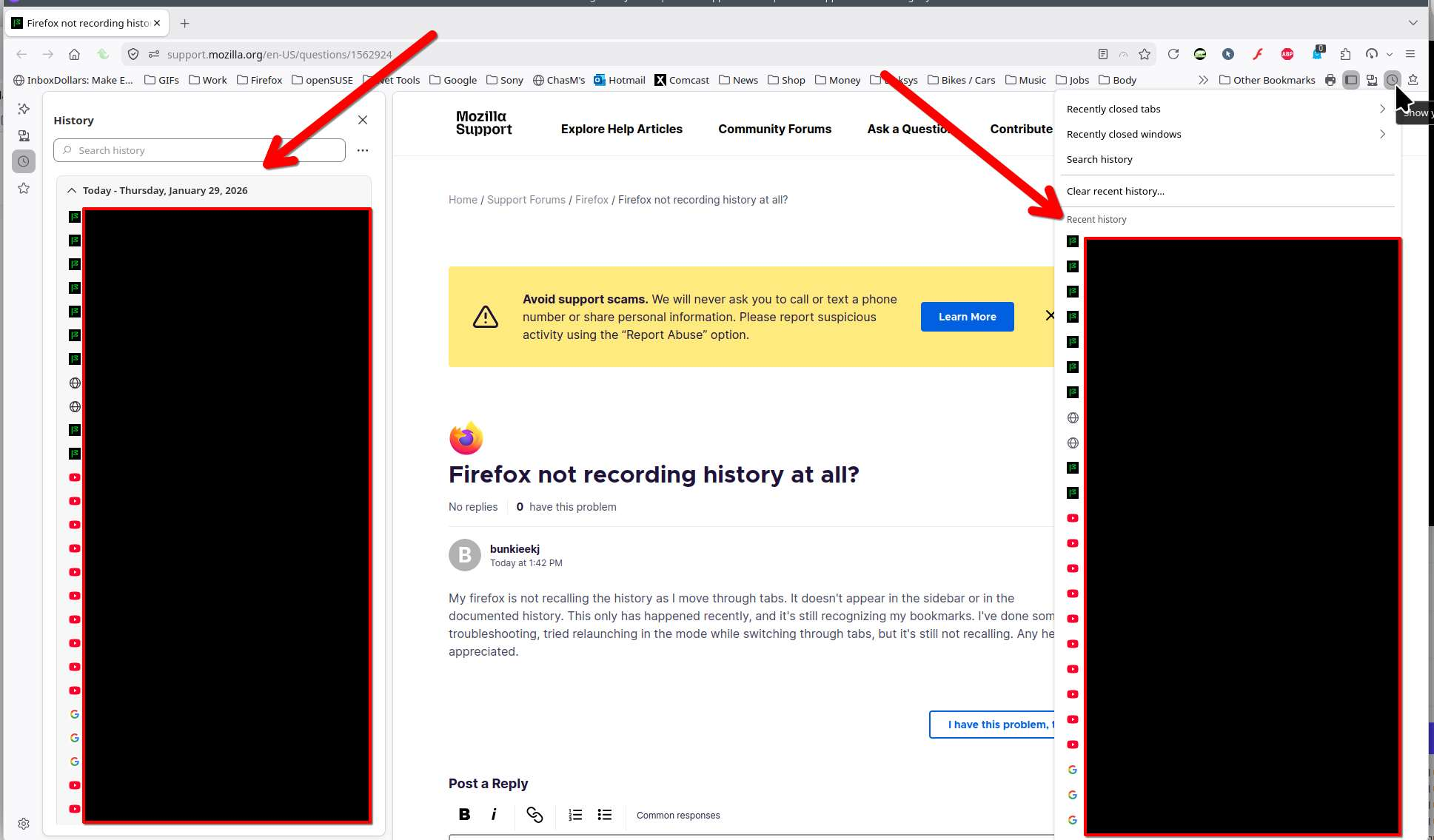
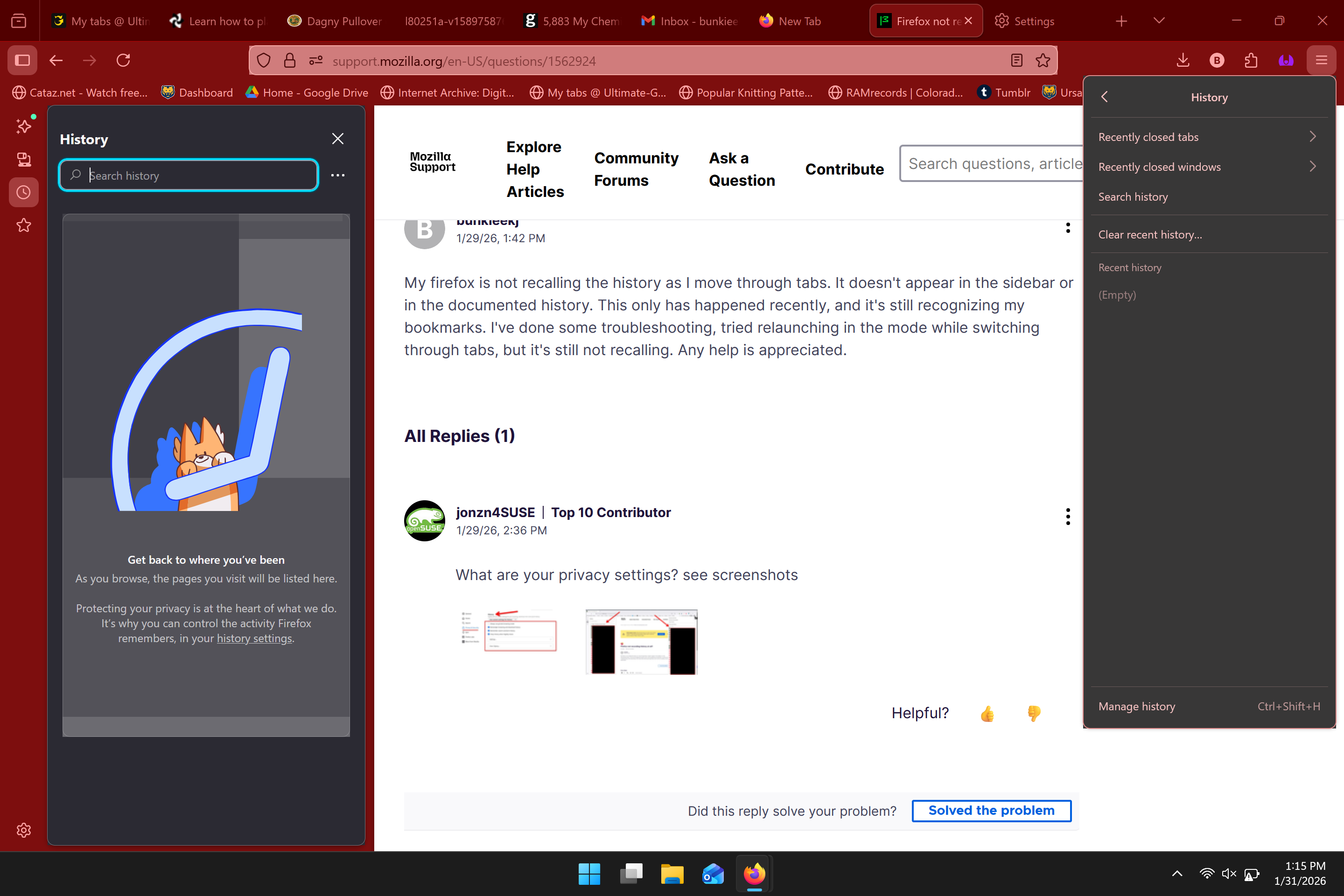
My firefox is not recalling the history as I move through tabs. It doesn't appear in the sidebar or in the documented history. This only has happened recently, and it's still recognizing my bookmarks. I've done some troubleshooting, tried relaunching in the mode while switching through tabs, but it's still not recalling. Any help is appreciated.
Chosen solution
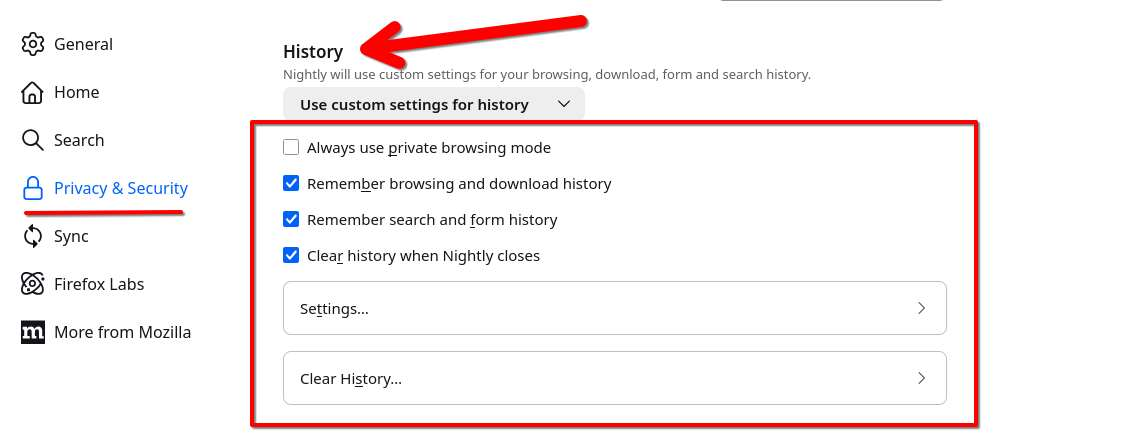
Hey, check your History settings first — make sure Firefox is set to remember history. Also, extensions or a corrupted profile can cause this. Creating a new profile usually fixes it.
Read this answer in context 👍 0All Replies (4)
Hello!
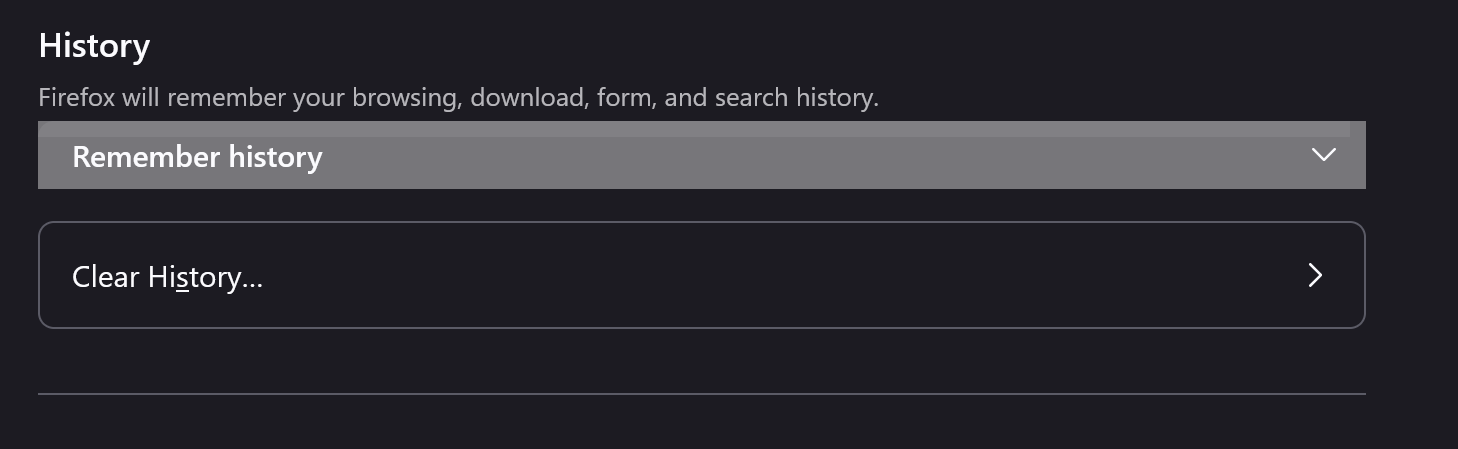
I have my privacy setting set to remember history. In my own troubleshooting, I switched it to never and then back to remember to see if that would fix any bugs. It is now currently on remember history, and I have been using it fairly frequently so there should be plenty of material for it to remember. Attached are screenshots of my current settings. The only other thing that might be affecting Firefox could be CCleaner and it has previously messed with my bookmarks, but in that instance it would only be temporary and I would get access to my bookmarks after a short period of time.

Chosen Solution
Hey, check your History settings first — make sure Firefox is set to remember history. Also, extensions or a corrupted profile can cause this. Creating a new profile usually fixes it.
As I just stated, it it set as so. The history tracking did work with a new profile, however I would like to fix the one I already have as that is the one I do my work through.