


account login issues / oauth2 issues

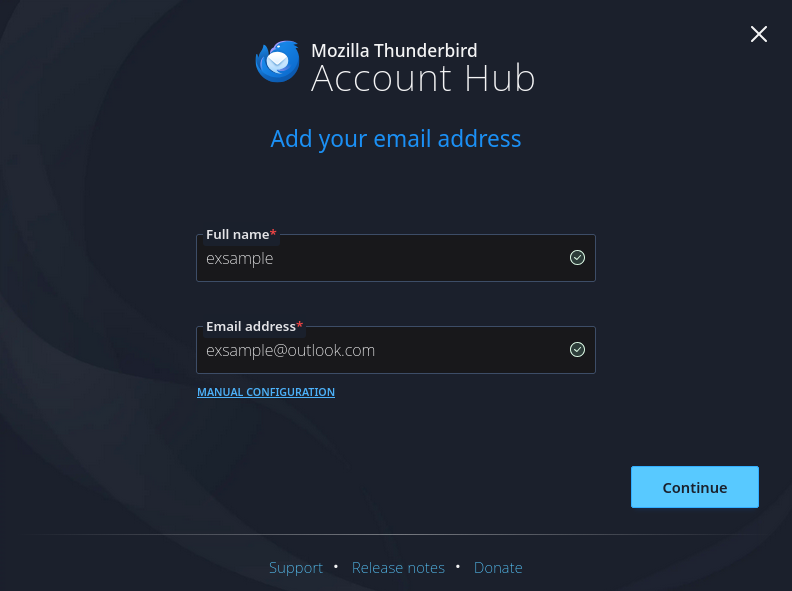
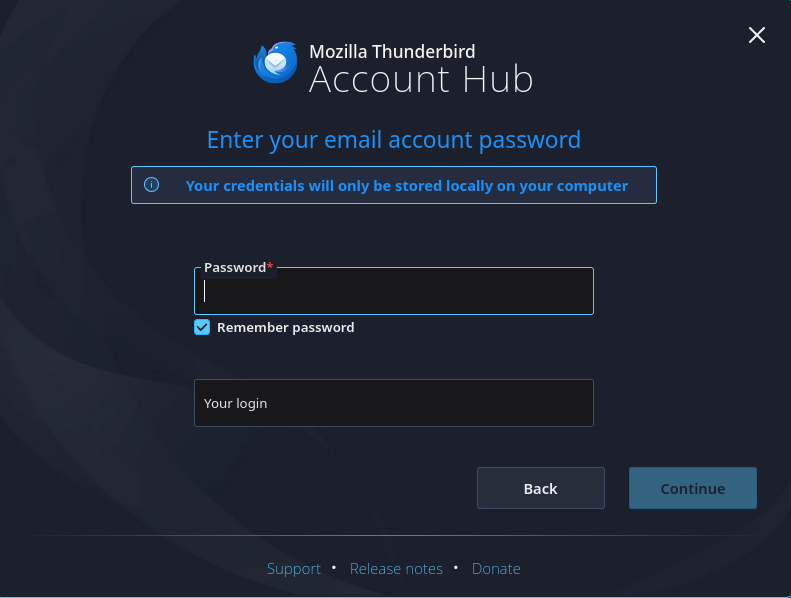
great email client if you could even sign in. my issue is I have two (a whole two!) outlook accounts. I made a new profile to confirm it's not just an old profile which should not be an issue anyway and I get greeted with the original nice onboarding tool, I enter my email and click continue, it pops a window asking for my oauth2 crap and its done and setup! Perfect now I go to add another account and get a Different window/page from before, Ok cool enter email Oauth2 pops and I do that, then sends me to the password page asking for a password and "Your login" whatever that's suppose to be. entering a password does nothing but fail (makes sense since outlook only likes oauth2 at the moment) and I have no idea what to fill "Your login" with. the Continue button is greyed out and closing the login window shows it was never added.
now to make this worse this started with being unable to send an email. there is NO way that I can find to refresh the outgoing server auth token if it either expires or breaks (which does seem to happen even if it's not "suppose to"), apart from removing and re adding the account but as stated above that is also broken you can't send emails from thunderbird unless you save the draft and send it from another device that works
more testing and the "new" login tool failed and worked at the same time it didn't ask for oauth the second time I tried but worked and could send...
like it's mainly two things that are broken, the newish login tool and the inability to refresh oauth tokens if it fails I'm running linux but this happens to people I know that use this In a work and personal capacity on windows as well. like do some basic login testing at least with outlook accounts like that might be the main issue but still they are one of the big players and this is unacceptable for a email client
Chosen solution
Maybe you're dealing with a buggy account hub. Disable it in settings > general and try again to set up your account.
Read this answer in context 👍 1All Replies (4)
oAuth tokens are passwords. See https://support.mozilla.org/en-US/kb/password-manager-remember-delete-change-tb
Matt said
oAuth tokens are passwords. See https://support.mozilla.org/en-US/kb/password-manager-remember-delete-change-tb
while good to know, deleting the token and does not seem to prompt the oauth2 window to reopen and It doent help when adding new accounts as you can't tell it to prompt for a oauth2 in the "new" setup, like what am I suppose to do with the pass window as it fails no mater what you enter and microsoft only exsepts oauth2 or "app passwords", thunderbird should use oauth2 in the case or add a button the prompts microsoft for it. but in order to make this work I have to use manual setup
I don't know if I'm just failing to communicate this but for a new user to get stuck in this loop locks them out of using thunderbird. this is a flaw with thunderbird that should be rectified because right now it's very broken

Chosen Solution
Maybe you're dealing with a buggy account hub. Disable it in settings > general and try again to set up your account.
Rick said
Maybe you're dealing with a buggy account hub. Disable it in settings > general and try again to set up your account.
And the original non "account hub" worked seamlessly.... Thx I do wonder why they desired to reinvent the wheel (they could have just reskined the original logic but that seems to not be what they have done)
they should add a thing that says experimental to the account hub window... and not enable it by default (unless this happens to be a thing they are doing for linux users only which would not surprise me..)