


FF First 2 lines of tabs and icons are too big on my laptop

Give me a solution
Chosen solution
I tried it. But the Apply button did not work. This whole page is wrong. I will now contact the Windows Hotline if they can provide me the genuine Win11 pages.
Read this answer in context 👍 0All Replies (9)
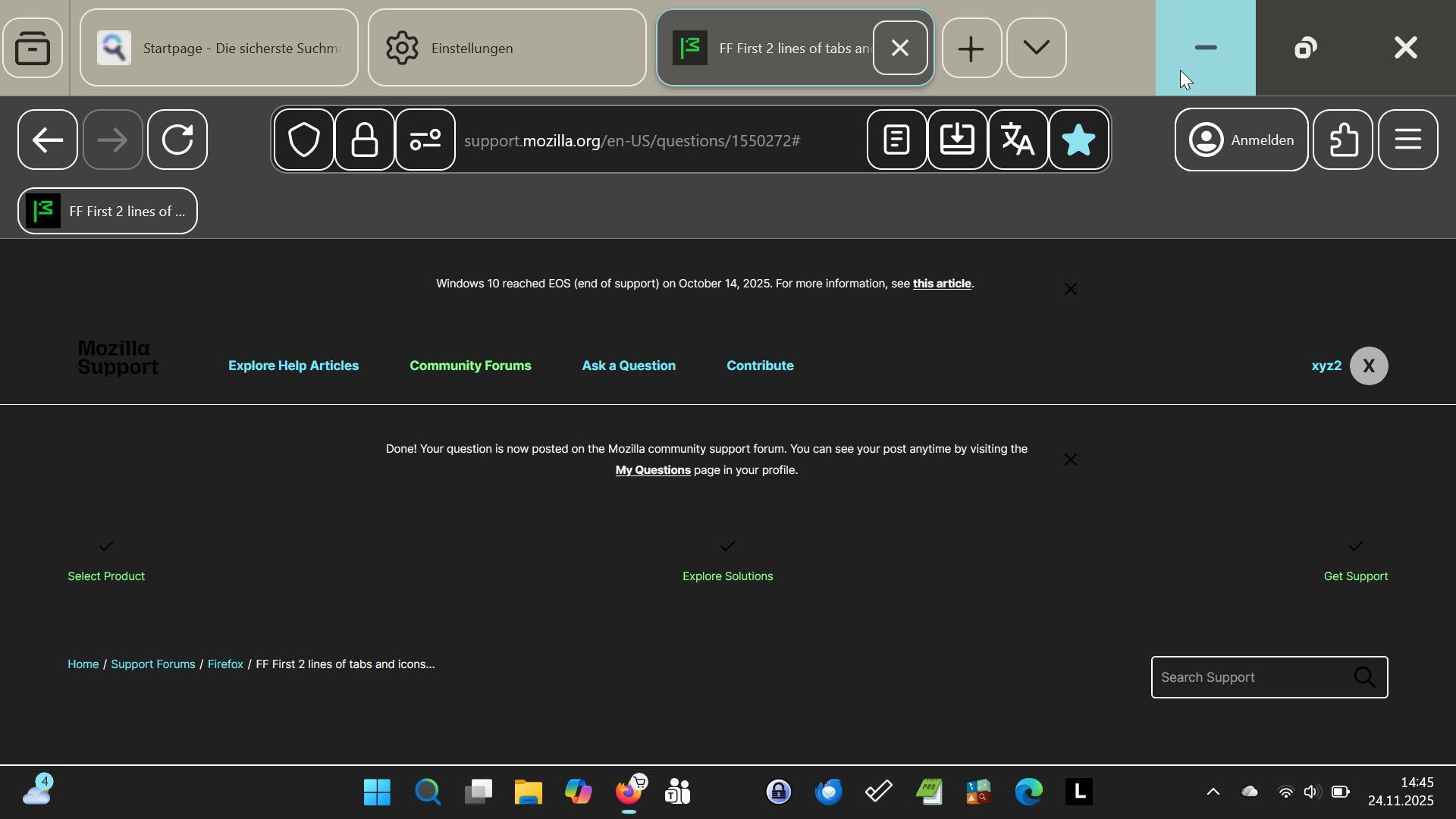
Did you turn that high contrast on purpose?
Most of it is configurable in Win11 accessibility settings, but please read also Compact mode workaround in Firefox.
I do not need the high contrast. I do not know why it is on. I do not know if I need compact mode or not to solve my problem. I tried the procedure COMPACT MODE WORKAROUND. It does not work, because the picture shown as item #8 is missing this first entry to ckick on. The other two fields are there. Meanwhile I loaded the Chrome Browser. The Chrome browser shows the same problem on my laptop. Could it be, that this is a Win11 problem? Therefore I have to tune Win11 a bit more. Lothar Doehle
The accessability page on my laptop looks different. If I try this key combination, I get the snipping tool.

Tha accessability page on my laptop works different. If I try the key combination, I get the snipping tool.
Chosen Solution
I tried it. But the Apply button did not work. This whole page is wrong. I will now contact the Windows Hotline if they can provide me the genuine Win11 pages.