


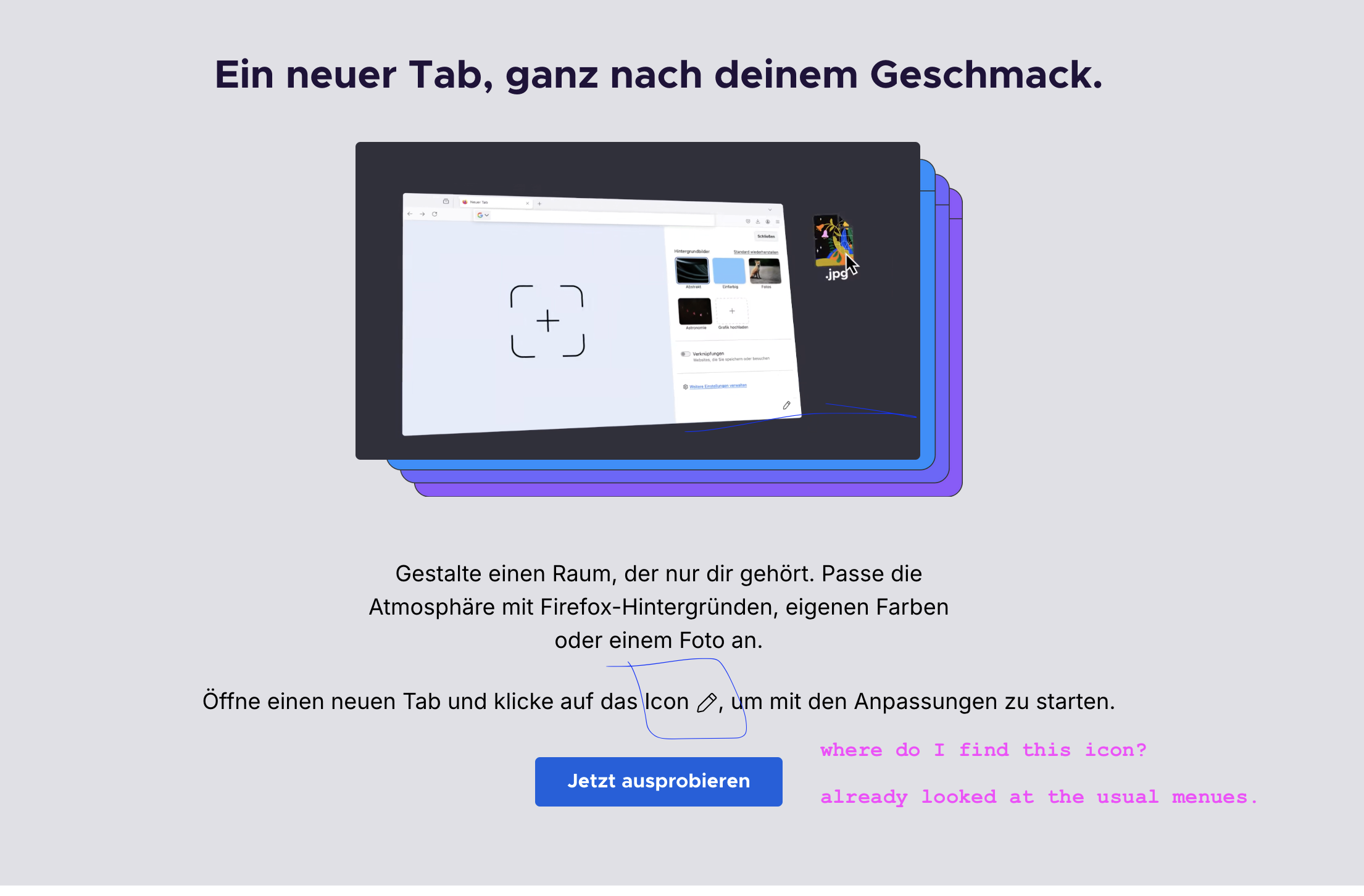
after geting the updated version, you show customization posibilities with the customize tool icon (a pencil). where do I find it ?

after geting the updated version, you show customization posibilities with the customize tool icon (a pencil). where do I find it ?
after geting the updated version, you show customization posibilities with the customize tool icon (a pencil). where do I find it ?
All Replies (2)
Hello
https://www.mozilla.org/en-US/firefox/141.0/whatsnew
Customize items on your Firefox New Tab page https://support.mozilla.org/en-US/kb/customize-items-on-firefox-new-tab-page
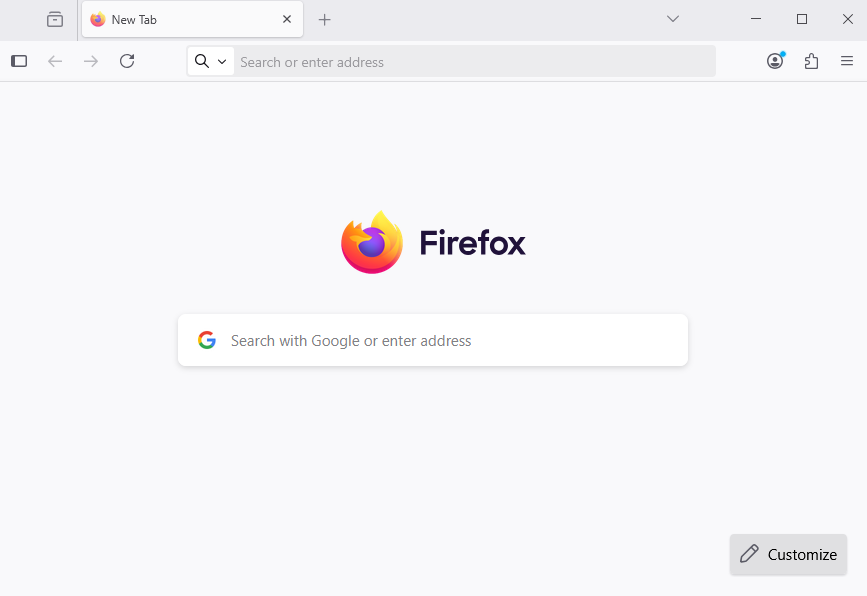
Take a look at the right corner at the bottom of the New Tab page
Hi R,
Do you set your your Firefox to default to Blank Page when when you open a New Tab?
Looks like there has been some confusion about this from the What's New Page for v141. See https://bugzilla.mozilla.org/show_bug.cgi?id=1978728