


Firefox crashes

Hello community!
Over the last few months, I haven't been able to use firefox at all. Fresh build, stable, dev edition, deleting preferences, safe mode, clean install.
I always get a crash few seconds after startup, I have done several crash reports. One of them.
ID: a4b6aa53-b206-45c5-ab56-238070190417 Signature: _platform_bzero$VARIANT$Ivybridge
Anything else I can do?
All Replies (23)
So the folder list below is not what you asked me to delete? Please inform me of what's missing.
Also matching this https://apple.stackexchange.com/questions/32565/how-can-i-remove-firefox-using-terminal
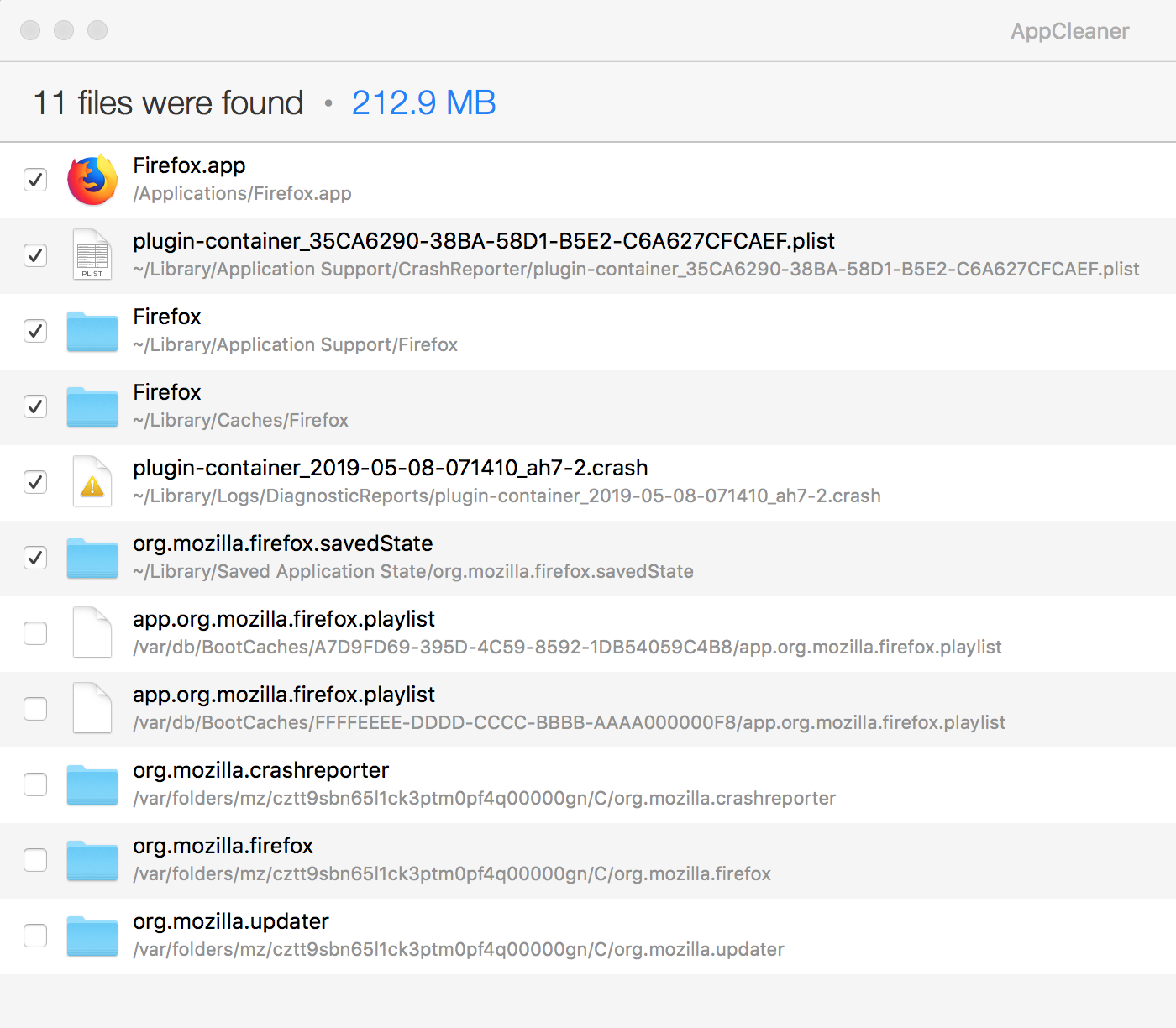
(sorry about the confusion)
Did you try one monitor? You can also try to disable hardware acceleration in Firefox.
cor-el said
(sorry about the confusion) Did you try one monitor? You can also try to disable hardware acceleration in Firefox.
Firefox crashes too quick for me to have time to disable that. Are you saying that when running Firefox in safe mode, this is not disabled?
Yes, still crashes without a second monitor as I am saying, I have these issues without any version of Firefox for almost a year.