


ICC V4 support for Firefox 38 esr

I have an image with embedded ICC profile and its not showing correctly. Please see the attached screenshot. I have tried the same image with other browsers like IE and chrome and it shows properly there.
All Replies (13)
attaching the screenshot
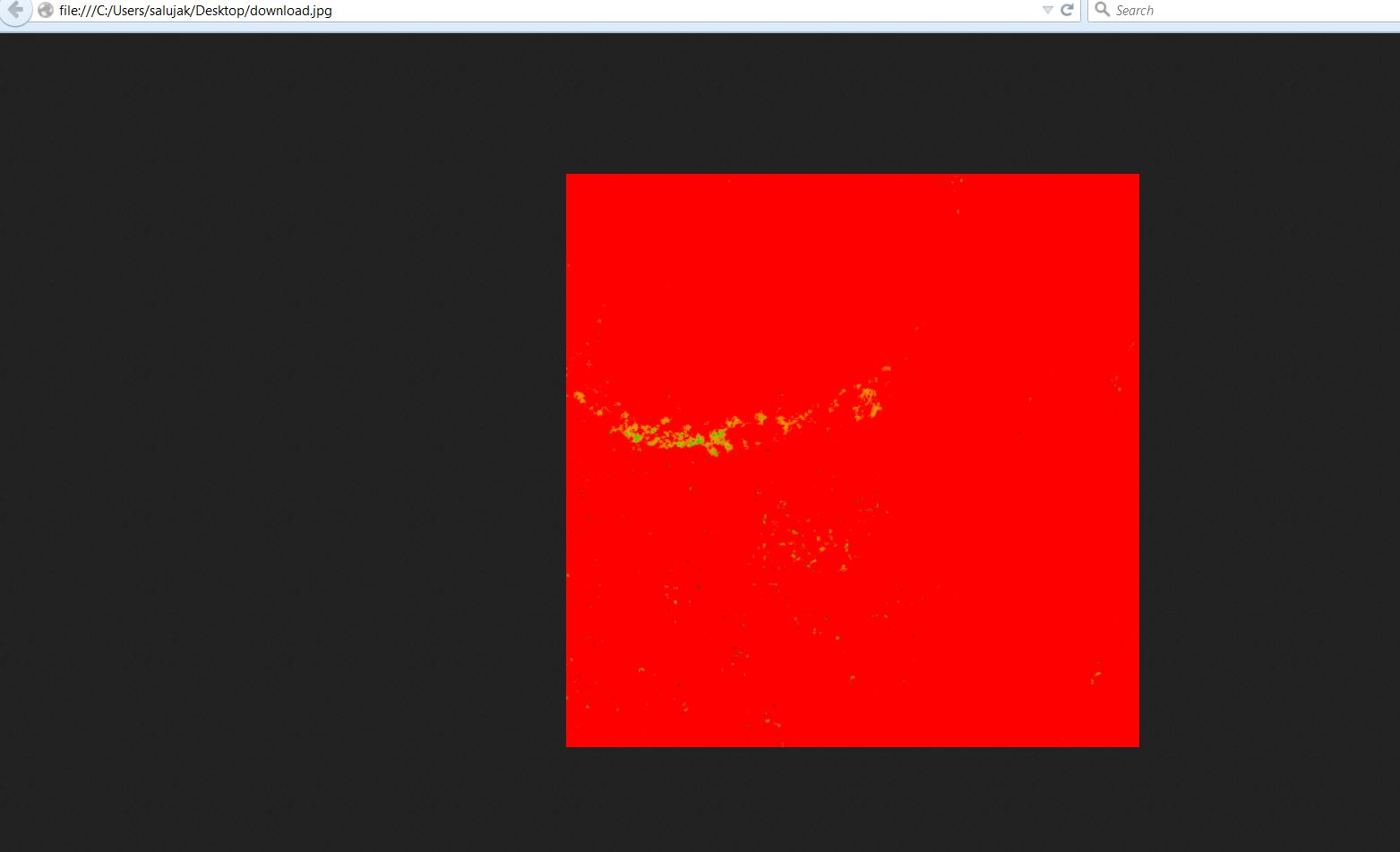
It's quite old version, but should support ICC v4.
Enter about:config, set gfx.color_management.enablev4 = true. Then restart the browser.
Modified by TyDraniu
TyDraniu said
It's quite old version, but should support ICC v4. Enter about:config, set gfx.color_management.enablev4 = true. Then restart the browser.
I already have it set to true, color_management mode set to 1 and rendering intent set to 0. Also I have tried with few other versions like 45.3 as well but the same result.
I can share the ICC profile which is embedded as well but not sure how to upload it here, I don't see any option to upload the attachment.
Some test pages here:
TyDraniu said
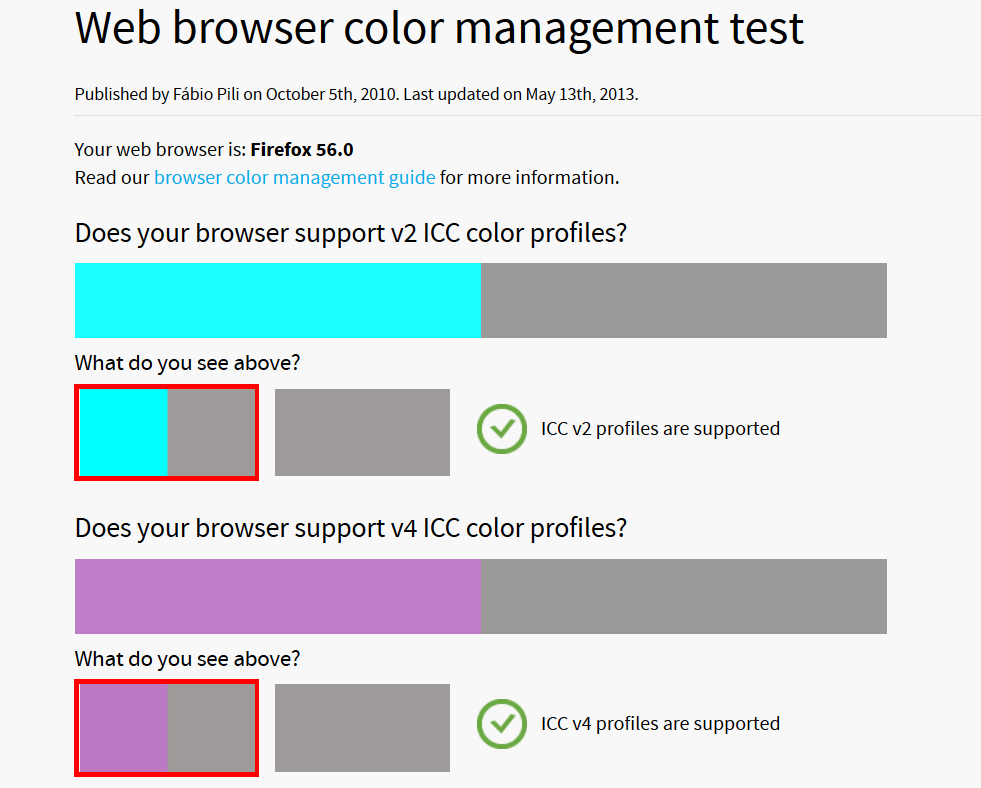
Try also this: http://cameratico.com/tools/web-browser-color-management-test/
This also looks fine.
There is also this pref:
- gfx.color_management.rendering_intent
See Specifying_a_default_rendering_intent:
cor-el said
There is also this pref:See Specifying_a_default_rendering_intent:
- gfx.color_management.rendering_intent
I have tried rendering intent -1,0,1 but it doesn't work in any of them. The only time I see the image is when I change the gfx.color_management.mode to 0 but then here it disables the color management and not considers the embedded profile.
I have uploaded the image which has embedded profile here - https://drive.google.com/file/d/0BzftvJ6Q9wqnQm1rYldLMGxDS1U/view?usp=sharing
I'm really not an expert, but we may have a bug here.
TyDraniu said
I'm really not an expert, but we may have a bug here.
Do I need to report it somewhere else then?
Yes, on bugzilla. Attach there this image.
After registering a bug, give us the bug number, so we could follow it.