

This thread was archived.
Please ask a new question if you need help.

Solved
Archived
New gmail oauth2 screen not proceeding or clickable. How do you log in?

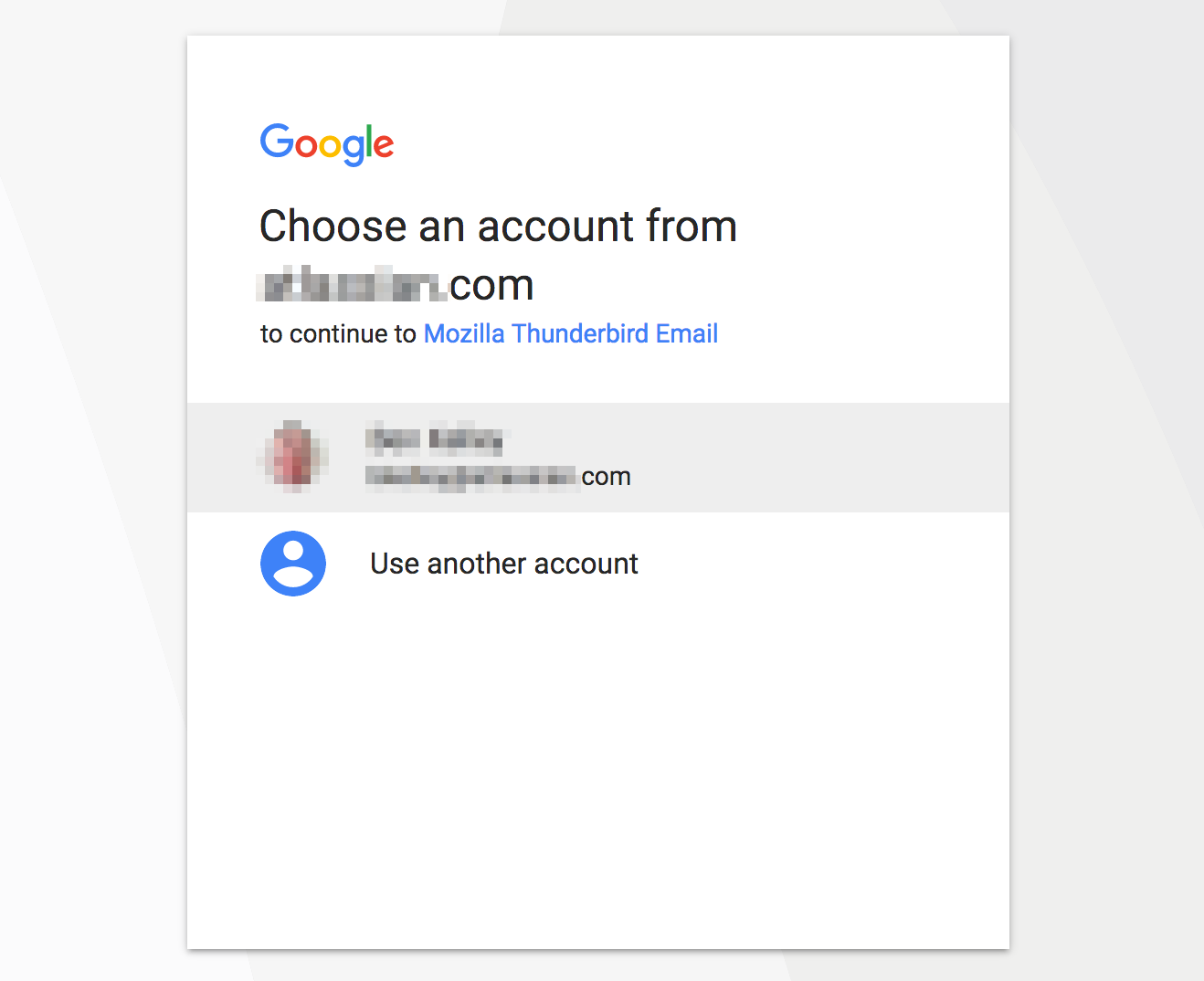
After changing my gmail password, I get the normal gmail oauth2 popup window. I enter my user and password (Google apps domain), and then I get the new account confirmation screen. Previously gmail's screen had a button to proceed, but now it just wants you to click on the account.
When I click the account, nothing happens.
The only thing that changed was that I recently changed my gmail password.
All Replies (1)
Chosen Solution
You should find this was fixed in version 52.1.0. https://www.mozilla.org/en-US/thunderbird/52.1.0/releasenotes/
If you agree, please click the "problem solved" button"