


Is there any way to change the margins in outgoing email?

Margins on my outgoing email used to look "normal" (i.e., about 1" in). Then for some reason the messages I was composing started to begin at the furthermost edge of the message box. I have searched through Help and the Forums, but have not found any way to set or change the margins setting for outgoing mail. Did I miss it, or is there actually no way to re-set the margins?
All Replies (1)
Margins generally only make sense when there is a document or paper size, and email has neither of these.
The only time I've seen a "margin" in Thunderbird is when an indentation has been set by formatting, such as by applying html/css styling.
Such indentation won't occur without you dong something deliberate to make it happen. So I am puzzled by how you have ever seen a margin in your email.
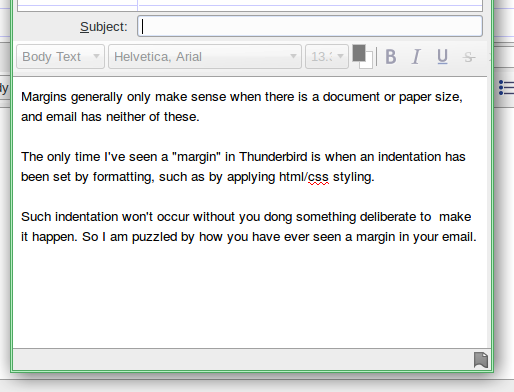
The accompanying image show a screen shot of the text above copied into a Thunderbird composition window, and that's just as I'd expect to see it.
You said "furthermost". Does that mean left or right?
Modified by Zenos