


Plugin updater not working

I've tried all the steps here: https://support.mozilla.org/en-US/questions/963461?fpa=1
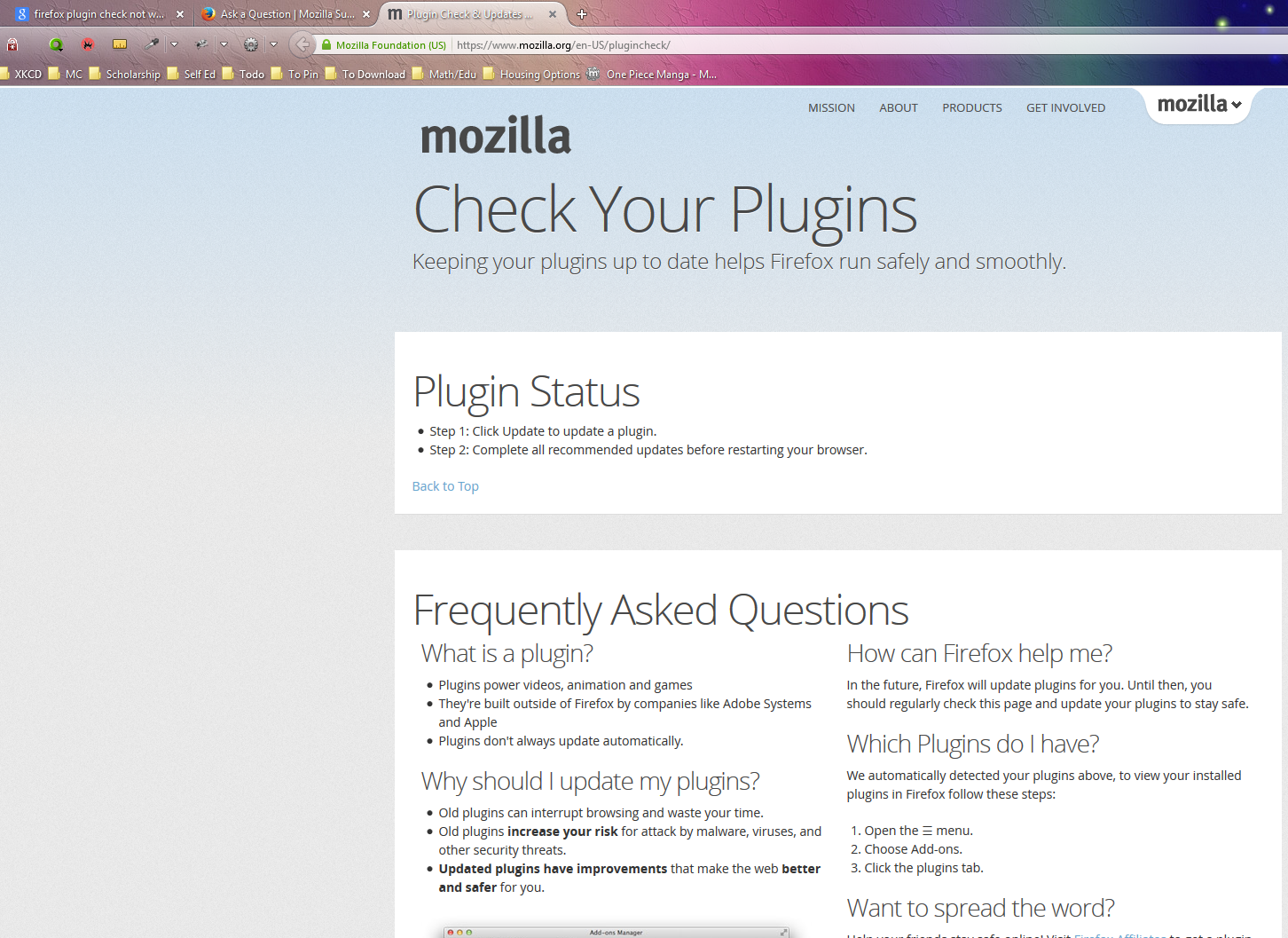
However this page: https://www.mozilla.org/en-US/plugincheck/
Doesn't show any plugins. It's just an informational page (even after firefox profile reset)
All Replies (4)
Hi Assimilater, I have started to investigate this and currently we are working on a fix for the plugin check page. Please stay tuned for an update.
However in the meantime, please check for updates from addons.mozilla.org.
Chosen Solution
hello, this has been a server-side bug during the last few hours - it has been fixed by the mozilla webops team in the meanwhile, so you should see results again on https://www.mozilla.org/plugincheck! sorry for the inconvenience...
The patch will be coming out fairly shortly as a fix has been found in the UI.
Thank you for your patience.
If you use extensions (Firefox/Tools > Add-ons > Extensions) that can block content (e.g. Adblock Plus, NoScript, Flash Block, Ghostery) then make sure that such extensions aren't blocking content.