Background color for selected Tab doesn't change after recent Firefox updates

I noticed that my Tab background color doesn't change after recent Firefox updates.
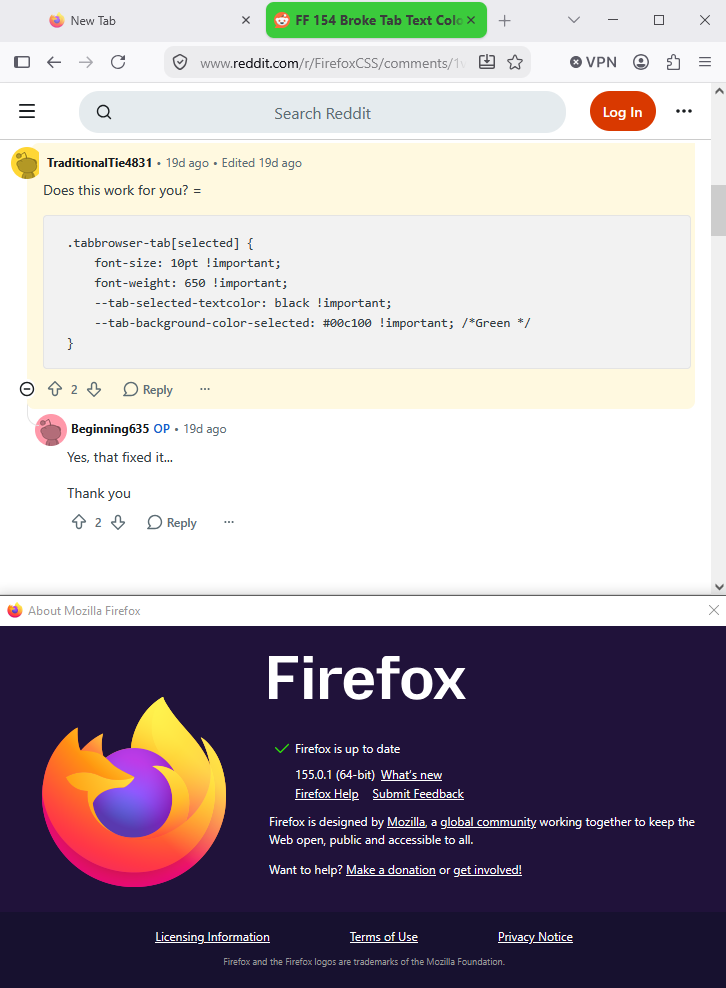
I have this code (css - chrome) to change the color of the active tab to green and it no longer working.
/* Start code: Change color of active tab to Green and the inactive to default*/ tab[selected="true"] *{ background-color: #00c100 !important; /*Green */ font-size:10pt !important; font-weight: 650 !important; color: black !important; }
Any help in fixing this is appreciated. Regards,
All Replies (4)
Chosen Solution
Hello
Take a look at https://support.mozilla.org/en-US/kb/contributors-guide-firefox-advanced-customization
Take a look at and you can ask the community https://www.reddit.com/r/FirefoxCSS
What do users need to know before they use userChrome.css customization?
A space for users to give product feedback https://support.mozilla.org/en-US/kb/what-mozilla-connect
Make tabs visually distinguishable from another https://connect.mozilla.org/t5/ideas/make-tabs-visually-distinguishable-from-another/idi-p/7295

Agent virtuel said
Hello Make tabs visually distinguishable from another https://connect.mozilla.org/t5/ideas/make-tabs-visually-distinguishable-from-another/idi-p/7295
So where is solution? Calling firefox support and discuisssion from 2022 is your response?
Nothing solved it is lie.
Modified by jcpkoz1