How to stop firefox update notifications on Mac

Tired of the many, many update notifications. How do I stop them on my Mac?
All Replies (8)
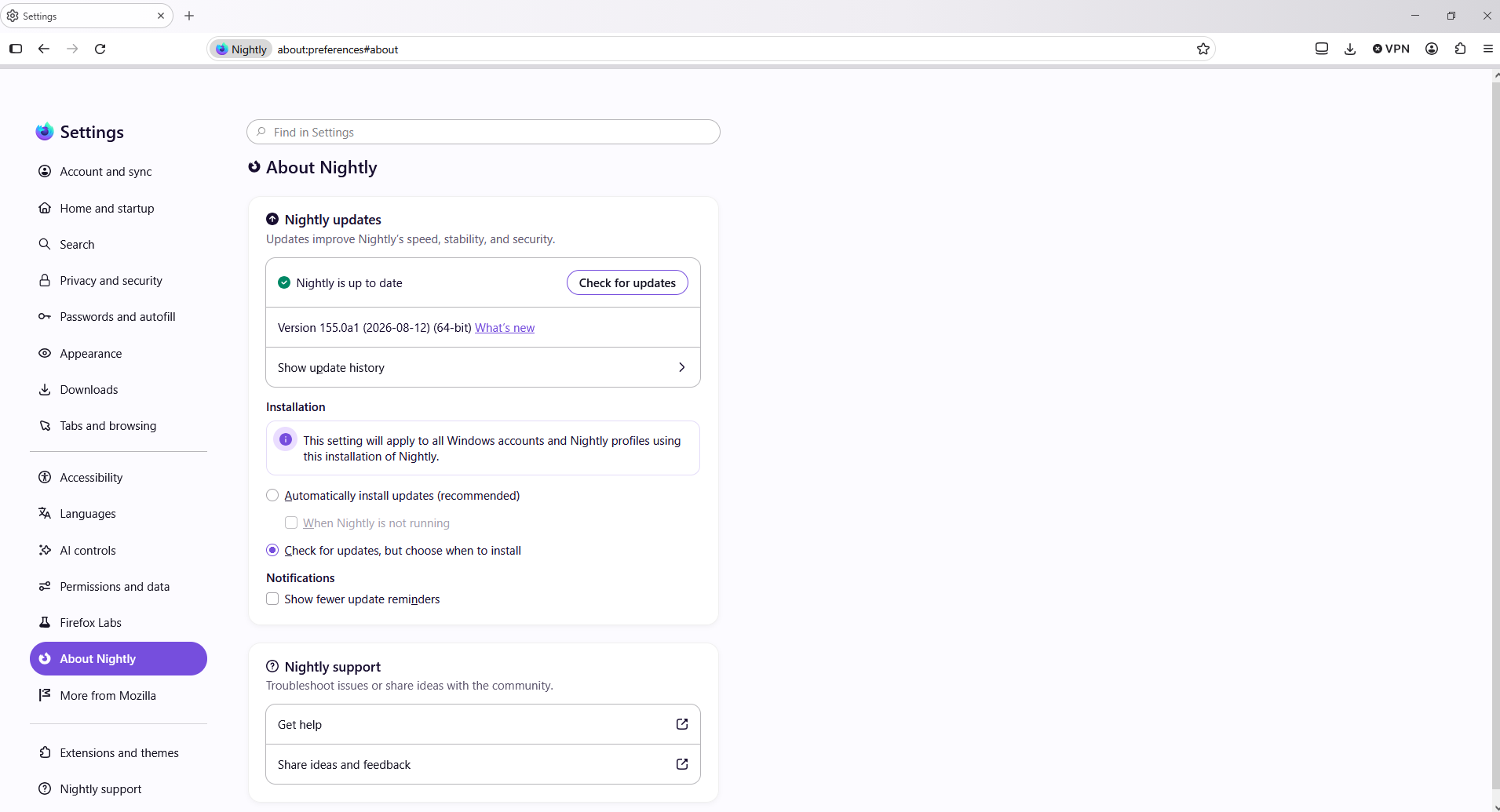
You can check "Show fewer update notifications" in Settings, in About Firefox section, if you mean this type of update reminder inside the app:
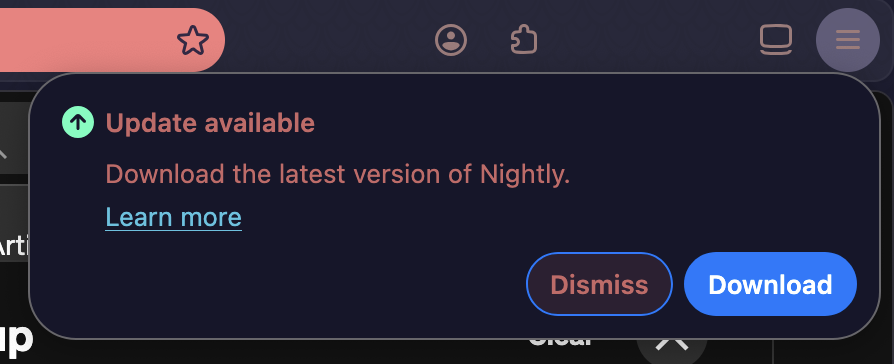
My Mac Tahoe does not show "About Firefox" in settings
inside Firefox:
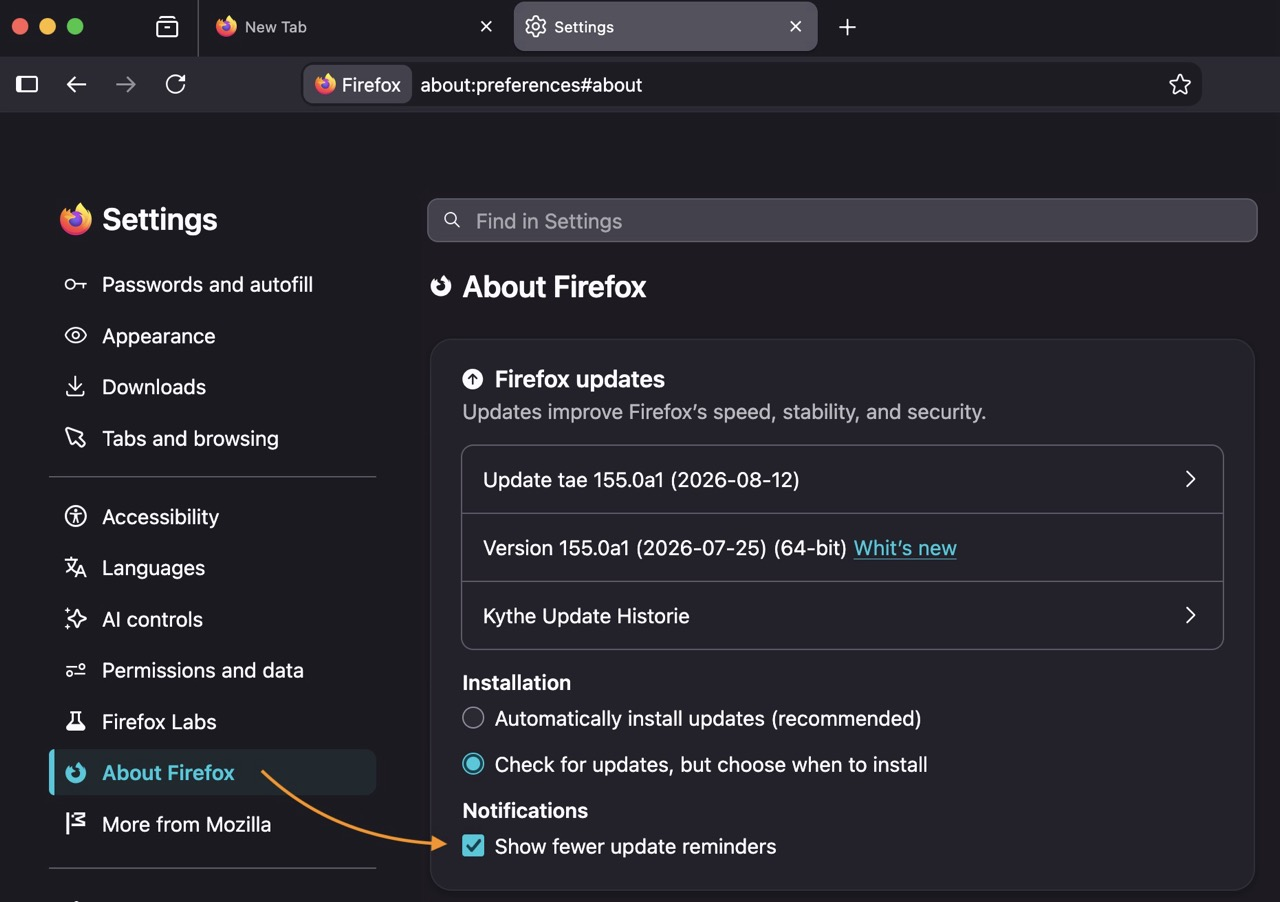
Mine does not have that.
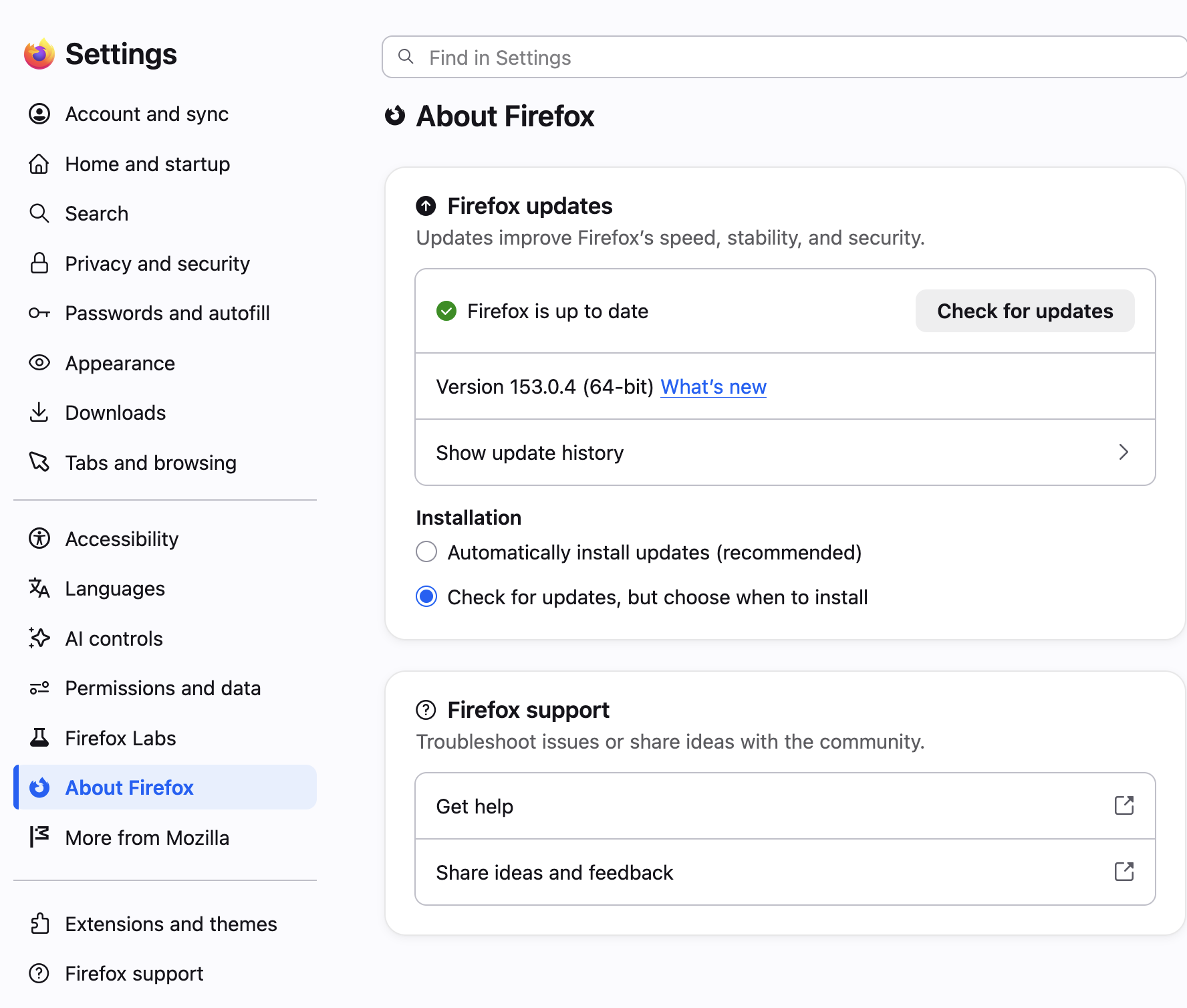
Ah, my updates are driven by scripting so I actually might have things in there that are not in release normally. Sorry, this was meant to just postpone the triggers (I think there's something to tinker with in the config internals to postpone the announcements, however I don't recall what all it can affect.)
But the main point here is — are you actually getting update prompts even if you're fully up to date? That would need looking into. Is it the kind of internal popup as shown on the first image, or it exhibits in other ways? (Like asking for account credentials for elevated permissions or similar?)
No, I only get update prompts when there is an actual update. I am reluctant to update because often things are changed in updates which change either the look of my screens or how they operate. Also, I have been getting multiple updates per week.
Hello
Nightly users https://connect.mozilla.org/t5/ideas/remove-the-update-dot-from-application-menu-on-nightly/idc-p/45397/highlight/true#M26249
Show fewer update reminders