


Firefox for Desktop suddenly unable to establish secure connection with websites
Current Setup: OS: Windows 11 Home (10.0.26200) Firefox Version: 151.0.2 (Build ID: 20260525130955)
Issue:
- Firefox suddenly is unable to connect to any wesbite
- All attempts to browse result in the "Secure Connection Failed" screen
- All other browsers function fine with no network connectivity issues
Exact Display Text:
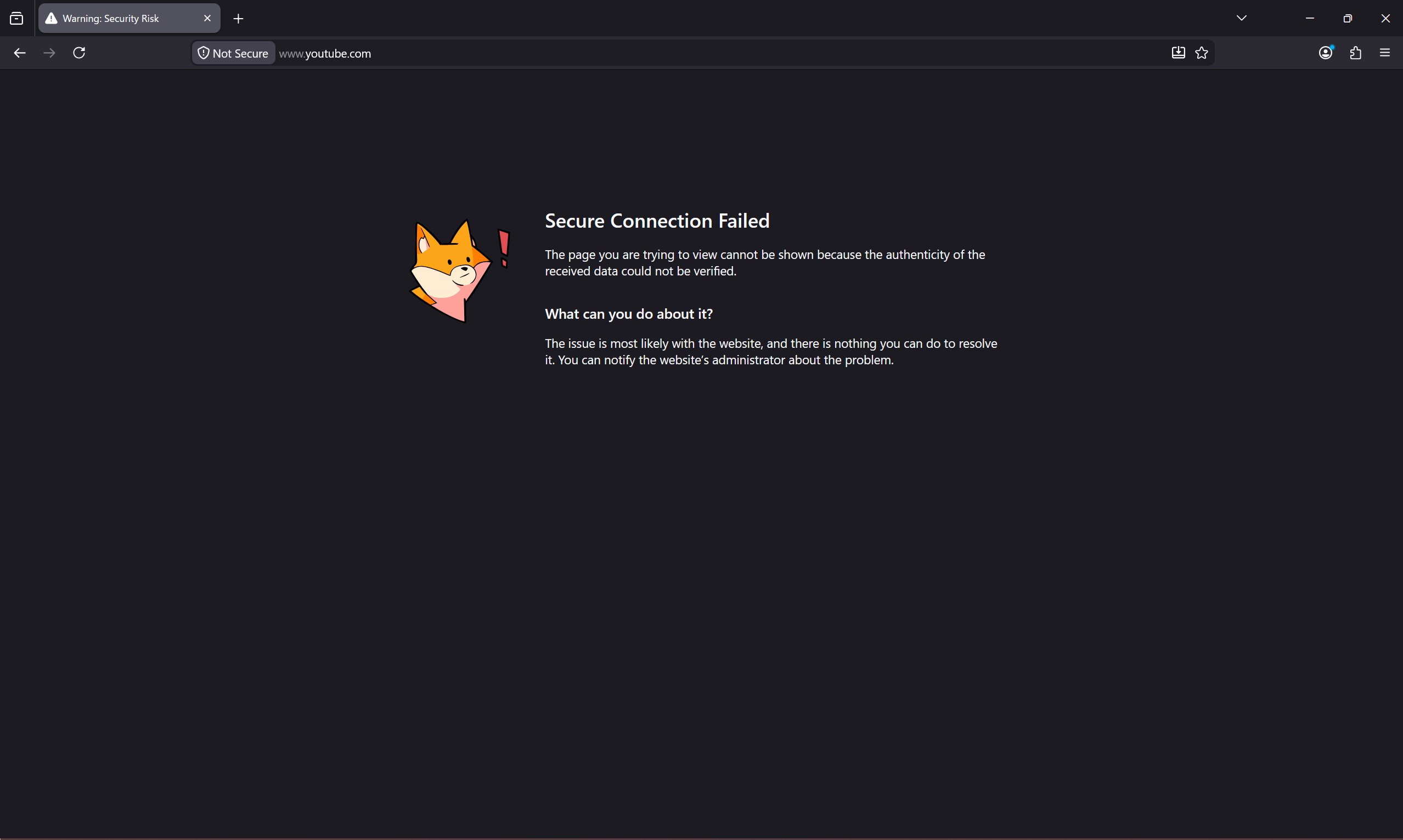
Secure Connection Failed
The page you are trying to view cannot be shown because the authenticity of the received data could not be verified. What can you do about it?
The issue is most likely with the website, and there is nothing you can do to resolve it. You can notify the website’s administrator about the problem.
Attempted Fixes / Things Confirmed:
- Everything mentioned in: Firefox can't load websites but other browsers can
- Relevant about:config values:
* * security.enterprise_roots.enabled -> True
- * security.ssl.enable_ocsp_must_staple -> True
- * security.ssl.enable_ocsp_stapling -> True
- * security.tls.version.max -> 4
- * security.tls.version.min -> 3
- System locale and timezone are correct
- DNS over HTTPS is set to OFF
- HTTPS-Only Mode is set to Don't enable HTTPS-Only Mode
- Restarting in Troubleshooting Mode
- Disabling the Anti-Virus (including the device Firewall)
- Disabling any VPNs or network proxies
- Clearing cache and browsing history
- Clearing certificates from the Certificate Manager in Settings
- Attempting connection with a newly created profile
- Clearing the cert9.db file for Firefox to reset certificate information
- Refreshing Firefox (resetting it completely)
- Uninstalling and reinstalling Firefox (after clearing all Mozilla related %appdata% folders)
Observations
- When trying to mess with the device timezone and see if changing it back to the correct one would "reset" something, after a few attempts of starting Firefox in the wrong timezone and then restarting it after changing to the correct one, for a single session, I was able to browse normally again. I closed Firefox to see if the problem was fixed but it went back to the "Secure Connection Failed" page. Was unable to reproduce the same behavior.
- Tried installing a portable version of Firefox (151.0.3) from Firefox Portable .
After installation, the first session works perfectly fine but after I close the session and restart Firefox, it gives the same "Secure Connection Failed" message.
- * Reinstalling the portable version in the folder, gives the error from the get-go, not even the initial post-installation session works but installing in a different folder works fine for the first session but all subsequent restarts (sessions) of the browser give the same error.
All Replies (3)
If you set security.certerrors.felt-privacy-v1 to false, it might show some more error codes in that message. Could you share anything more shown in the errors with that pref flipped? Thanks.
Thank you for your prompt reply! I tried setting security.certerrors.felt-privacy-v1 to false and it gives me this error PR_CONNECT_RESET_ERROR
In my initial attempts, I had already ruled this possibility out, but I think it might have been the anti-virus all along. I tried disabling the anti-virus again, and I was able to get the portable version working this time.
I have Kaspersky as my anti-virus and Firefox was working fine before. Not really sure what changed. I'll try messing around with the exclusion settings on my anti-virus a bit more to get things working again. Thanks a lot for your help again!
In case the antivirus/security software has any "safe browsing" or similar settings, try disabling these — basically anything that sounds like poking its nose into web traffic. These "man–in–the–middle" appliances tend to break the SSL connections — please do report that to you vendor! It might have been an update on their side (or an update of Firefox they have not accommodated for yet), so it's valuable for them to be aware.