


Colors changed on latest update, how to revert

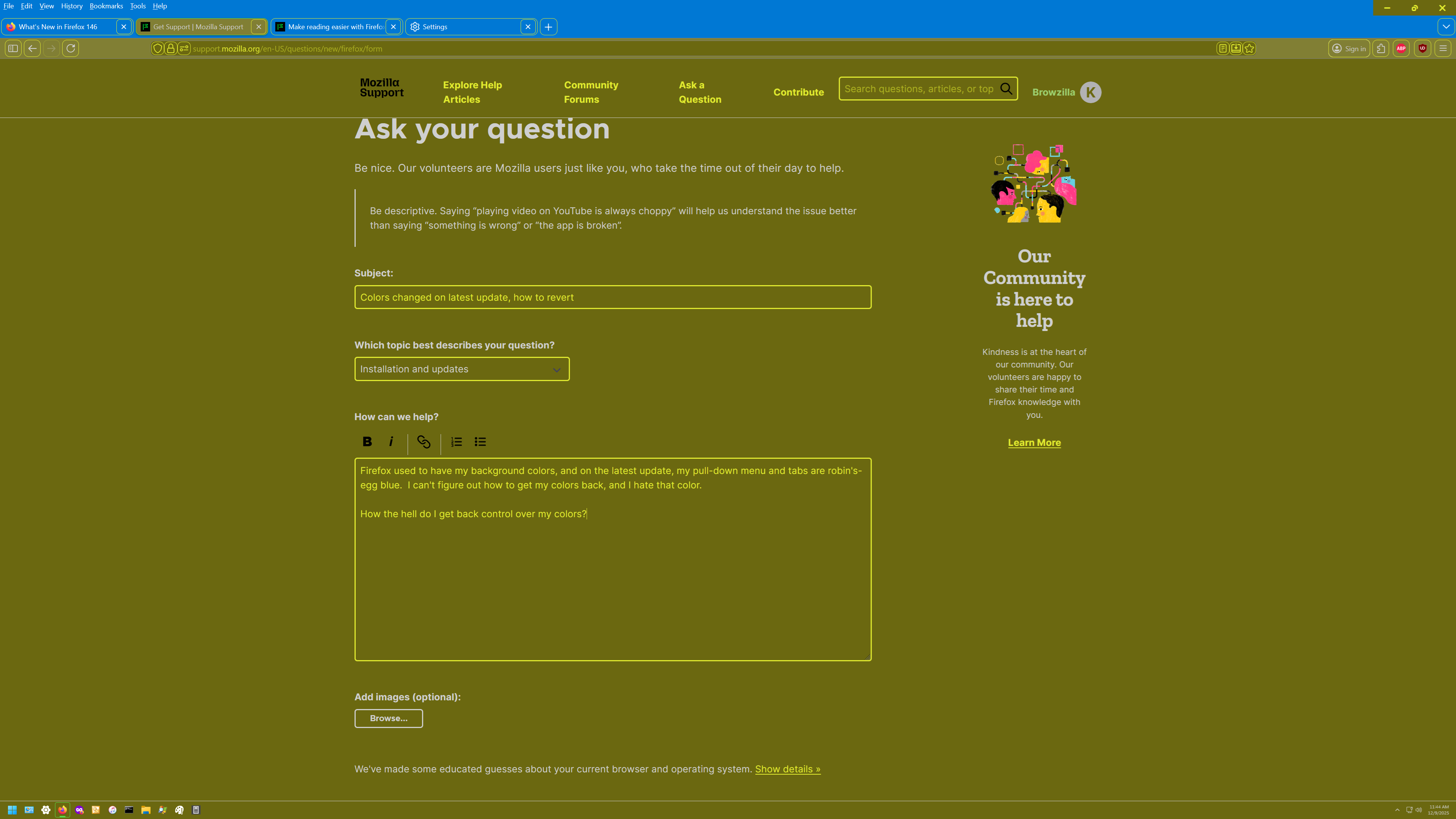
Firefox used to have my background colors, and on the latest update, my pull-down menu and tabs are robin's-egg blue. I can't figure out how to get my colors back, and I hate that color.
How the hell do I get back control over my colors?
All Replies (9)
There was a section in the release notes about color settings, but I assumed it referred to page colors rather than the UI. https://www.firefox.com/en-US/firefox/146.0/releasenotes/#changed
Which theme are you using? If it's the "System" or "Default" theme, Firefox may have changed how it detects system colors. You can switch among themes on the Add-ons page. See: Use themes to change the look of Firefox.
Or... do you use the Firefox Color extension? Maybe something broke in the extension settings or saved data.
I was using "DarkTheme" in Add-ons Manager at the time of the Update. My yellow colors are okay, but the blue is totally out of control. I have no idea how to fix it.
When I look in Contrast Control->Custom->Manage Colors, there is no way to change the pull-down and tab menu colors. The only things you can change are Text, Background, Visited Links and Unvisited Links, not the UI.
That's very weird for a Dark theme. Could you go to the Add-ons page (Ctrl+Shift+A), Themes list, and click the title. Who is the author? That would help in finding it among the numerous dark themes over on the Add-ons site (https://addons.mozilla.org/en-US/firefox/search/?q=darktheme&type=statictheme).
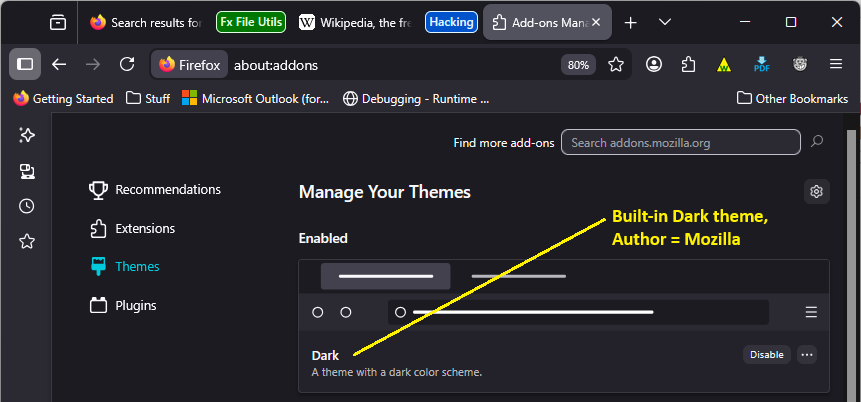
It's by Nicothin, but I have contrast control set to automatic (use system settings). I think long ago, I downloaded DarkTheme, but on playing with it, I got my original Windows colors back (white on dull gold). It's much easier for me to read, and doesn't cause eyeball burn like white on blue does (that's why I switched from WordPerfect to MS Word decades ago, because WP was white on blue).
Browzilla said
It's by Nicothin, but I have contrast control set to automatic (use system settings). I think long ago, I downloaded DarkTheme, but on playing with it, I got my original Windows colors back (white on dull gold).
Hmm, were you using the author's "Theme Creator: Lite" extension to adjust the colors? https://addons.mozilla.org/firefox/user/12632157/ (or Theme Creator, which is no longer available?)
I can't tell whether you solved the problem now, or still need a solution.
No, I still need a solution, my screen is still robin-blue at the top, and that must go - I can't read the text.
And no, I don't have any other themes installed.
Can you use the built-in Dark theme as a temporary workaround for your toolbars and menus? The white is bright, but the background is black or nearly black.
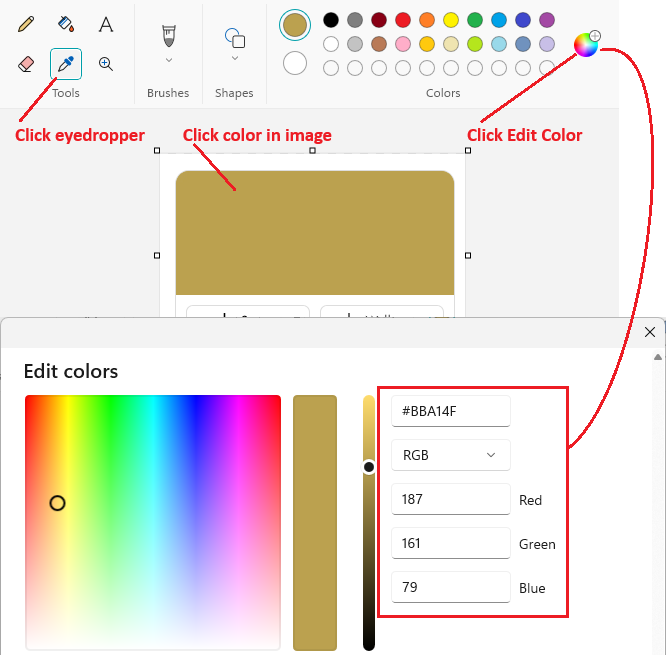
For possible future development purposes, what color are you hoping to see when you refer to dull gold? Can you paste a screenshot of it into Windows Paint, then use the eyedropper tool to find its hex (#) or RGB values? As an example:
Neither one removes the blue, so I'll stick with the Automatic (system) settings for now. Total white is worse than white on blue. Hopefully you can revert this change, or give me total color control over Firefox (not just the four options it currently gives). And a note for your devs: if you're going to change something visually, put a toggle on it. There's a reason why the Start Menu in Windows has stuck around for so long, and color schemes are the same way. I've had my color scheme since at least 2002.
Dull Gold:
6B6810 -or- R107 G104 B16