


Open in E-Mail doesn’t work anymore

I‘m not sure since when but some time ago the open in mail button on sites, which prefills an e-mail worked perfectly in Firefox, now I have to use another browser. No error message is displayed. My E-Mail client also opens but the new mail dialog never appears. It doesn’t work for Proton Mail and (Apple) Mail
Firefox 158.1 (78316) iOS 27.0.1
모든 댓글 (7)
Hi Zoriot,
I'm usign the same Firefox and iOS version but can't reproduce the issue.
Can you check your default mail app to ensure that it correctly set to your desired app by going to Settings -> Browsing -> Mail App?
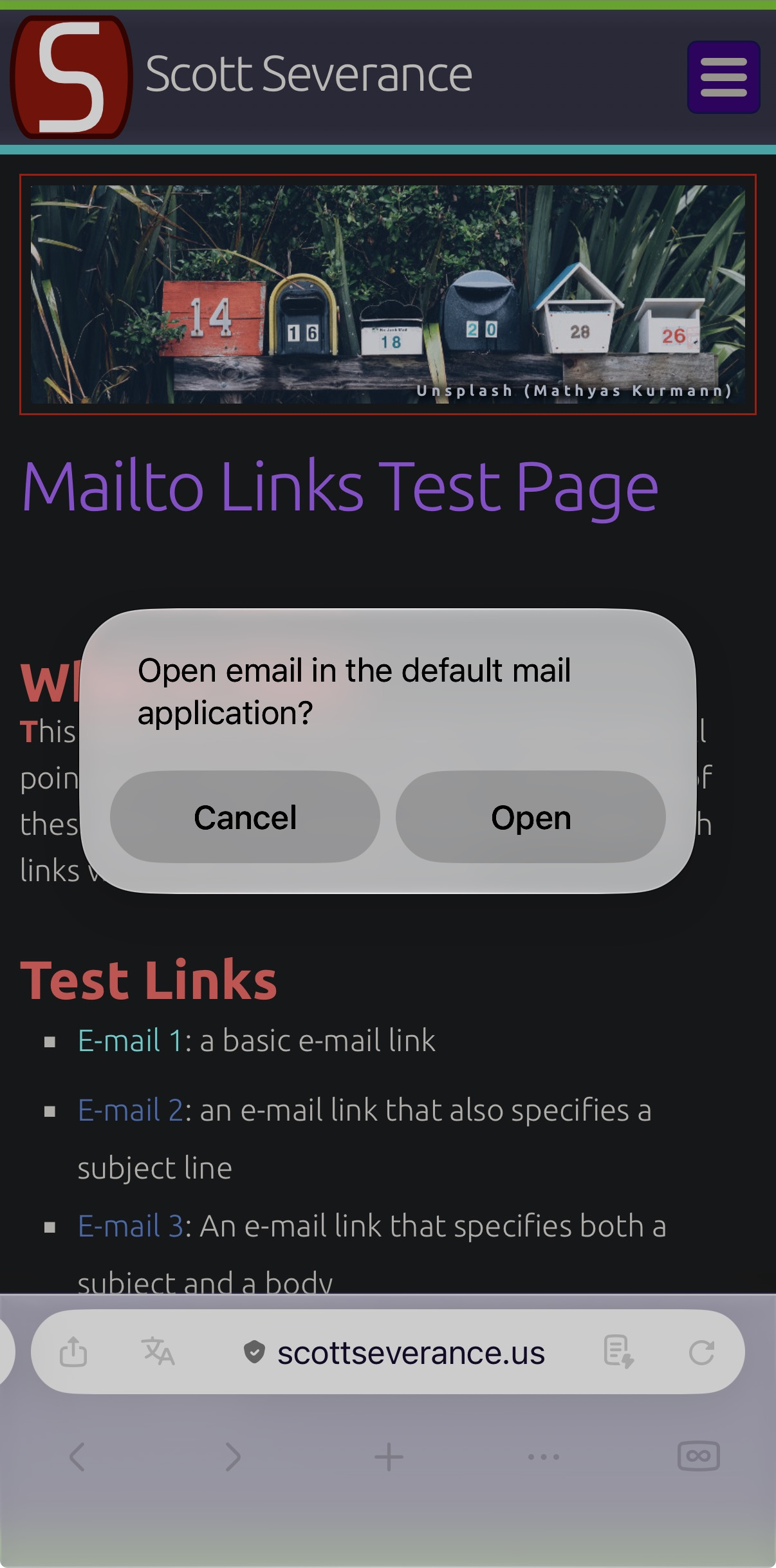
Thanks Kiki, that actually helped. Somehow when the setting inside Firefox is diffrent then “Mail” it just opens the App without prefilling a new mail. When I set it to “Mail” it actually seems to use my iOS default Mail app (which is set to Proton) and correctly prefills it. Which is not really what I have expected. Also you have to actually open a mail app - because the default mail app screen pop’s up no matter what you have selected.
Can you reproduce this behavior?
글쓴이 Zoriot 수정일시
It looks like it's an app-specific behaviour. When I tried it on Mail app and Gmail, both successfully open the apps and prefill the email compostable pop up.
When I tried it with Proton mail, it doesn't do the same. It simply open the app without the prefill.
But why is it then Working with Safari?
After a bit more testing, I’ve finally figured out the difference. It looks like the email composer is only prefilled when Proton Mail is set as the default mail app at the device level.
To make it work, first set Proton Mail as your device’s default mail app. Then, in Firefox, set the default mail handler to Mail, so it follows your device’s setting.
That said, I’m not sure what the expected behavior should be. Do you remember whether this worked before and only changed recently? If so, that could indicate a regression in Firefox for iOS.
No clue if it worked with this Browser Settings before. After your Description it sounds even more like a Firefox bug?
Thing is, it's possible that it's the expected behavior, which means that it's not a bug in the first place.
It's also possible that the email composer is triggered on the system level, that's why it only worked when we set the app as the default mail app.
That's why I asked if you remember whether or not this only changed recently.