


All Drop Down Options Printing

I keep having to roll back to Version 149 to avoid having all drop down options printing. I've seen other support questions stating this has been fixed, but it continues to appear on every site I print from. It is happening whether I use Ctrl-Atl-P or a print icon on the website. It is printing every drop down option as a separate box AND it also prints every "right panel" index as a separate box at the top of the print page.
This is occurring in every version of Firefox after 149 that I try.
모든 댓글 (3)
Do you have a public page where you observe this?
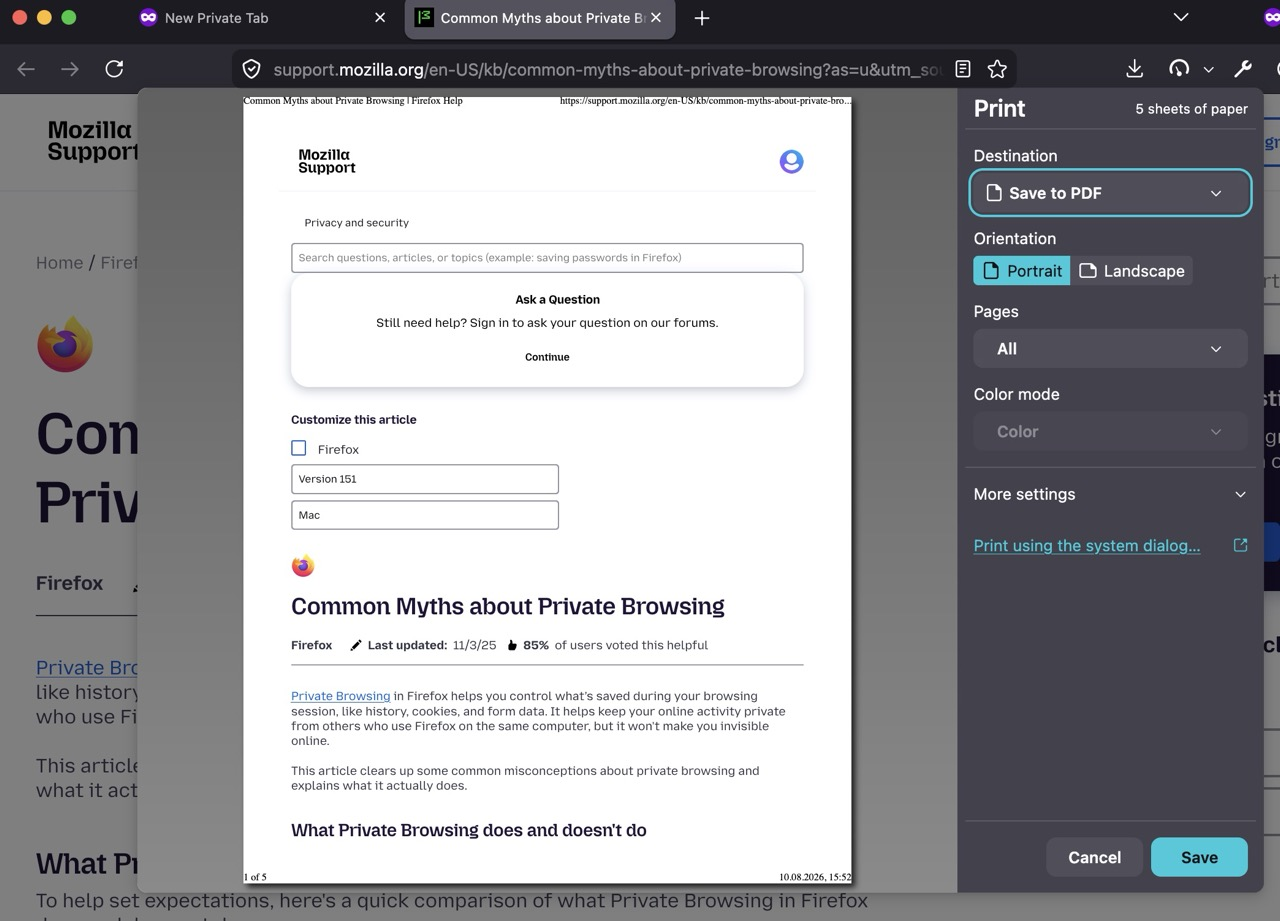
The support category page here has a couple of sidebars and dropdowns and all appears laid out as expected / as shown on screen.
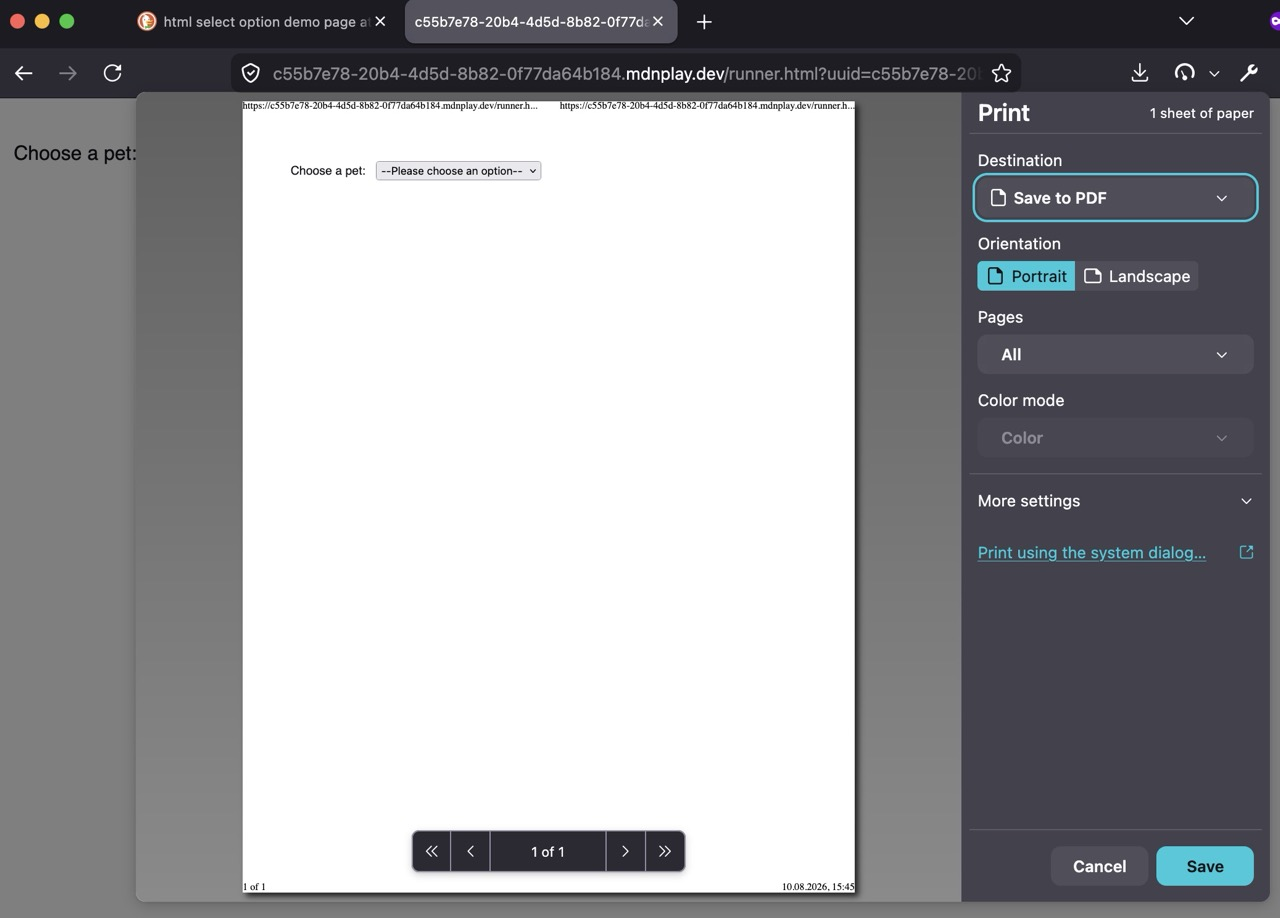
I quickly tried a minimal example from reference docs across multiple browser versions and it all seems collapsed, at least in the preview. Do you get these also always open when printed?
I use a lot of government websites in various state/county levels in NC. A lot of these exhibit the odd behavior when printing, but there is not a standard system in use. Each county has its own programs. In particular, when using the state's Odyssey court system when you pull up a specific case file and click the print button in the upper right corner, it will put all of the index buttons at the top of the print page. I get similar behavior from a lot of other sites where the drop down radio buttons will all appear and this gets very tedious if there are multiple drop down options. In Firefox 149 and previous, this does not happen.
If I get a chance I will install a new version again and print some examples, but it will be annoying to have to do that and rollback once again.
Do you recall any URL where you hit that issue before downgrading?
(NC Courts / Odyssey is not available outside of the region. Something else perhaps?)
As for the previous reports, you've possibly found support.mozilla.org/questions/1572583 which is exactly what you describe, however just sounds backwards — it actually regressed in v149.0 and got fixed in v149.0.2, so it's weird you'd have 149 version "good" and anything newer "bad":(
글쓴이 jbr 수정일시